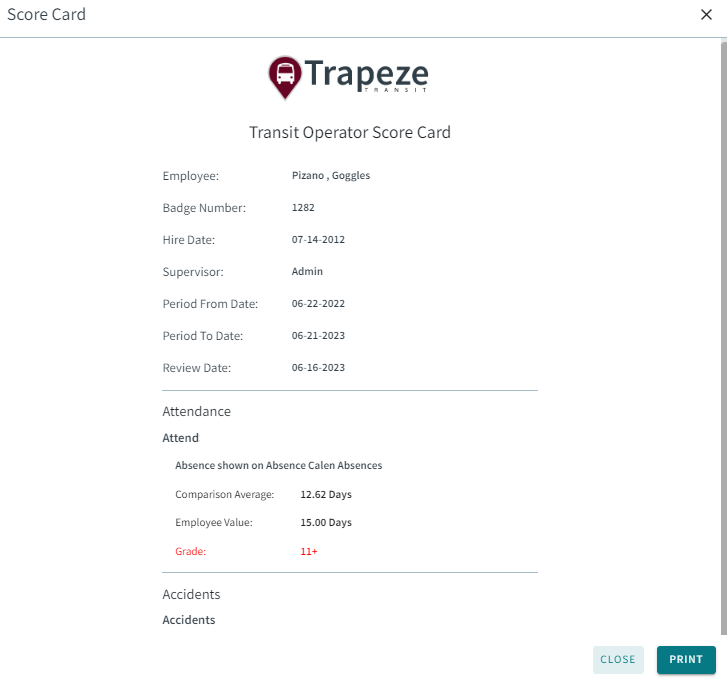
Viewing Score Cards on Larger Screens
You can view score card information if your transit agency uses Scorecard.
-
Select My Account (
 ) > Performance.
-
Select Score Card.
A list of records appears.

-
To see document details, select Download: