
Viewing Incidents on Smaller Screens
You can view information about your accidents, employee incidents, or general incidents.
-
Select menu (
 ), then .
A list of records appears in card form.
), then .
A list of records appears in card form. - Optional: Select an Incident Type.
-
Expand (
 ) incident cards for more information.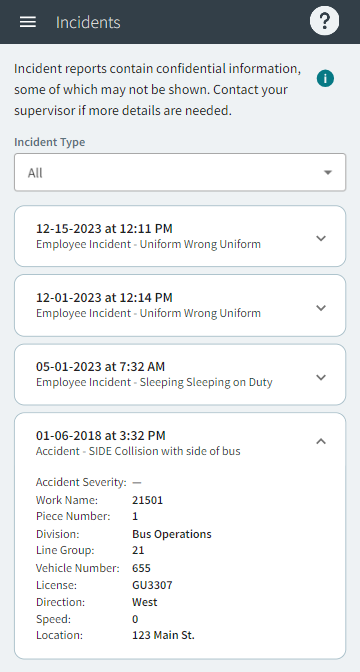
Note:Some incidents may include confidential information that isn't shown in ESS.
To see administrative actions for the incident, select
menu (), then .
To see related documents, select menu (), then Employee Documents. These documents have a
Document Type of
Incident.