
Searching Dispatch for a Run Set
You can select specific runs that have not been defined as a run group for either incidents or vehicles.
Before you begin
Procedure
- Select the Run Set option.
-
Click the ellipsis button.

The Select Runs dialog box appears.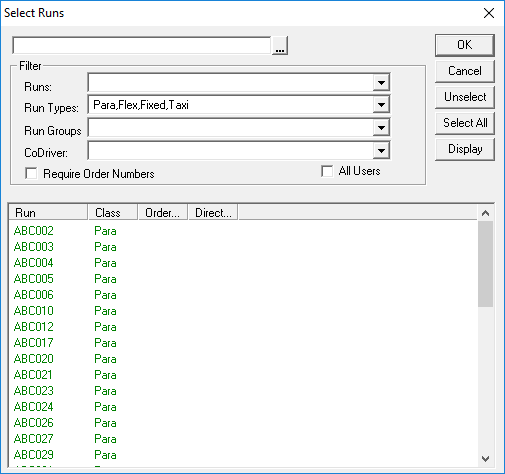
- Select the runs from the grid.
-
Click OK.
The Select Runs dialog box closes.
- On either the Incidents or Vehicles tab, click Display.