
Editing Saved Scenarios
You can make changes to the saved scenarios such as making another scenario as the active one or renaming them.
-
To make another scenario as the active scenario, perform the following steps:
-
Click Set Active:
 A message prompts you to confirm that you want to set the selected scenario as the active scenario.
The Active toggle button of the selected scenario is enabled. -
Click Set Active:
-
To rename a scenario, perform the following steps:
-
On the screen footer, click Edit Name:
 The Rename Scenario dialog appears.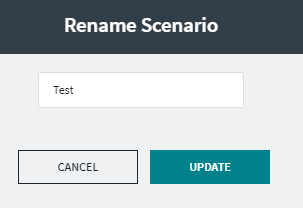
-
On the screen footer, click Edit Name: