
Modifying Standby Time
You can choose to edit the standby times that occur at the start or end of a run.
Open the Runs screen and set the appropriate context.
- Select a run with standby.
-
On the footer toolbar, click Run Cost :
 The right pane of the screen appears with the Run Cost details of the selected run.
 -
On the toolbar of the Run Cost pane, click the Modify
Standby button (which is similar to the
Standby button in the footer toolbar):
 The Modify Standby dialog appears: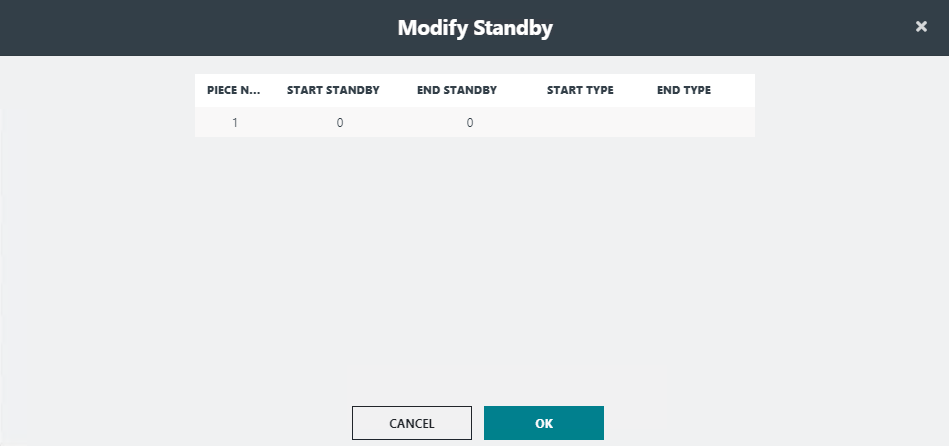
-
Depending on what you want to edit, click the Start
Standby or End Standby field and replace
the value as required.
The Start Type and End Type fields are enabled depending on the Standby field you edited.
- Click OK.