
Recutting Exception Runs
You can choose to recut exception runs when performing improvements to a runcut.
-
Click the Recut Run button:
 The Recut Runs dialog appears: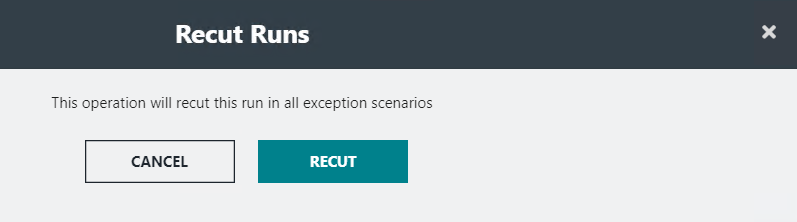
The message indicates that the selected run will be recut in all exception scenarios.
- Click Recut.