
Freezing and Unfreezing Rosters
The Freeze feature allows you to prevent the automatic processes from affecting data that has been completed or that you do not want modified.
- Check if there are rosters that already meet your requirements or that you otherwise would like to maintain.
-
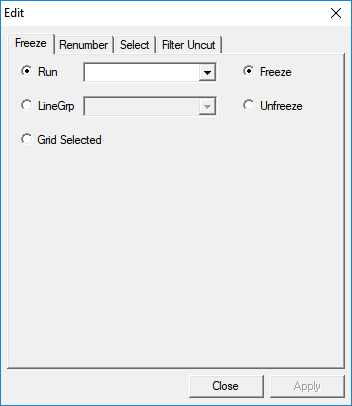
Select the rosters and go to the Freeze frame on the
Edit tab.
-
Click Freeze.
The text of the selected rosters turns blue and the letter F appears in the St (State) fields of each frozen record.
- To unfreeze a roster, select it and click Remove Freeze.