
Editing Service Infractions Policies
In Service Infractions policies that have previously been activated, a limited number of policy settings can be edited.
Before you begin
Procedure
-
Select the policy card.
The policy status must read Inactive.

-
In the Information pane, modify one or more of the
following:
- Name
- Description
- End Date
The End Date can only be extended into the future.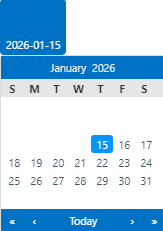
-
In the Infraction Criteria pane, modify criteria as needed
by clicking each Add button:

You can add infraction criteria to a deactivated policy but you cannot remove infraction criteria, unless you remove ALL criteria.For example, if your deactivated policy applies to two paraservice types (Delhi and Meridian), you could do one of the following:
- Add ADA to the paraservice type list (so that Delhi, Meridian, and ADA are available)
- Remove both Delhi and Meridian (so that all paraservice types are available)
You could not remove Meridian and leave Delhi (which is a more restrictive criteria set than the original).
-
In the Stages and Phases pane, modify one or more of the
following:
- Maximum investigation time period (in any stage)
- Maximum time period to compose message (in any stage)
- Printed Letter Template (in any stage)
- Grace Period (in the Violation Alert stage)
- Grace Period Prior to Suspension (in the Appeal stage)
- Cancellation Code (in all Suspension phases)