
Defining Infraction Criteria
Policy infraction criteria are defined so that Service Infractions can automatically create cases using information from the database.
Before you begin
About this task
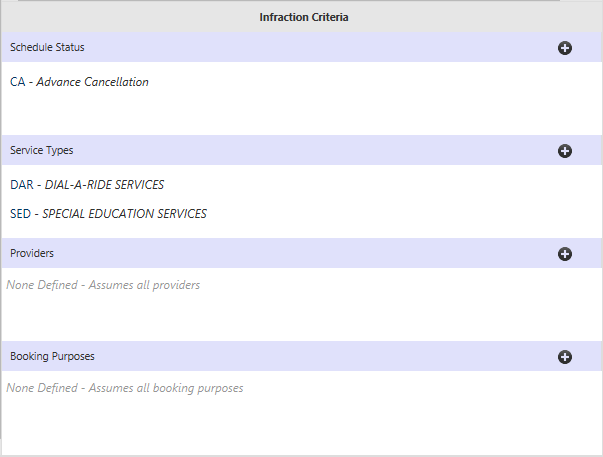
Not all available infraction criteria must be defined for a policy to work. For example, if you define one specific Schedule Status type to use be used, the policy will look for infractions that match the defined schedule status for any service type, any provider, and any booking purpose.
For behavioral infraction policies, Behavior Type infraction
criteria must be created on the Policies tab before they can
be selected.
Procedure
-
Select a policy infraction criteria and click the Add
button:

- Select the criteria options to be included as a part of this policy.
- Click OK.
- Optional:
To delete an infraction criteria, pause the mouse at the right-side of the
infraction criteria row and click the X button that
appears:
