
Viewing Comments
You can choose to display the Comment column on the Runs or Travels screen to identify which runs have been assigned comments.
- Select the run whose comments you want to view.
-
On the footer, click Comment:
 The Comment pane appears on the right section of the screen.On the Comments tab, the comment associated with the selected run is shown.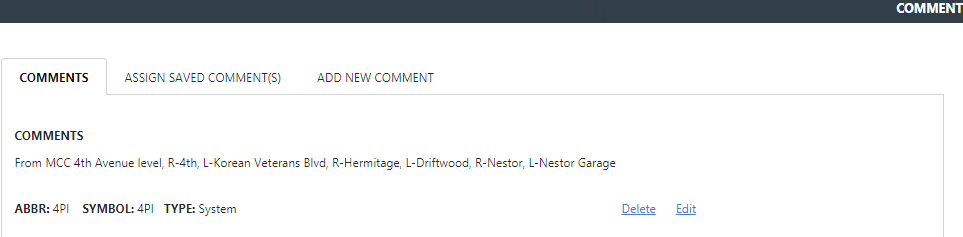
The example shown is a turnlist comment.