
Setting the Build Node
Build nodes are usually placed in important locations along a route such as shopping centers or major intersections. The Build Node tab enables you to assign the node from which trips are built.
- On the Trips tab, select the trips for which you want to set the build node.
-
Click the Edit button:

The Edit dialog box appears.
-
Select the Build Node tab.
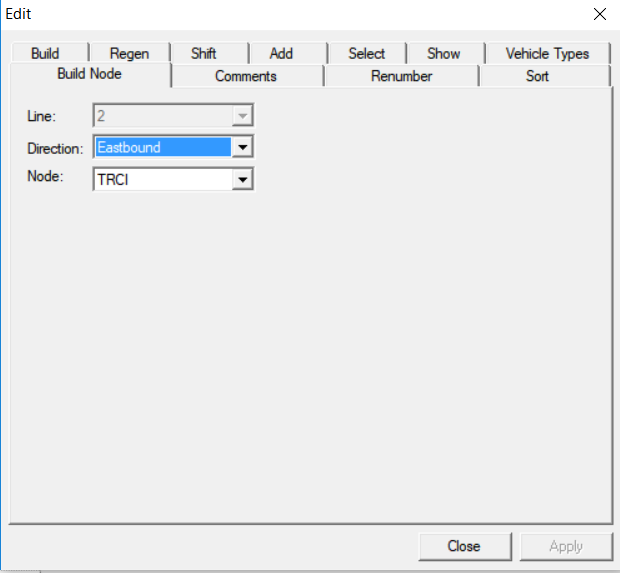
- In the Direction and Node drop-down lists, choose the appropriate direction of the trip and the node to be used.
-
Click Apply.
The selected node becomes the build node of the selected trips.
-
Click Close.
To change the build node for a trip, follow the same procedure. Changing the Build node of existing trips that were built based on patterns and run times however may affect their integrity.