
Opening Workspaces
Before you can use a workspace, you must open it.
-
Select .
-
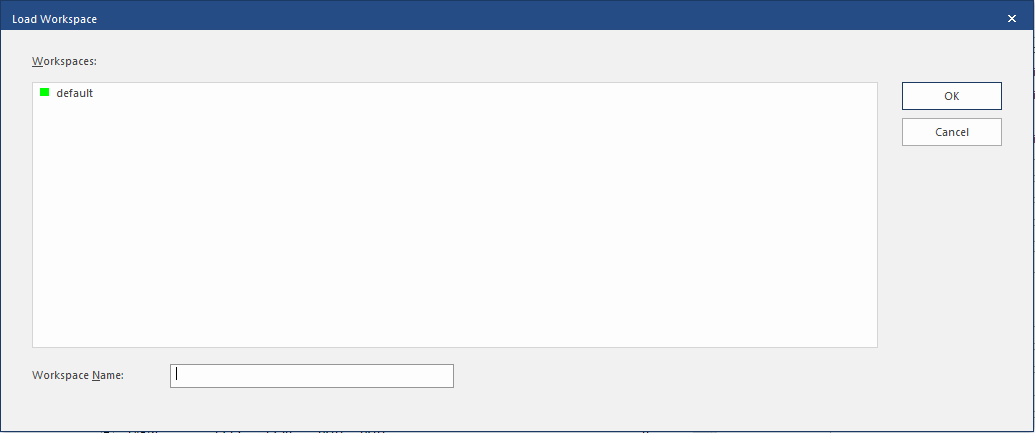
Select the workspace to open.
The selected workspace name appears in the Workspace Name field.
- Select OK.