
Adding Vehicles to Parking Grids
Vehicles can be added to parking grids when there is no regular pattern or sequence to the parked vehicles and an established parking grid can't be imported.
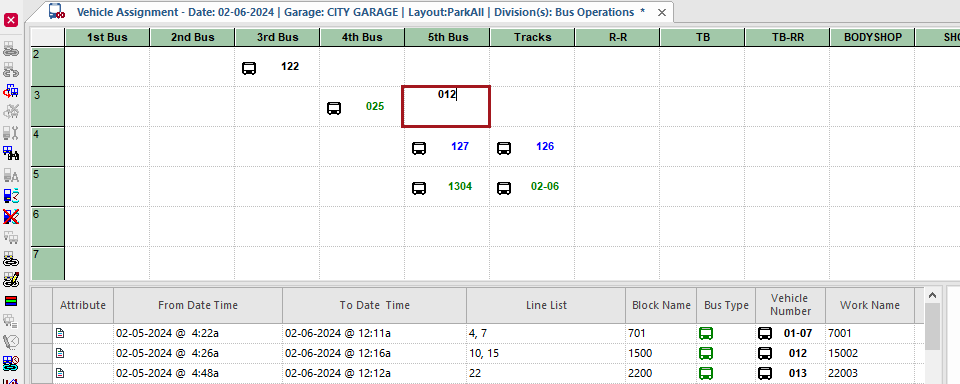
- Open the Vehicle Assignment screen and set the Context (F3).
-
Select a cell in the parking grid.
Move the pointer using the mouse or with the Tab and arrow keys.
-
Enter the vehicle number in the cell.
- If a This vehicle already exists in the garage. Change the location? message appears, select Yes to move the vehicle to the new location.