
Assigning a Regular Run
If an employee is currently assigned a holiday run, the assignment can be changed to a regular run.
- Open the Work Planner screen and set the Context (F3).
- Select a holiday assignment.
-
Right-click and select Assign Regular Run.
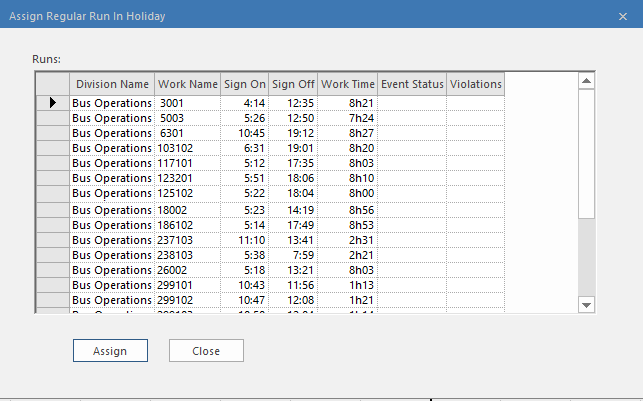
- Select the run to assign and then select Assign.