
Deleting Real Time View Sets in Dispatch Manager
When a real time view is no longer needed, it can be deleted.
Before you begin
Procedure
-
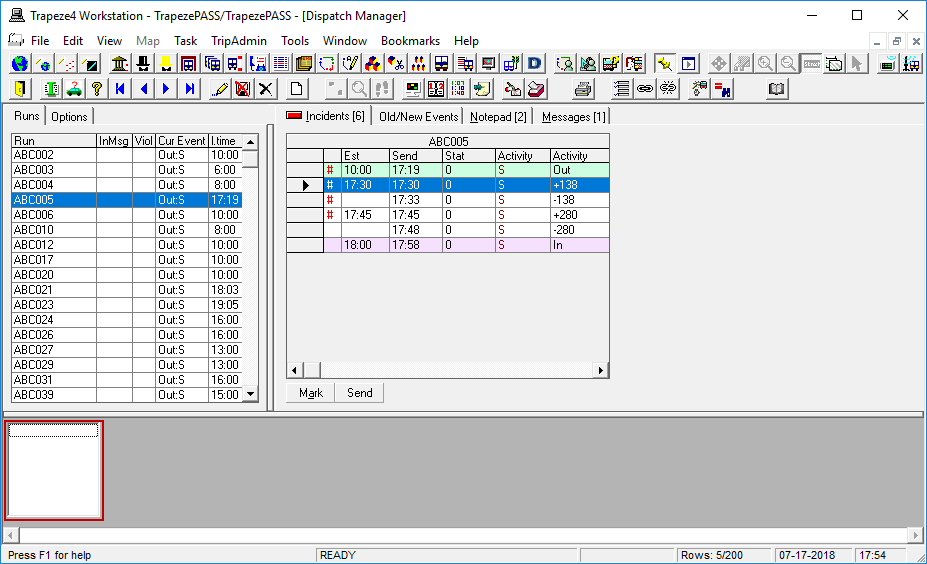
Right-click on the field in the bottom pane:
-
Click Edit list of Sets.
The RTV Sets dialog box appears.
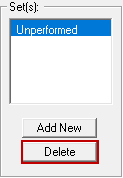
- In the Set(s) list, select the real time view you want to delete.
-
Click Delete.
A confirmation message appears. - Click Yes.
- Click OK.