
Sample Merged Trips Data in Different Modes
The appearance of trips on the Trips tab can be adjusted in the Configure dialog box.
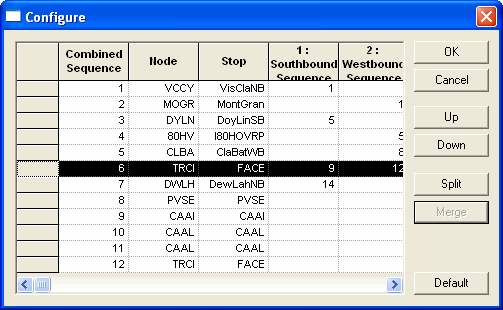
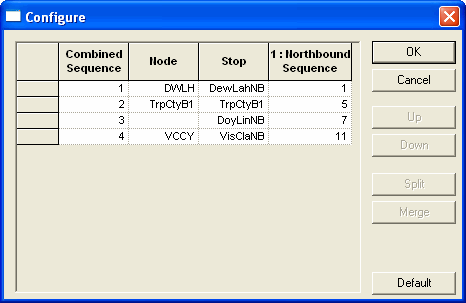
The following table shows sample merged data in the Configure dialog box in different modes:
| Mode | Description |
|---|---|
| Multi lines mode |
The highlighted rows show the same node. 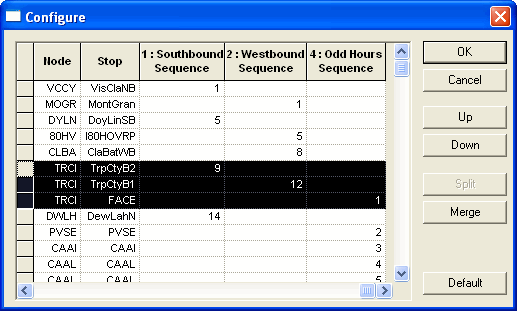
After the highlighted nodes in the top graphic were merged,
only one instance of the node appears on the grid.
|
| Block mode |
|