
Associating Grievances with Performance Records
Associate a grievance numbers and comments with performance records as needed.
- In the Employee Profile screen, select an employee.
- Select one of the following: Absences, Incidents, or Customer Feedback.
- Select a record with a ribbon icon in the Attribute column.
-
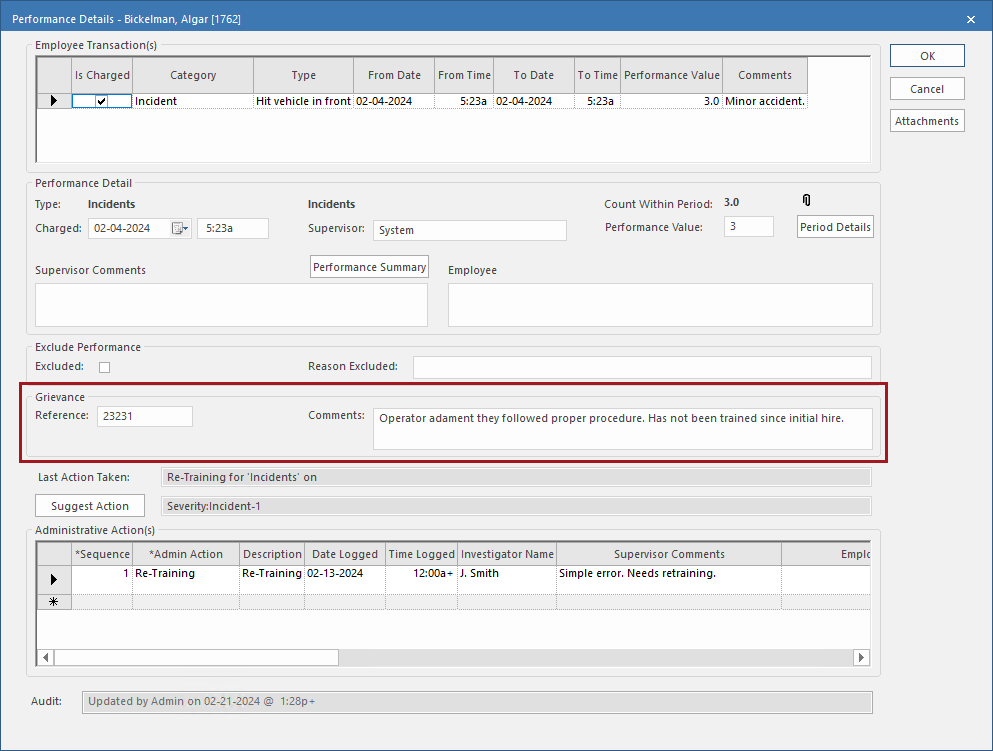
Select Performance Details:

- In the Grievance section Reference field, enter the grievance reference number.
-
In the Grievance section Comments
field, enter a comment about the grievance.
- Select OK.