
Excluding Administrative Actions
Administrative actions can be excluded from performance calculations by crossing them out.
- Open the Employee Profile screen.
- Define the Context (F3) and select an employee.
- Select Incidents.
- Select an incident.
-
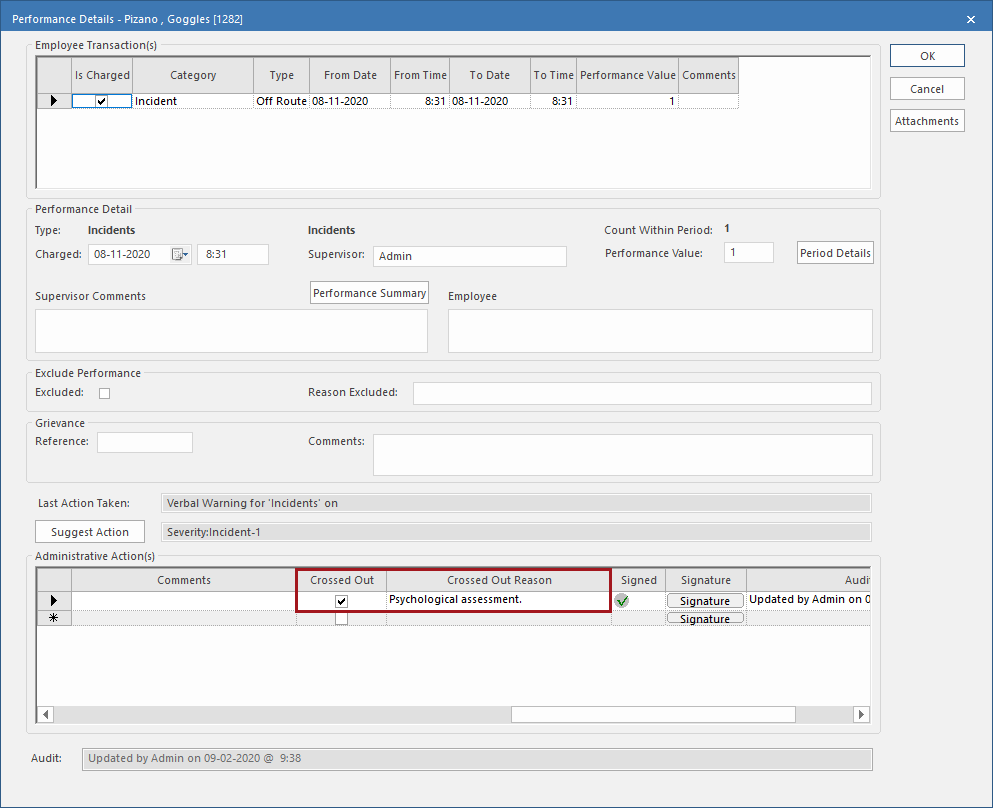
In the screen toolbar, select Performance Details:
 The Performance Details dialog appears.
 -
In the Administrative Action(s) area, select the
Crossed Out checkbox and enter a Crossed
Out Reason.
- Select OK.
