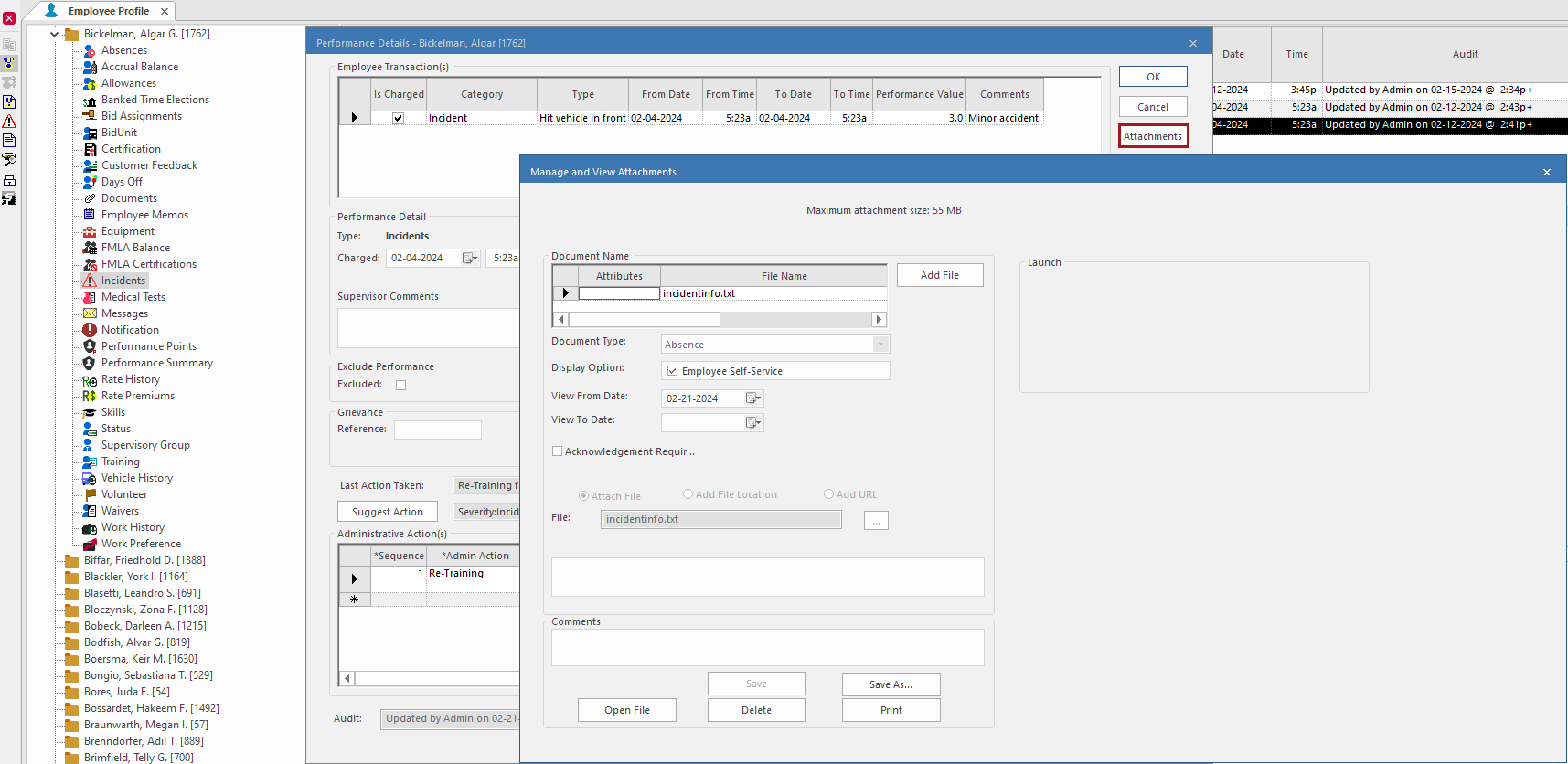
Viewing Performance Management Information Associated with Absences, Incidents, or Complaints
A ribbon icon in the Attribute column of an absence, incident, or customer feedback record indicates associated performance management information.
- In the Employee Profile screen, select an employee.
- Select one of the following: Absences, Incidents, or Customer Feedback.
-
Select a record with a ribbon icon in the Attributes
column and then select Performance Details:
 If the record is linked to more than one performance type, the Performance Selection dialog appears. Select the record to show and then select OK.The Performance Details dialog shows performance management information associated with the record. If occurrences or performance points are tracked for the record type, the dialog shows count and performance value information.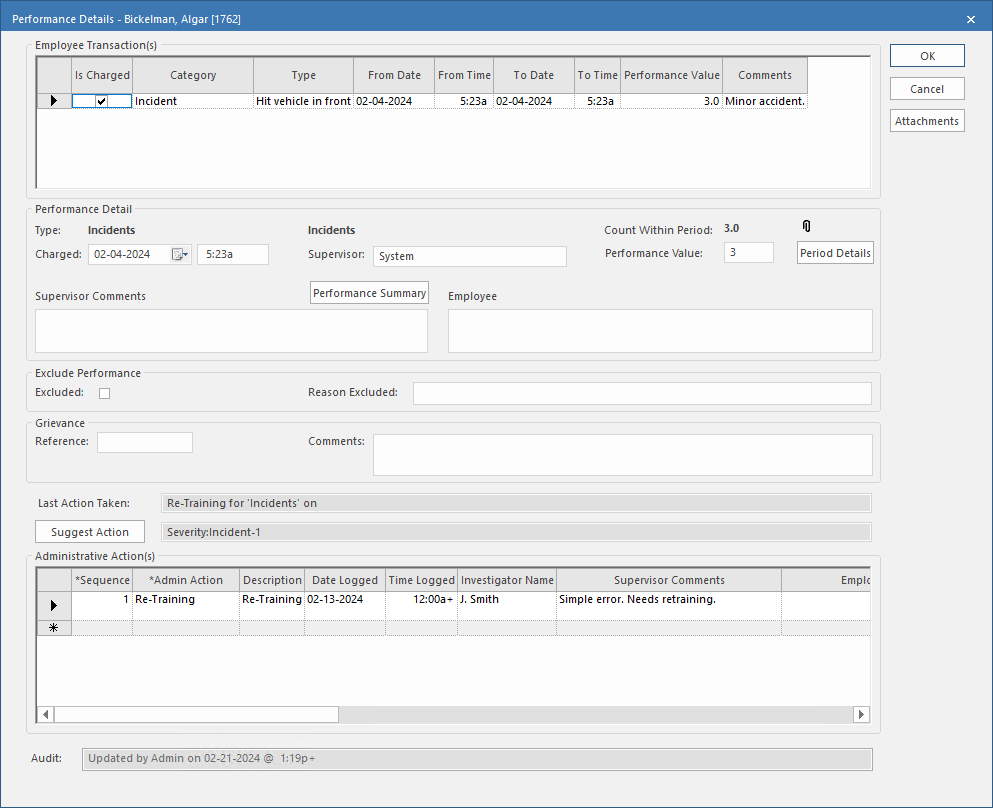
-
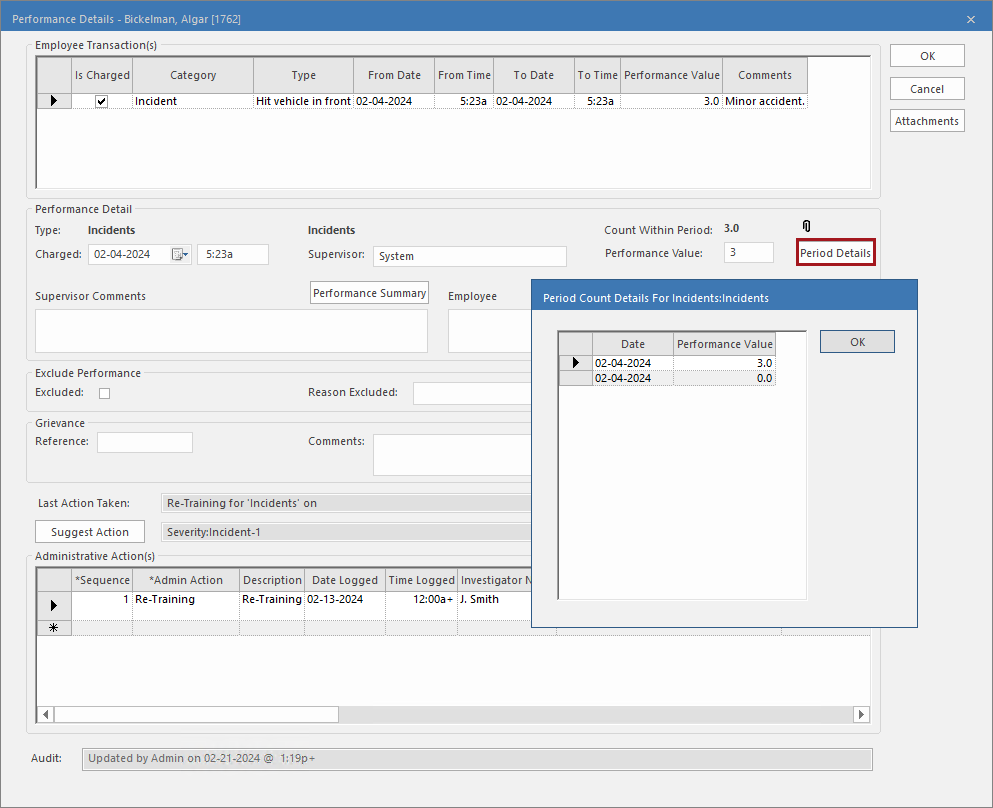
To see the absence, accident, incident or customer feedback records during the
period considered for performance management, select Period
Details.
-
To see attached files, select Attachments.