
Exporting Parking Grids
Parking grids can be exported to a date range in the Vehicle Assignment screen.
- Open the Vehicle Assignment screen and set the Context (F3) to the day with the grid to export.
-
Select .
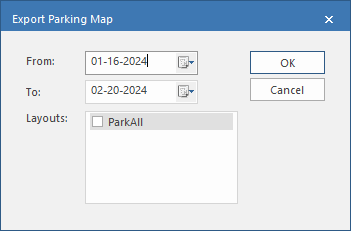
- Specify the date range to export the parking grid to in the and fields.
-
Select the to be exported.
You can't export a layout that doesn't match the grid you are exporting.
- Select .
- If the parking grid can't be exported to some of the specified dates, a dialog lists the dates when the grid is invalid. Select .