
Applying Combine Runs
Combine pieces of runs on an individual day of the week.
-
On the top grid of Rostering screen, click the cell with
the roster where you want to group the run.
The following graphic shows an example of Run 7 in the top grid being combined with Run 23 in the bottom grid:
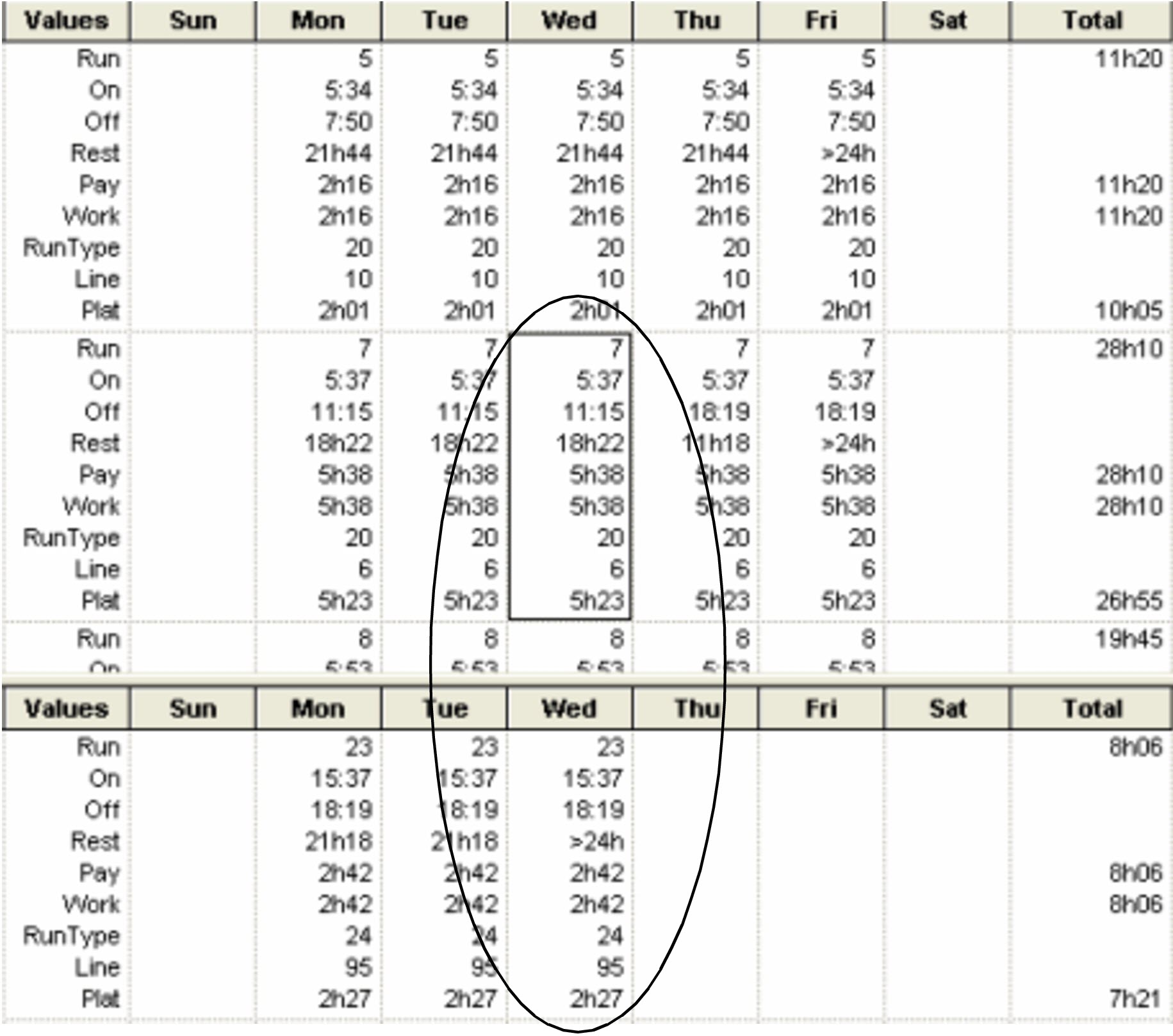
- On the bottom grid, press CTRL and click the cell with the run that you want to add to the other run.
-
Click .
A message appears asking you to confirm that you want to combine the selected runs.
-
Click Yes.
In BlockBuster, the second run is removed from the scenario and added as piece to the first run.
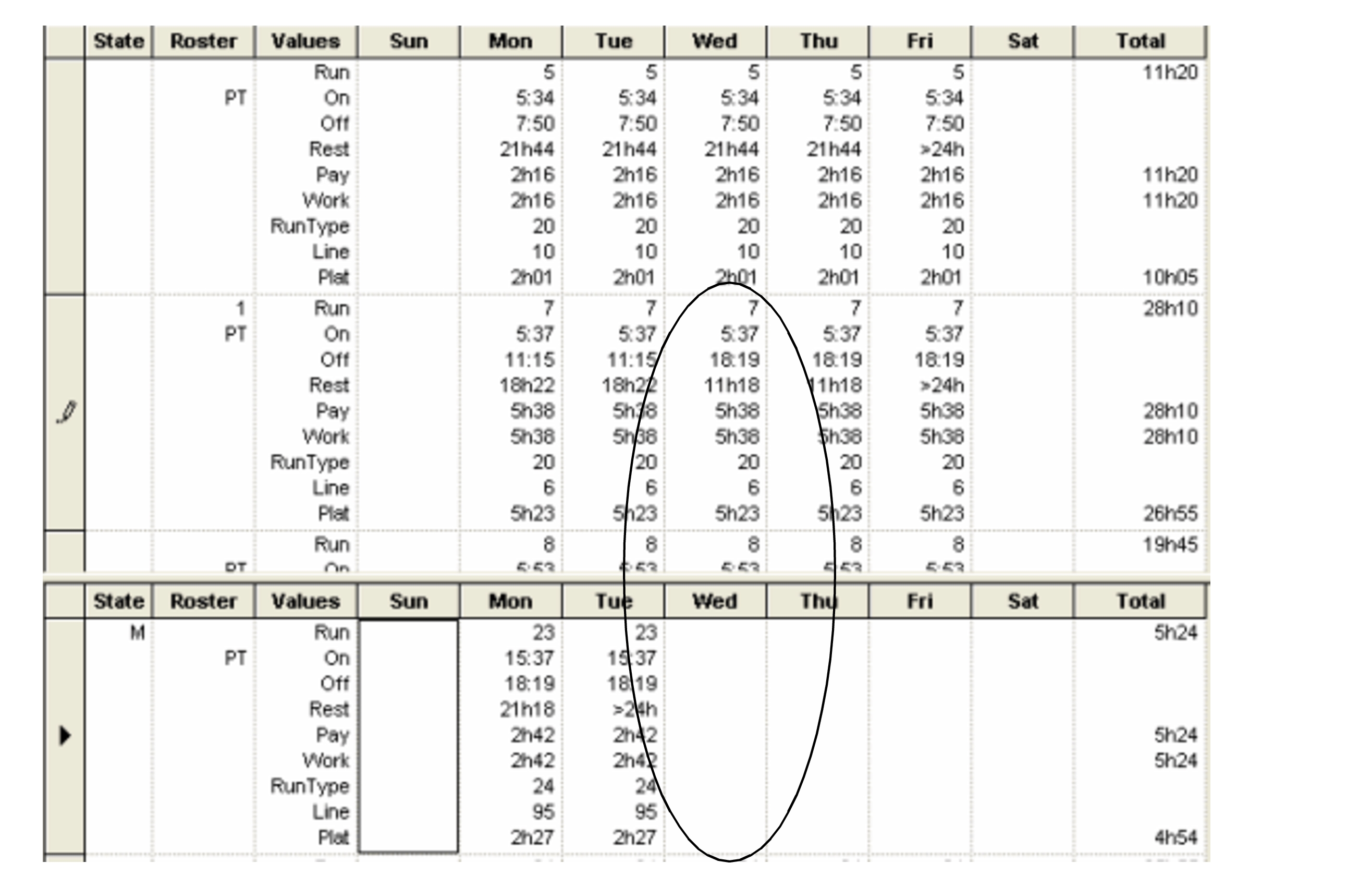
After saving the scenario that contains the combined runs and marking it as active in BlockBuster, load the runs again in Rostering.
Perform the Rostering functions on the data that your transit site requires.