
Customizing Sheets
The appearance and content of sheets can be customized in the detail view.
-
Click on the detail view and then either select Customize
Grid
 or right-click Customize.
-
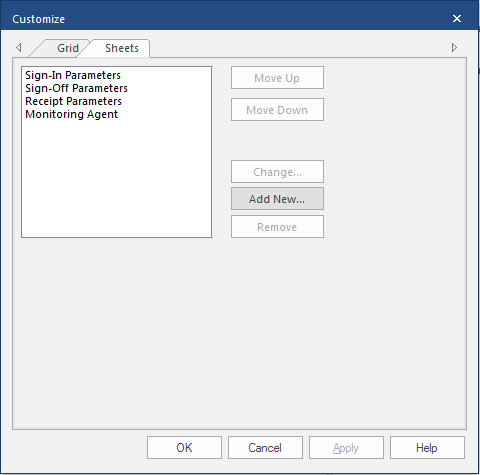
Select the Sheets tab.
-
Select from the following:
Option Description Move Up Move the selected sheet toward the front of the series of tabs. Move Down Move the selected sheet toward the back of the series of tabs. Change Allows you to change the name of the selected sheet. Add New Allows you to add a new sheet. Remove Deletes the selected sheet. - Select OK.