
Viewing Employee Statistics
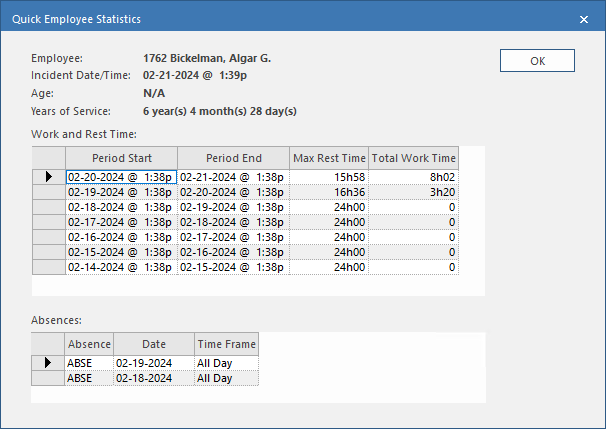
The Quick Employee Statistics dialog lists the start period, end period, maximum rest time, and total work time during the period for the employee involved in the incident.
- Open the OPS Incidents Admin screen and set the Context (F3).
- Select an incident record.
-
Select Employee Statistics:

- Select OK.