Batch Monitor
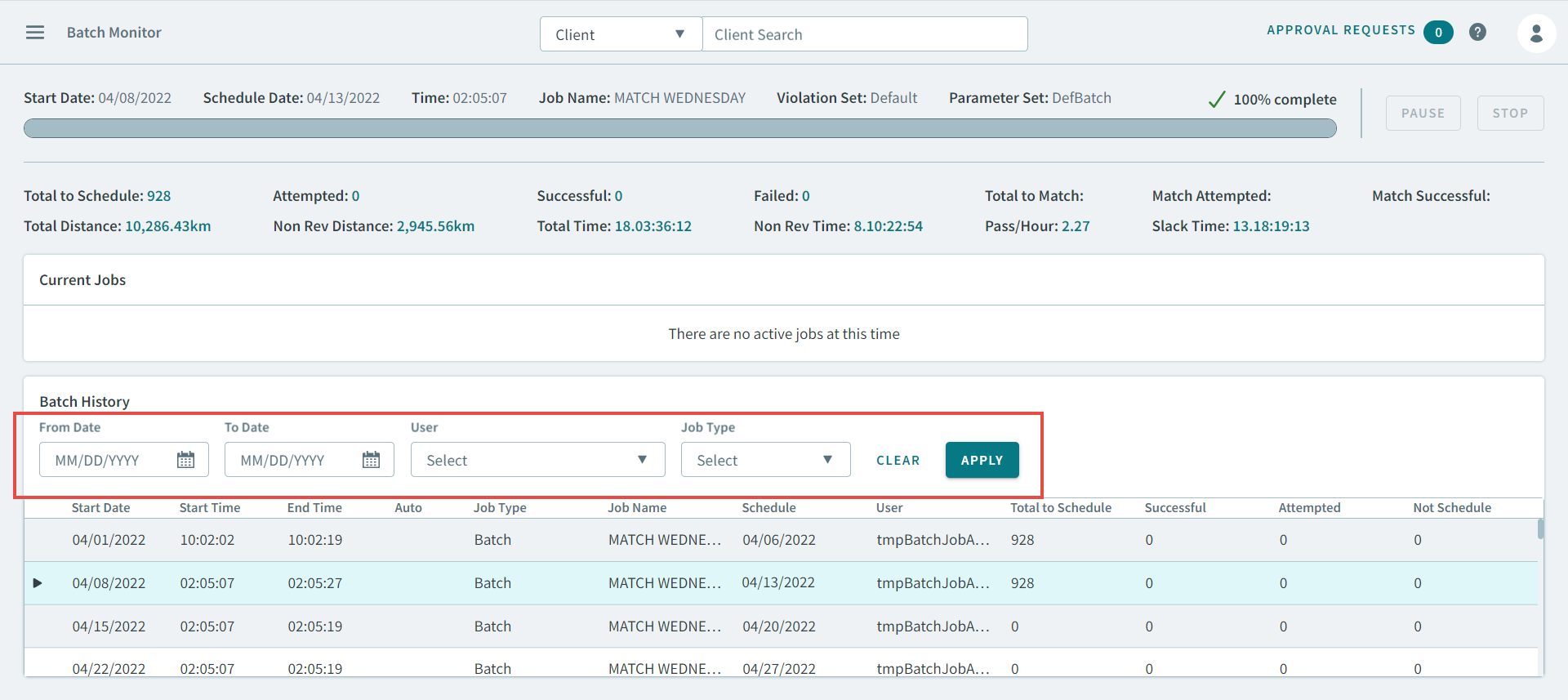
You can monitor the progress of your batch jobs using Batch Monitor.
To open the Batch Monitor page, click 
Batch Monitor allows you to view the progress of batch jobs in real time. After you have
started a batch, open the Batch Monitor to view the progress. You can also pause or stop
the batch.
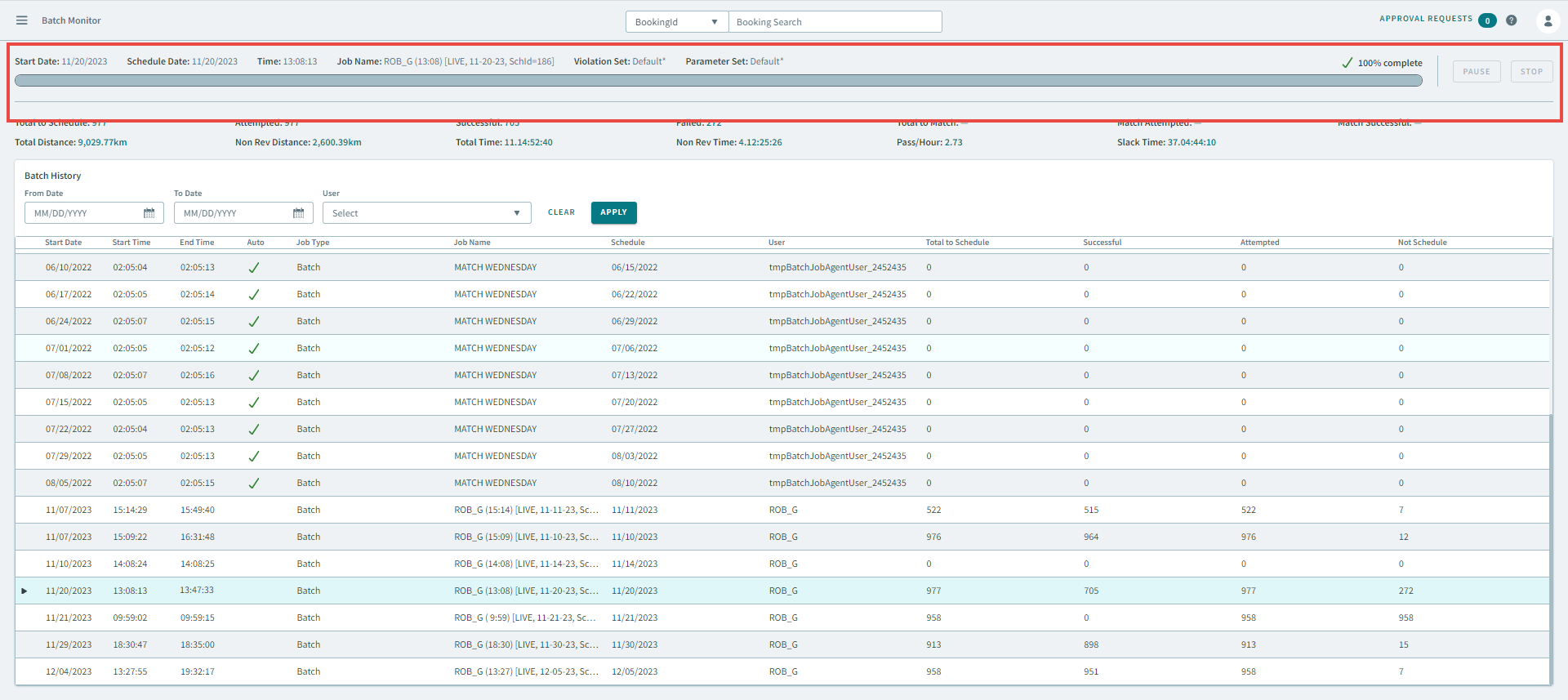
You can view the batch history in a grid below the progress bar. Also, use the search
parameters on the page if you are looking for batches performed on specific dates.