Logging into OneMobility
Follow these steps to learn how to log in and log out of OneMobility.
Before you begin
- Login credentials will be provided to you by a OneMobility Implementer or your System Administrator.
- There is no installation required. The OneMobility web address where you can log in will be provided by your OneMobility Implementer or System Administrator.
Procedure
-
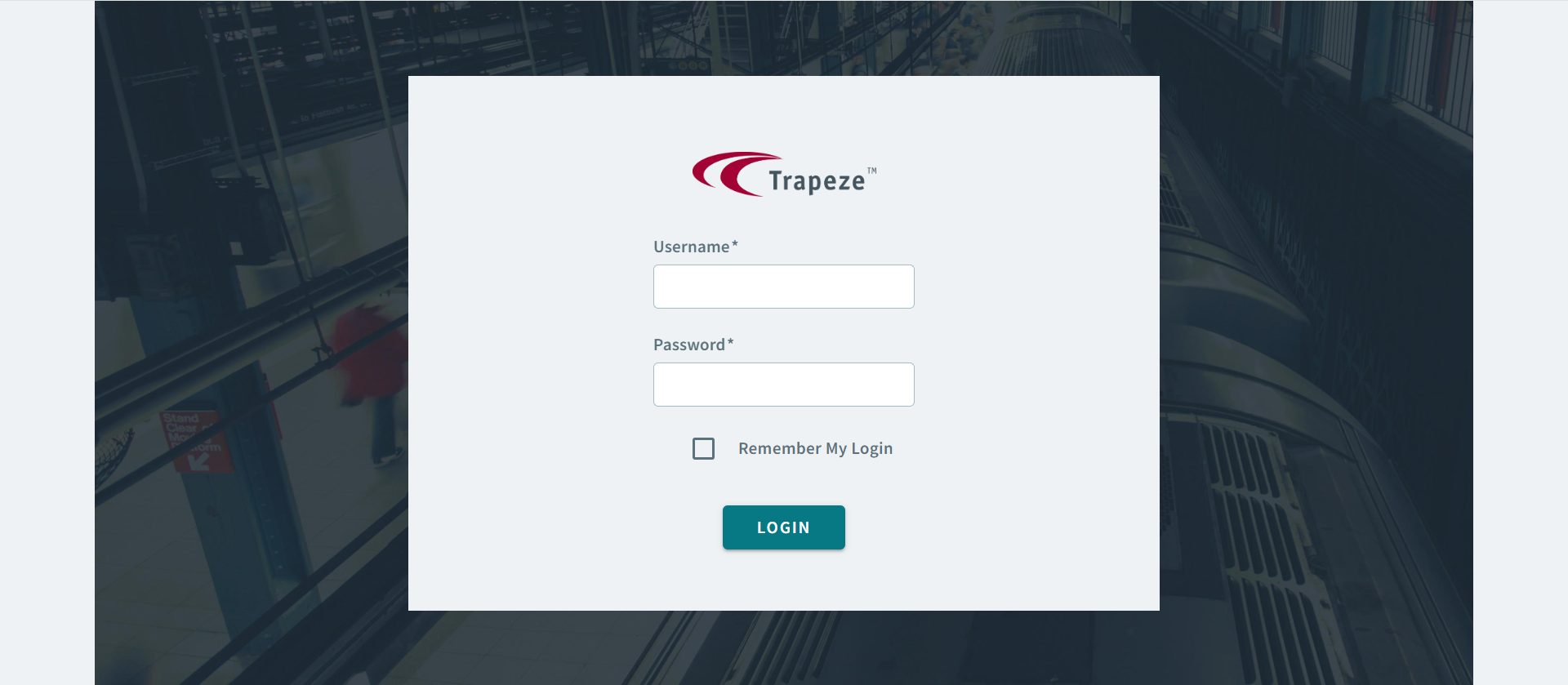
On the OneMobility login page, enter your Username and
Password.
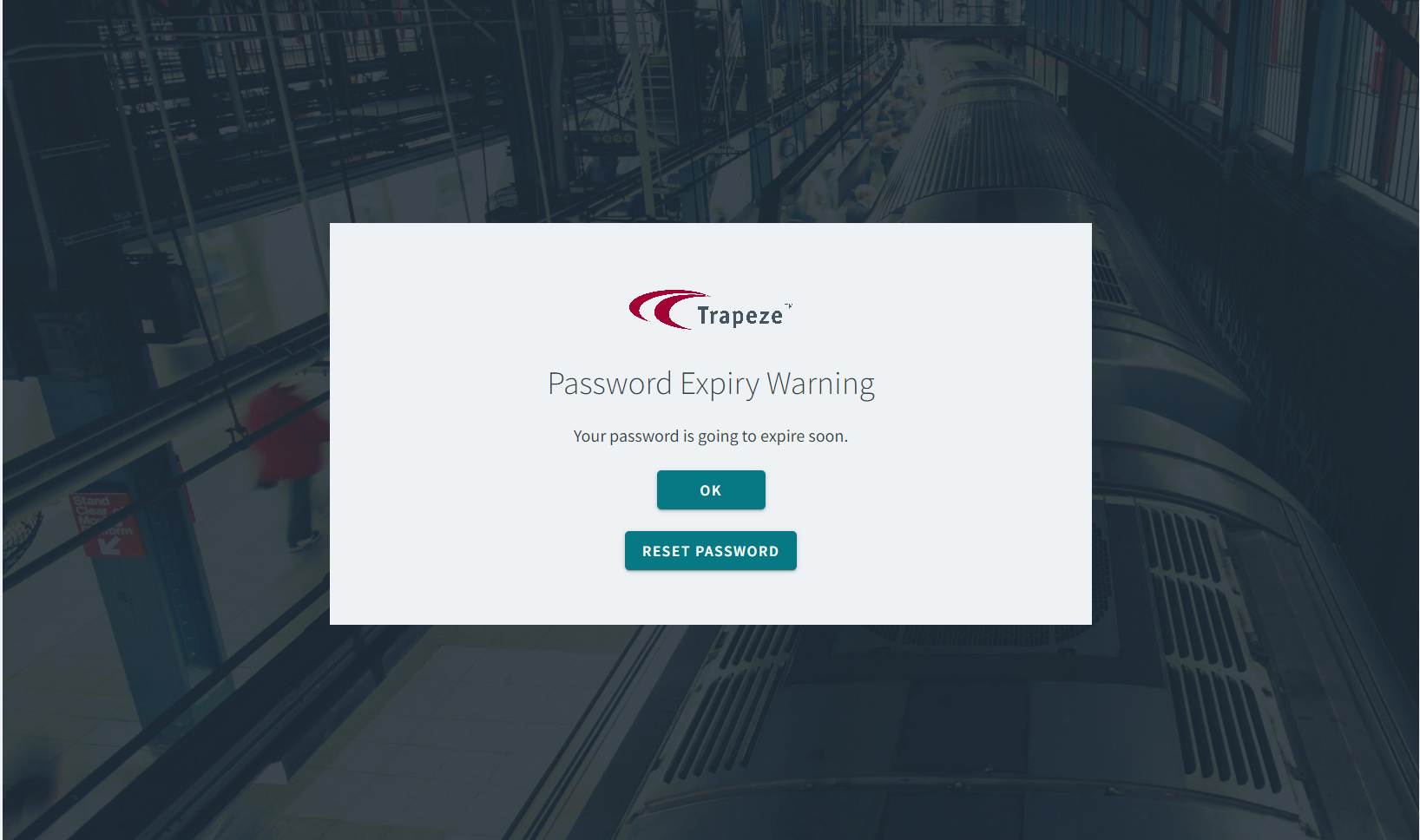
Notice:If this is not your first time logging in, and your login credentials are set to expire soon, a Password Expiry Warning alert appears to remind you to change your password.- Click OKto ignore the reminder, or click
Reset Password to change your
password.
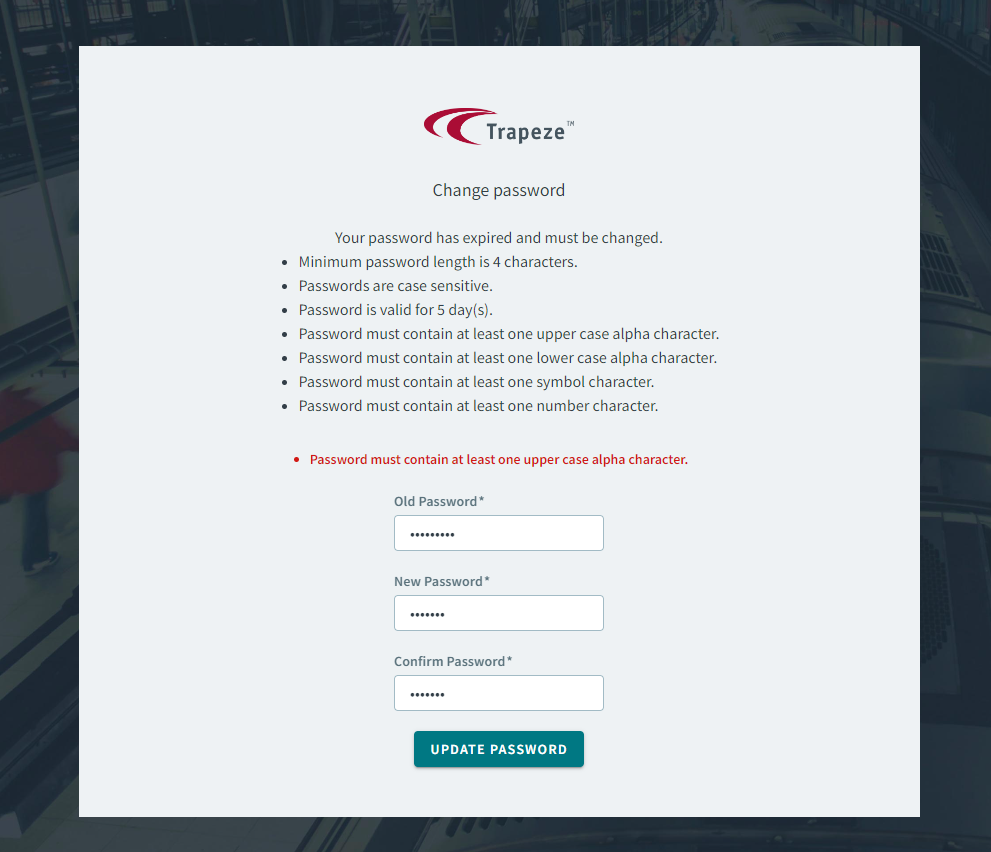
- If you clicked Reset Password, a
Change Password page appears. Change your
password according to the set of restrictions.
- Click OKto ignore the reminder, or click
Reset Password to change your
password.
- Optional: Select the Remember My Login checkbox to save your login credentials.
- Click Login.