Reports
Reports provides operational statistics for your transit site using data from OneMobility.
To open the Reports page, navigate to  Main Menu> Report.
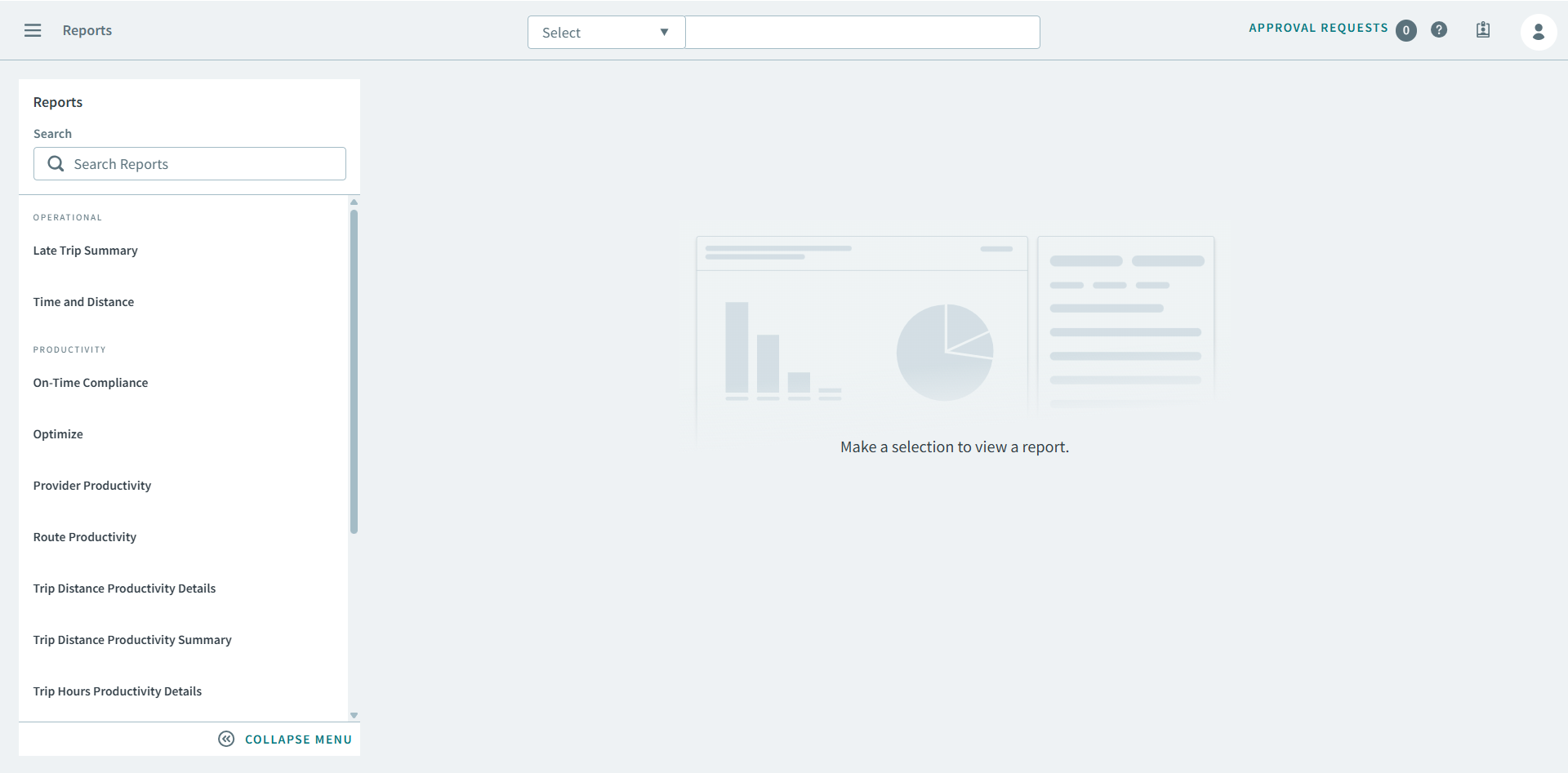
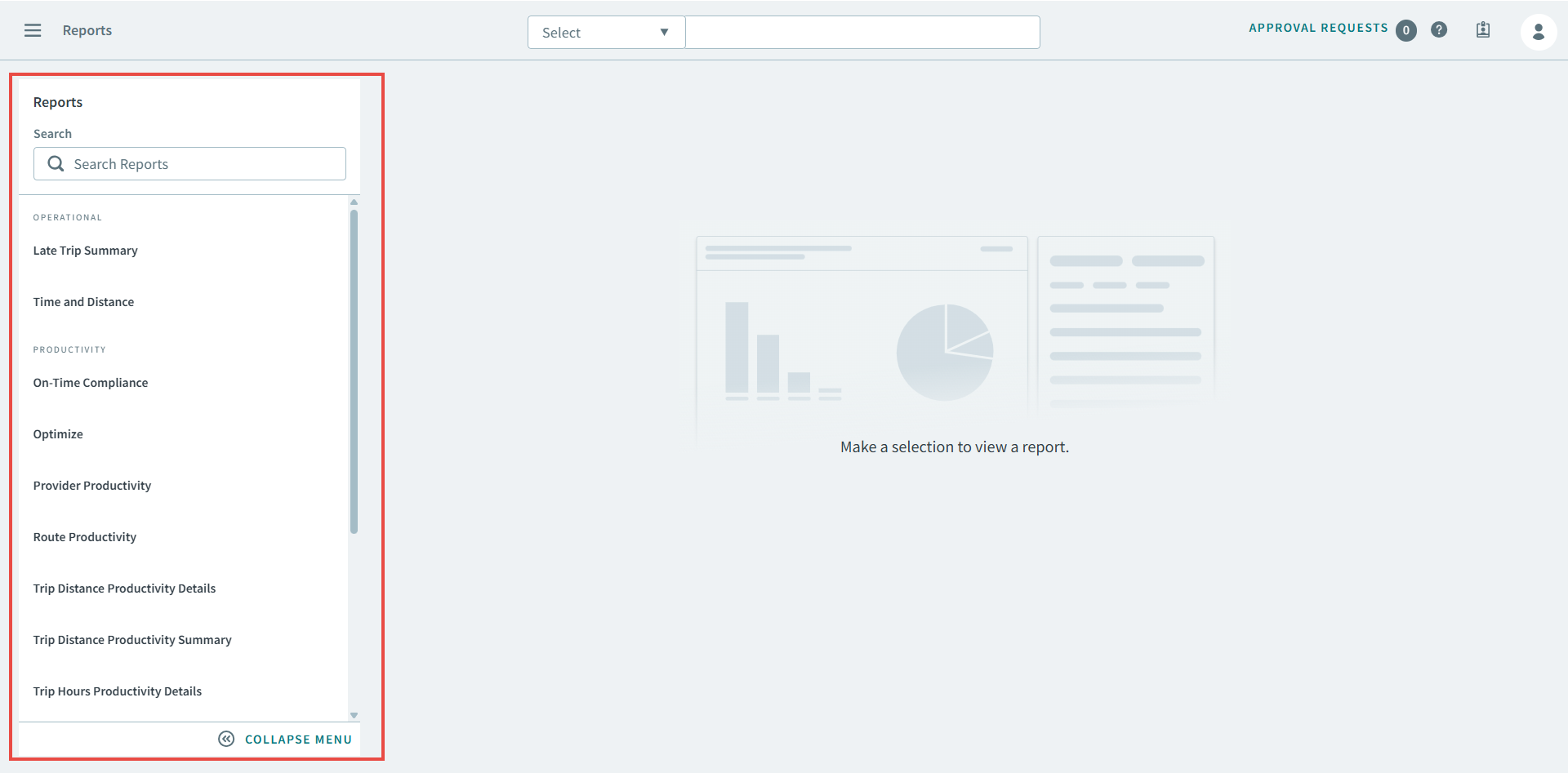
Main Menu> Report.In the Reports sidepane, you can find out-of-the-box reports that
allow you to run reports immediately.
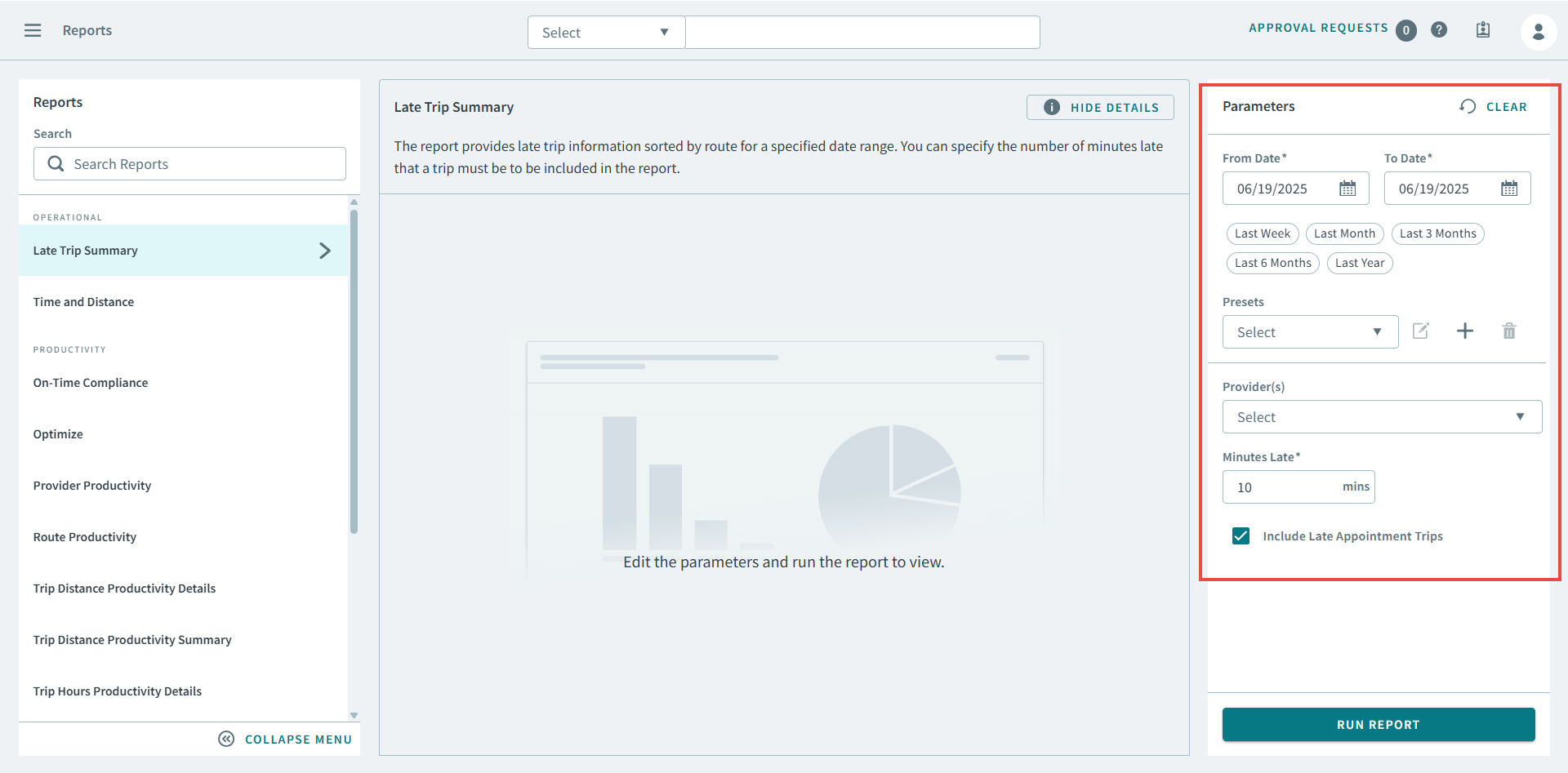
Each report can be configured with parameters that allow you to specify date ranges of
the data that you want to capture, in addition to many other parameters that caputure
metrics specific to the purpose of the report.