
MDT Center
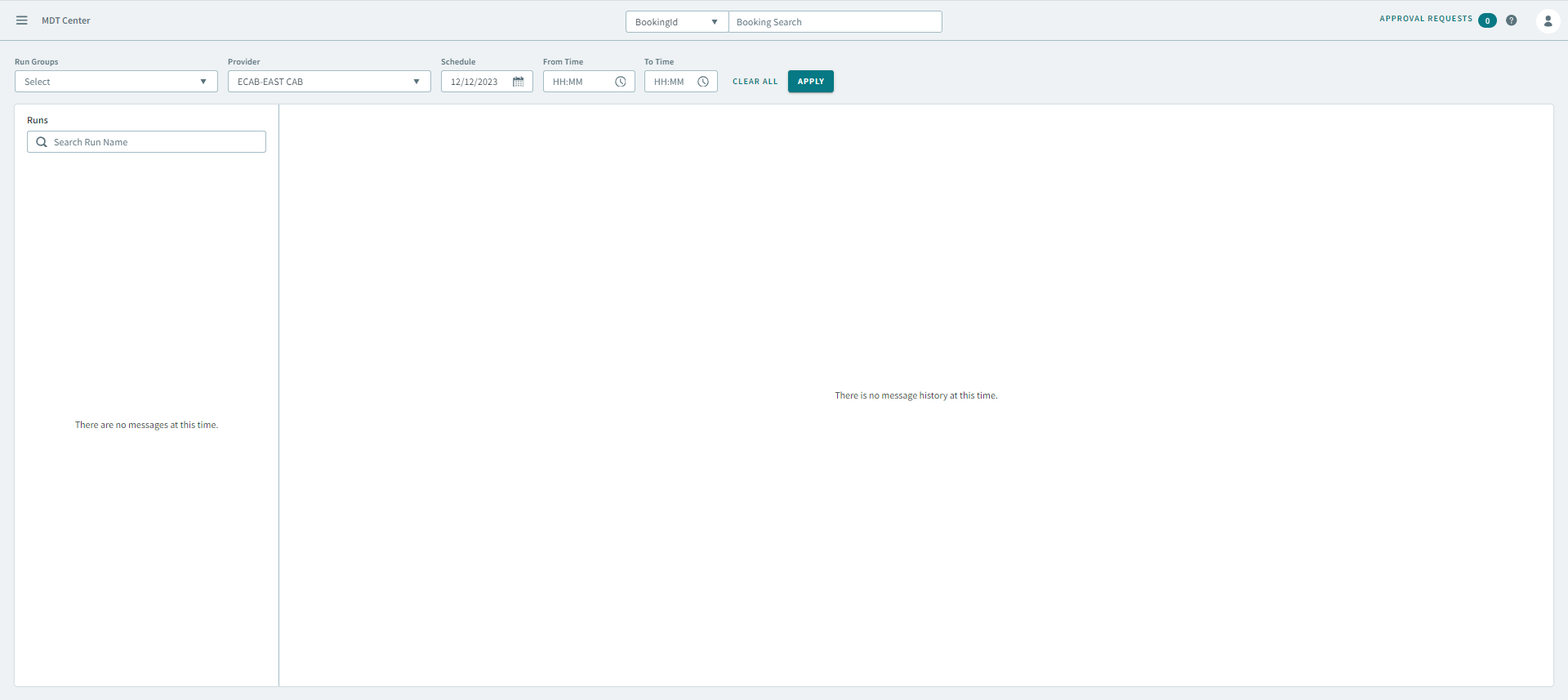
The MDT Center facilitates two-way communications between dispatcher and drivers.
- Schedule adherence (trip early or trip late)
- No-show and cancel requests
- Driver logon /logoff
- Canned or free form text messages
- Vehicle emergency (covert or overt alarm)
- System messages and alerts
When a message is received from a mobile computer, the MDT Center displays the messages in real-time. Since these messages appear automatically, dispatchers have more time to look ahead on routes for the day instead of having to look for messages continually from mobile computers.

Message Types
Message Types are abbreviated codes that appear in the grid. You may not see all the message types described here or you may use some message types that are not shown here. Message types are vendor-specific. The full text of the message is provided where available.
Message types provide a quick and easy way to determine what kind of message was communicated from the vehicle and provide additional information when the message details are vague.
What are NAK messages?
- The mobile computer is turned off.
- The vehicle’s antenna is broken or loose.
- The vehicle is in a place where it cannot properly receive or transmit data.
If you see a NAK message, make note of it. If this message relates to an additional trip that is meant for an immediate pick-up, you should contact the driver by voice to dispatch the trip since the driver most likely cannot receive the data electronically at that time. If you cannot contact the driver by voice, then consider moving the trip to another vehicle or wait to resend the job to the driver for acknowledgment.