
Groups
Using groups allows you to book a single trip for multiple clients that are going to the same destination (a common location) with a common request time.
In OneMobility, groups consists of group profiles and group bookings. You need both to create group trips.
The Groups Page
 the hamburger icon to open the side bar menu, and then click
Groups.
the hamburger icon to open the side bar menu, and then click
Groups.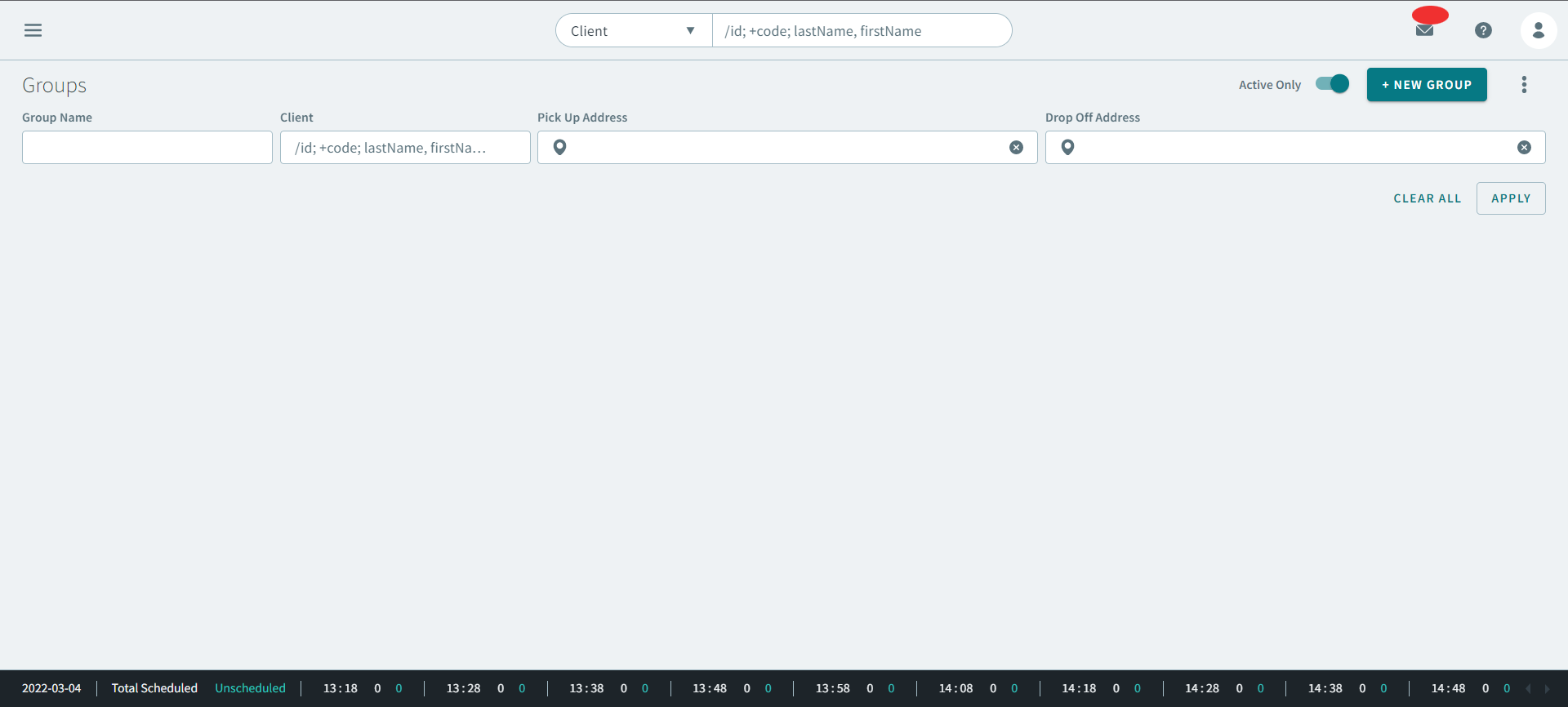
Group Profiles
A group profile allows you to add multiple clients together that may travel together on a single vehicle or may travel on different vehicles. These clients, for example, may have a common destination but not a common origin and they may not be scheduled together on the same run. Once group profiles are created and clients are assigned to them, you can start booking trips for the group profile.
Group Bookings
When you schedule a group booking, the members of the group are scheduled together on the same vehicle and no one outside the group can ride with them. Group bookings do not allow non-group passengers to ride with them between the first pick-up and last drop-off belonging to the group. Non-group passengers can be scheduled on the same vehicle before and after the group’s booking.