
Edit Group Profiles
You can edit Group profiles in the Groups page.
Procedure
-
On the Groups page, use the fields to find a group, and
then click Apply.
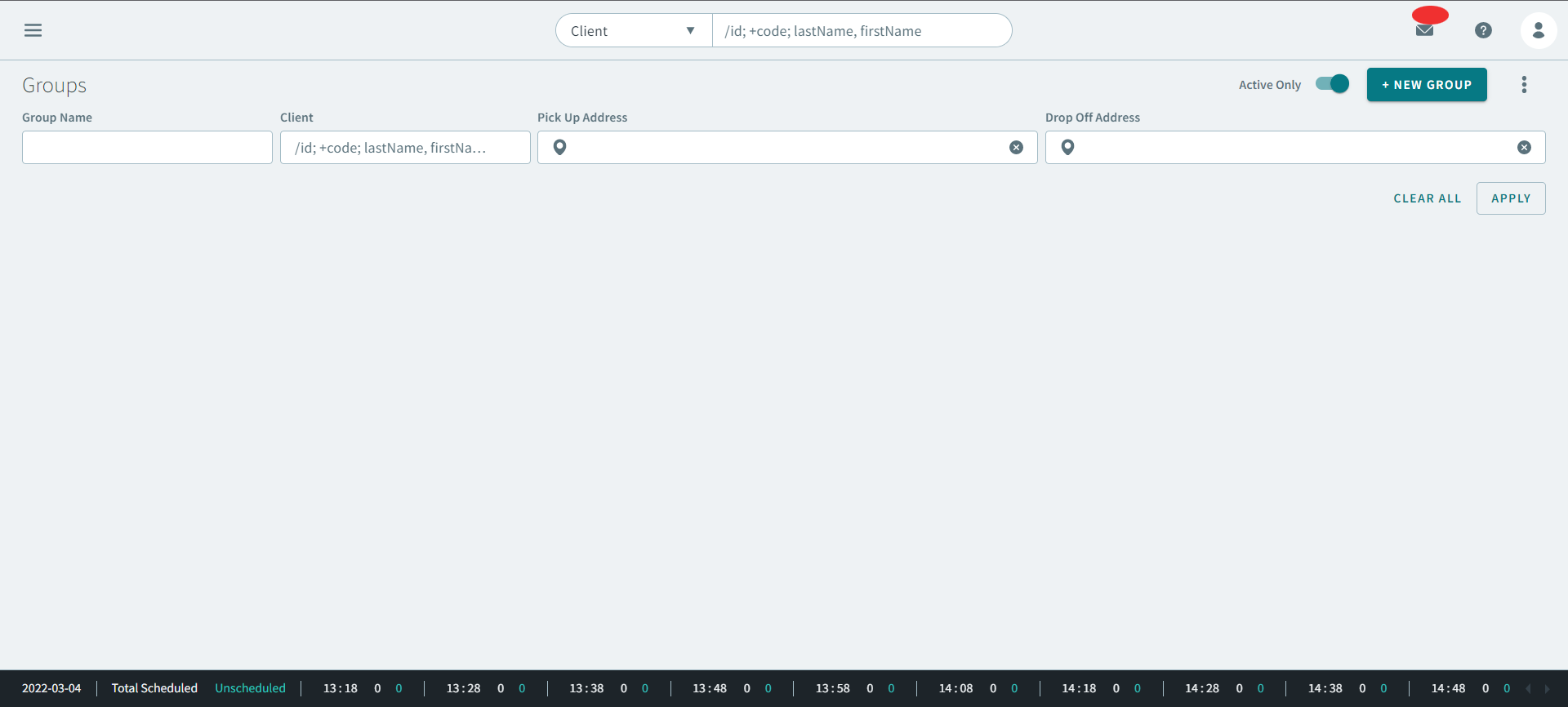
Note:You can also use the global search at the top of the page to search for group profiles. -
Click
 three dots icon on the group profile, and then
click Group Profile.
three dots icon on the group profile, and then
click Group Profile. 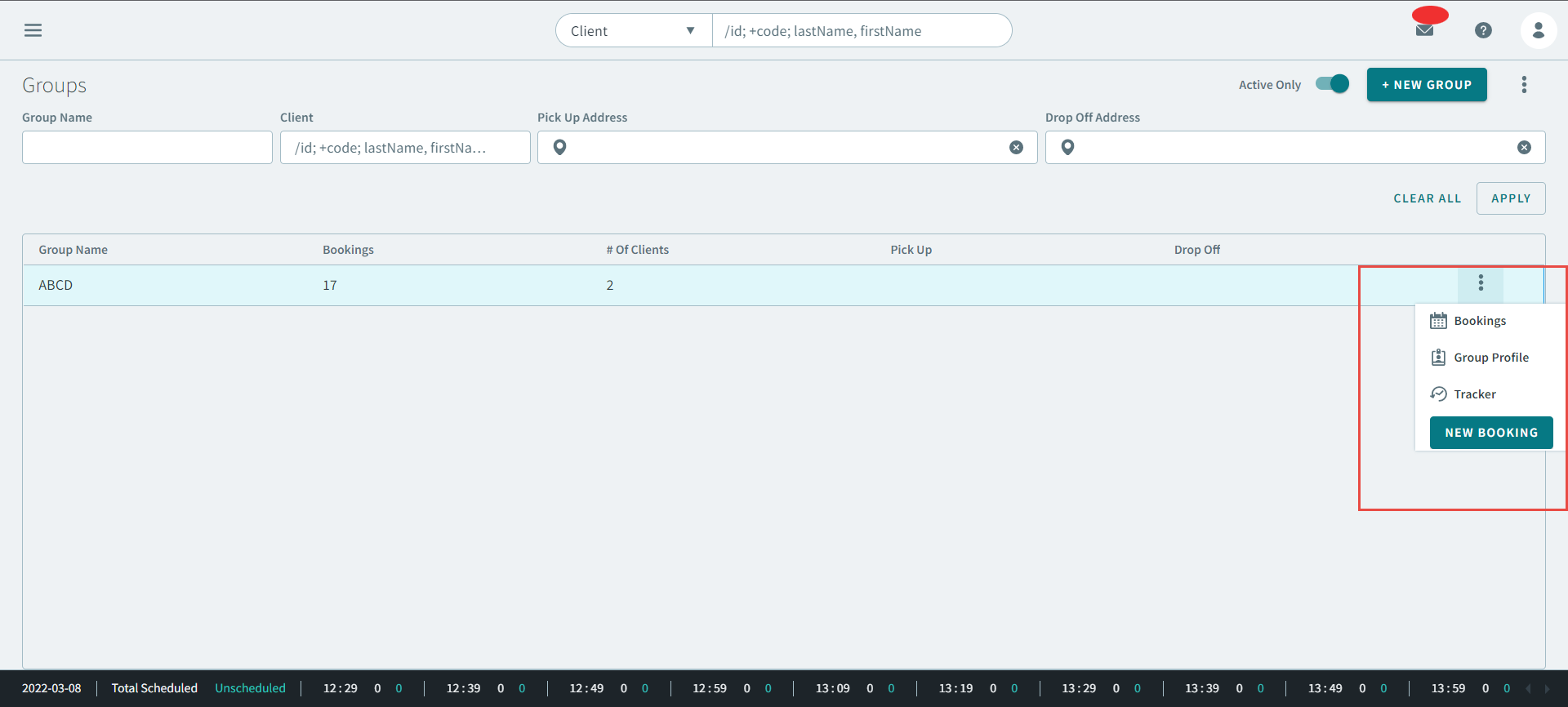
The Group profile opens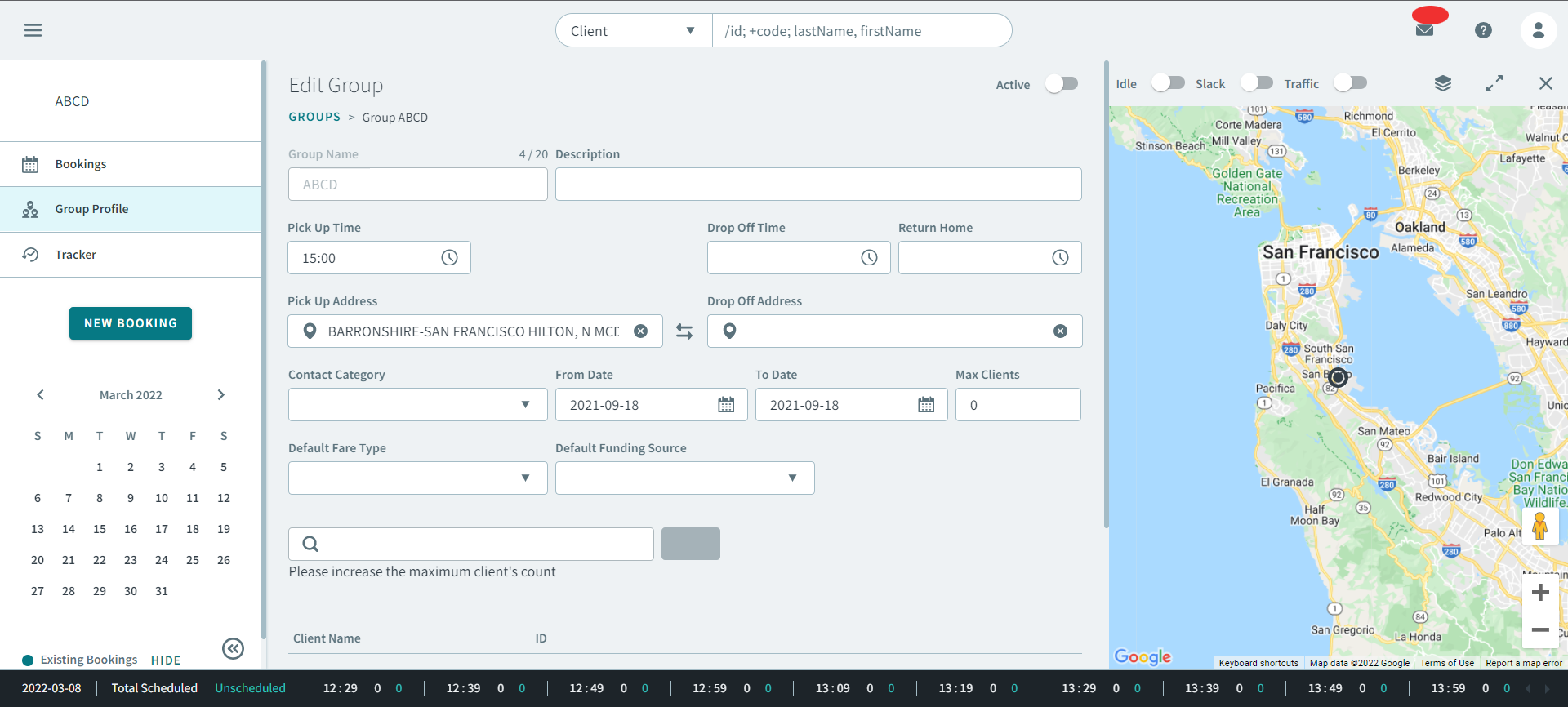
. -
Make changes to the group profile.
Tip:If the group profile contains information that is similar to a group you want to create, you can click Clone to create a new group.
- Click Save.