
Create Groups Profiles
You can create group profiles when you have more than one client traveling to or from a common location with a common request time.
About this task
A group profile is as the name suggests, a profile for a group of clients where all of them share the same pick-up or drop-off location. It necessary in order to create a group booking.
Procedure
-
On the Groups page, click + New
Group.
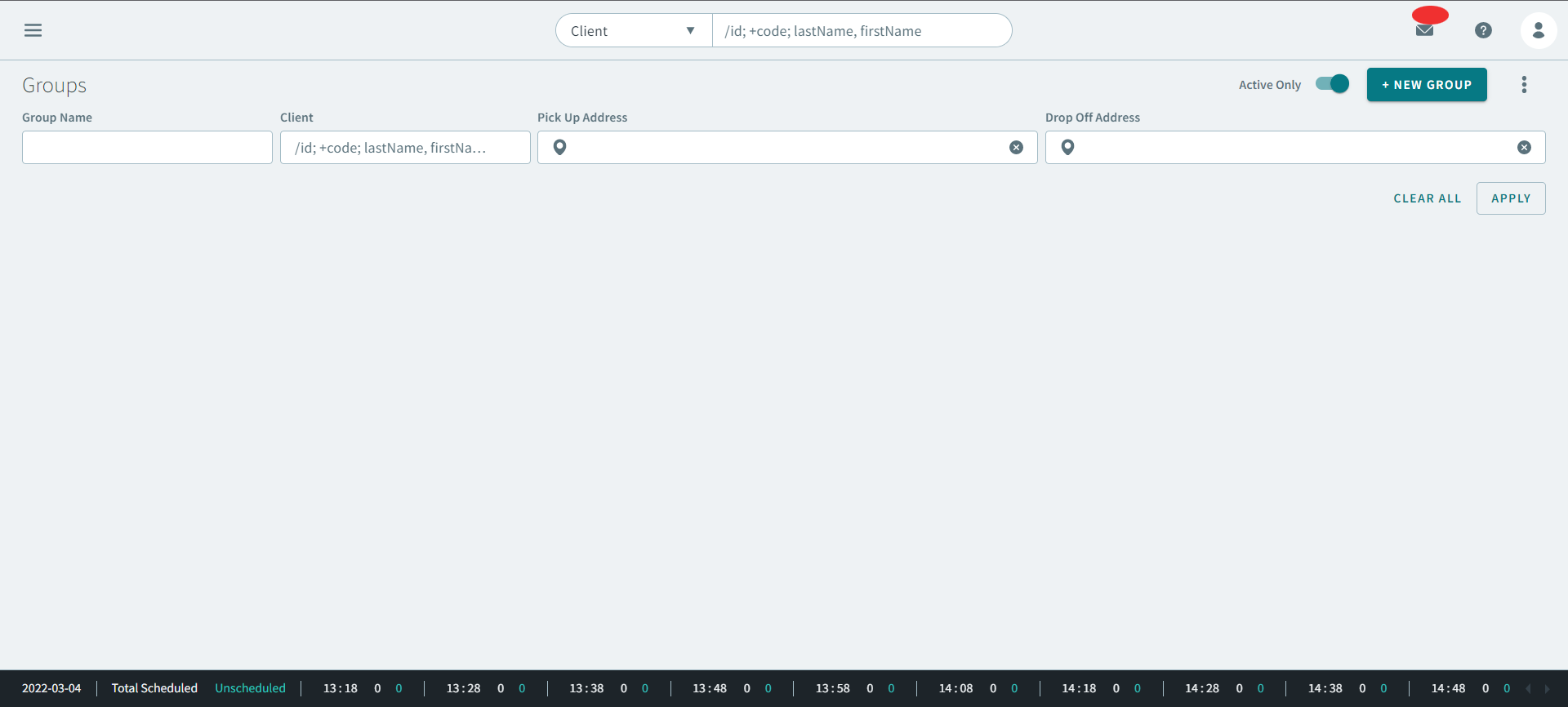
The Create New Group page opens.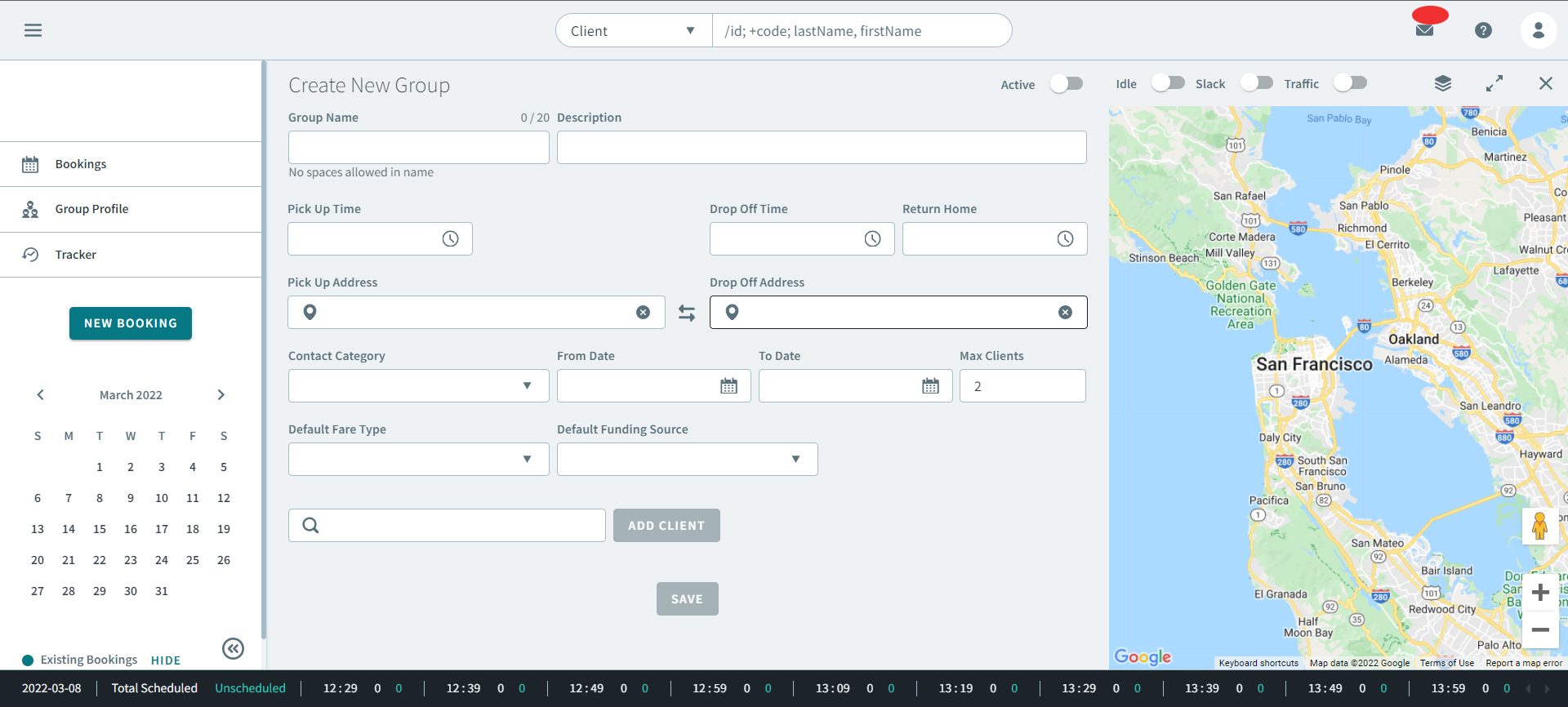
. - Optional: Turn the Active toggle ON.
-
Complete the following fields:
- Group Name
- Optional: Description
- Pick Up Time
- Drop Off Time
- Optional: Return Home
- Pick Up Address
- Drop Off Address
- Optional: Contact Category
- From Date
- To Date
- Optional: Max Number of Clients
- Optional: Default Fare Type
- Optional: Default Funding Source
Note:Real-time address results will pop-up in the Pick Up Address and Drop Off Address text boxes as you enter partial address information. When you select an address from a text box, a pin-drop of the address will appear on the map. -
Search for a client in Search Client and click
Add Client.
The client is added to the group.
- Click Save.