
Locations
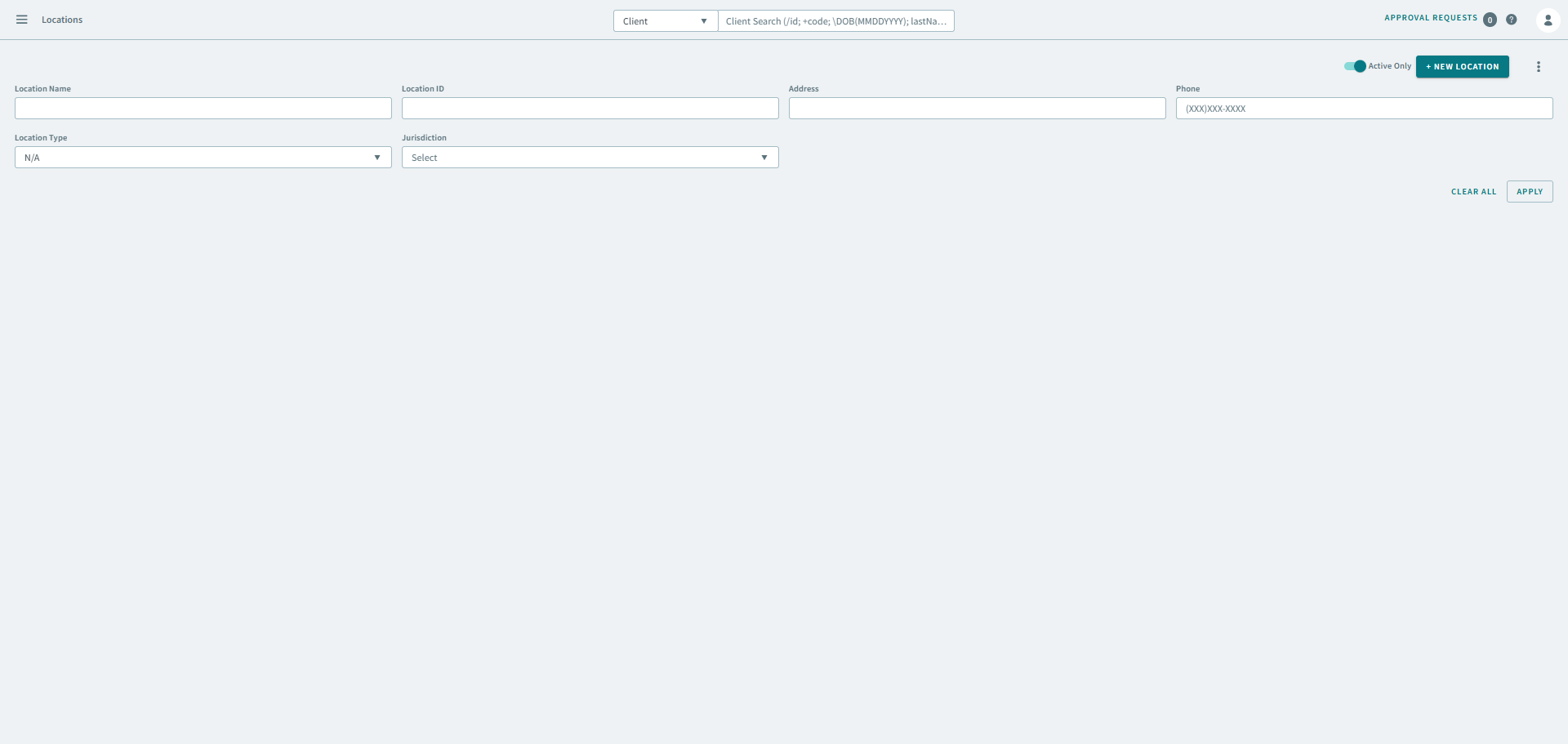
Locations allow you to add and geocode common locations such as hospitals and restaurants in OneMobility.
You can find the Locations page can by navigating to  Main menu
>
Data Library
>
Locations.
Main menu
>
Data Library
>
Locations.
Main menu
>
Data Library
>
Locations.After locations have been added and geocoded, users can do the following:
- Access locations in Bookings page without having to type and geocode the address every time, thereby reducing the time needed to book a trip and allowing users to attend to calls more efficiently.
- Use the Find Closest page to search for locations of a specific type within close proximity of a specific address.
- Use the Location filter in Bookings to isolate trips with pick-ups or drop-offs at a specific location.
What is a location?
A location is a particular place or position. In OneMobility, locations are typically public places such as, hospitals, parks, restaurants, etc.