
Editing a Location
You can edit an existing location that was previously added.
Before you begin
Procedure
- Use the following filters to search for a location:
-
Click Apply.
The location is displayed in the grid.
-
Double-click the location result, or click the three dots icon and select
Edit from the context menu.
The location profile is open.
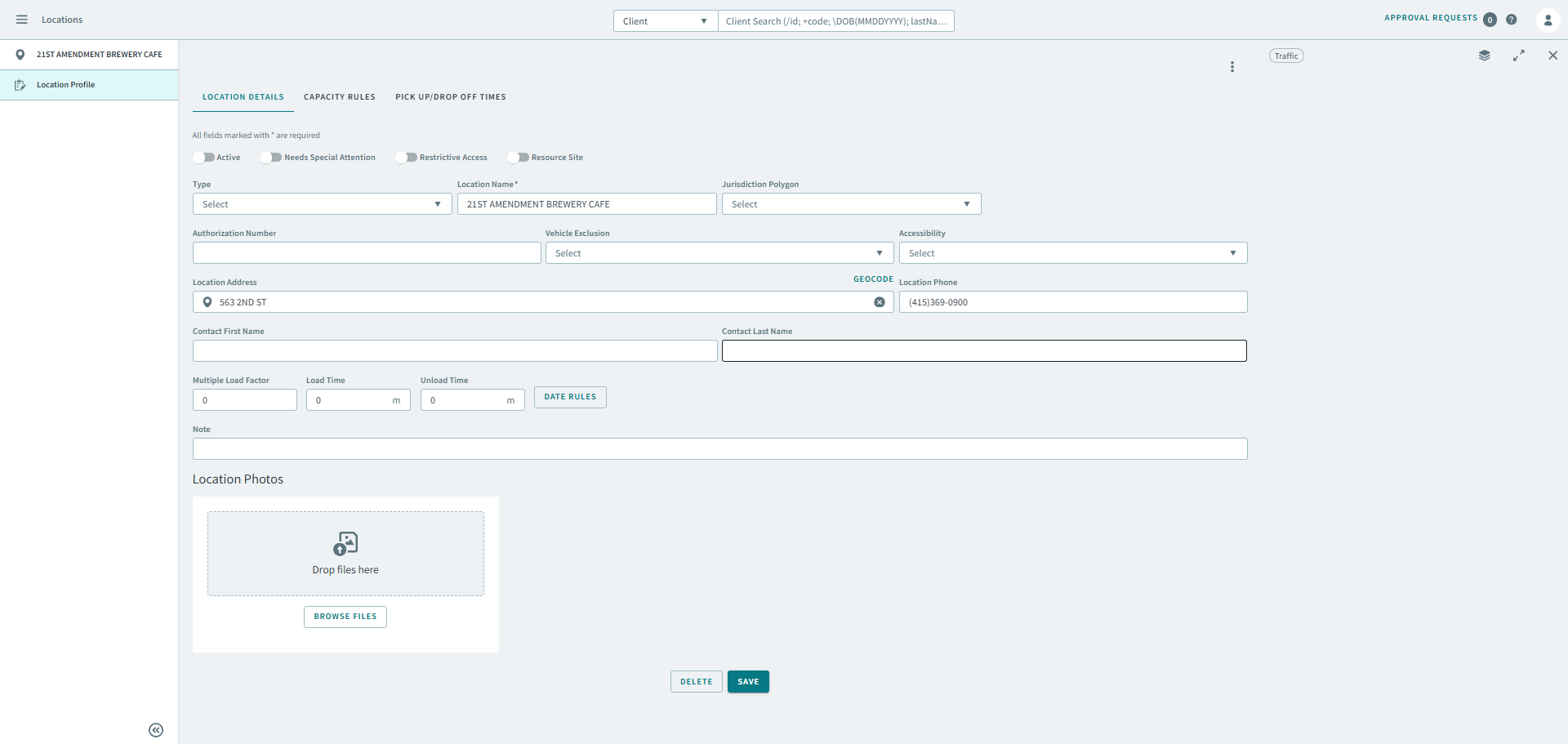
- Make any necessary changes to the location profile.
- Click Save.