
Vehicles
The Vehicles page allows users to manage the vehicles transit agencies can assign to runs.
To access the Vehicles page, click  on the top left corner, and then click Vehicles on the
sidebar menu.
on the top left corner, and then click Vehicles on the
sidebar menu.
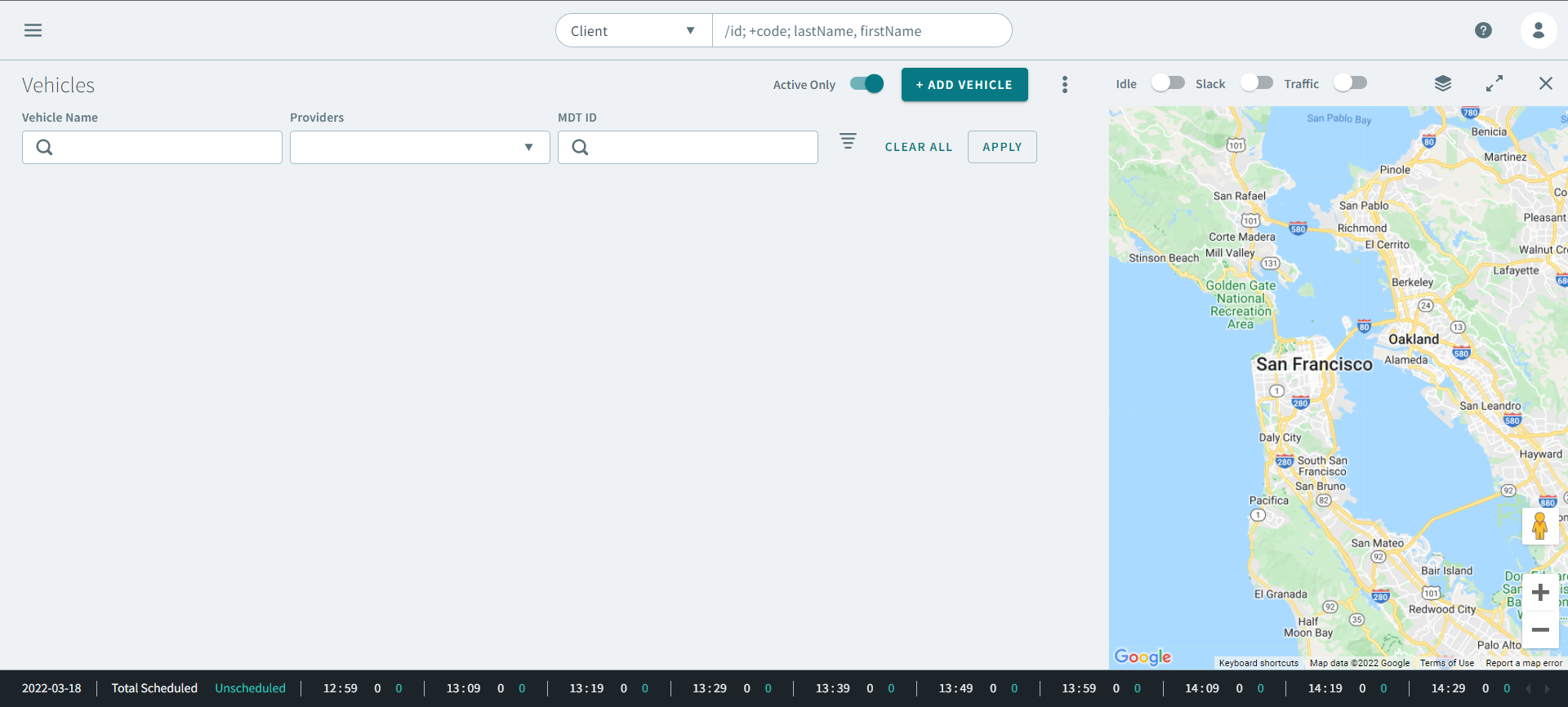
Most sites have vehicles of varying sizes and seating capacities. Vehicles has two distinct parts, allowing users to define information about vehicle capacities and information about individual vehicles.
Vehicle Details
Individual vehicles are defined so that they can be associated with runs. Detailed information can be captured about vehicles, including license plate numbers, providers, most recent inspection dates, and supervisor information.
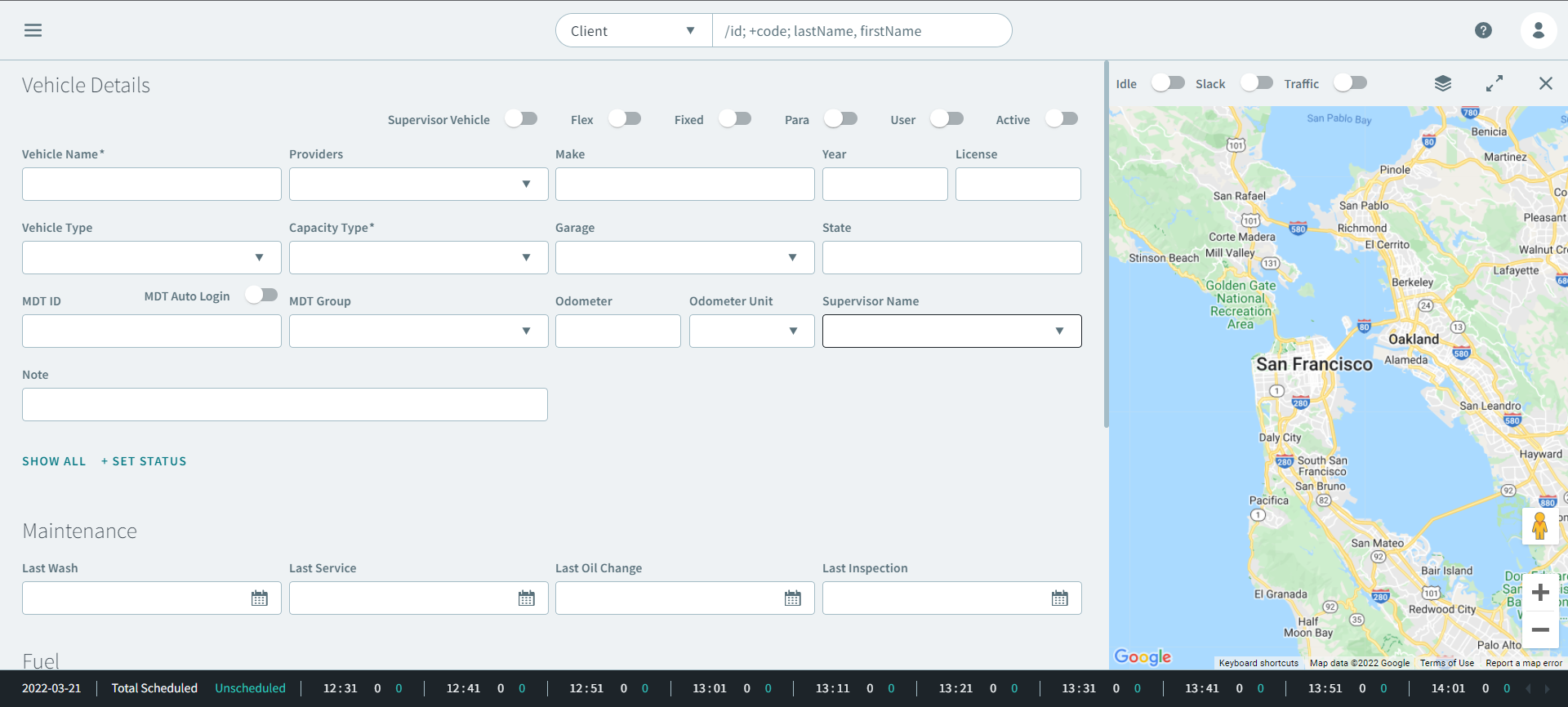
Vehicle Capacities
Vehicle capacities can be set in the Capacity Type drop down list. These are based on the capacity types defined in Trapeze4 ancillary data.
Accurately defining vehicle capacities provides greater options for the system when it schedules passengers to runs serviced by vehicles.