Jump to main content
Checking or Updating a Maintenance Status of a Vehicle
Before you begin
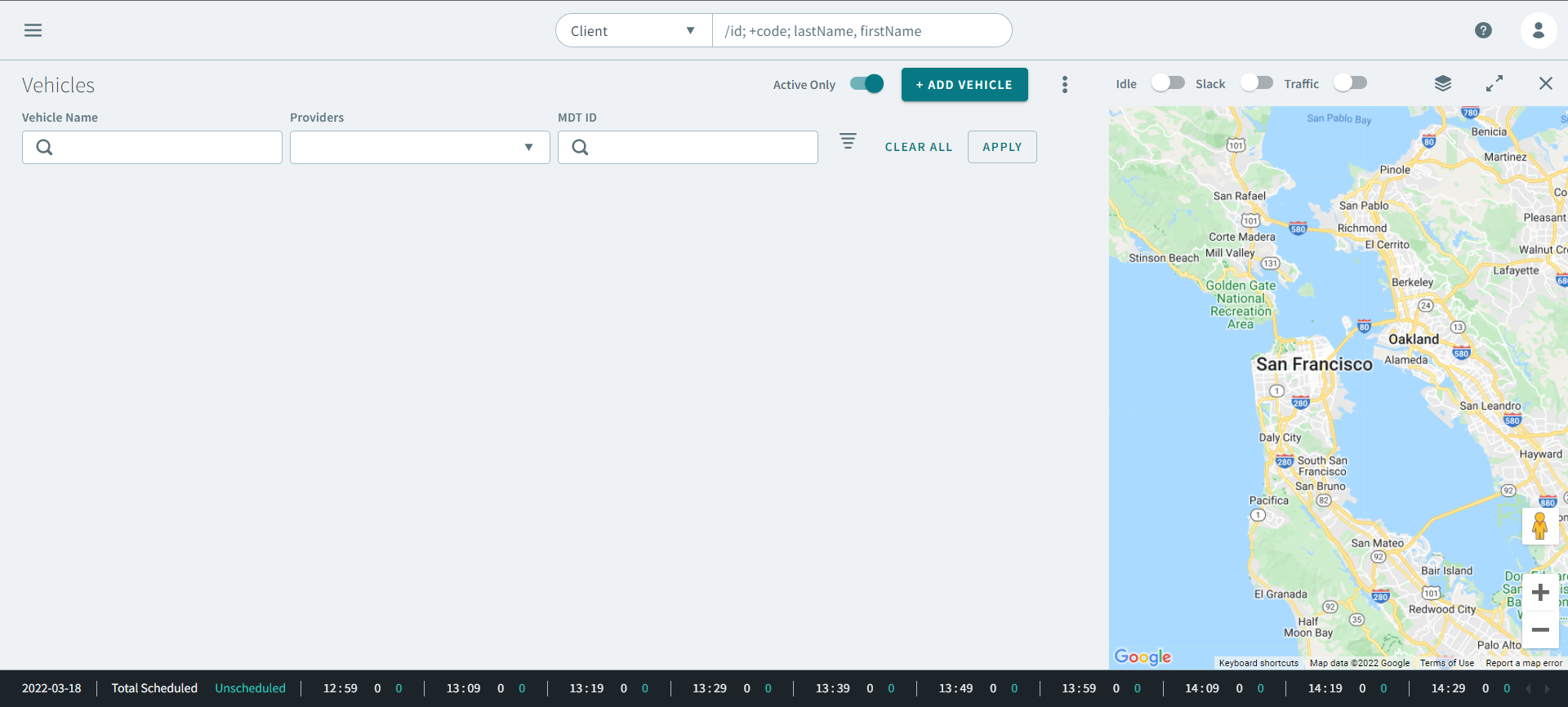
The Vehicle page must be open.
Procedure
-
To find a vehicle, enter information in the following fields:
- Optional:
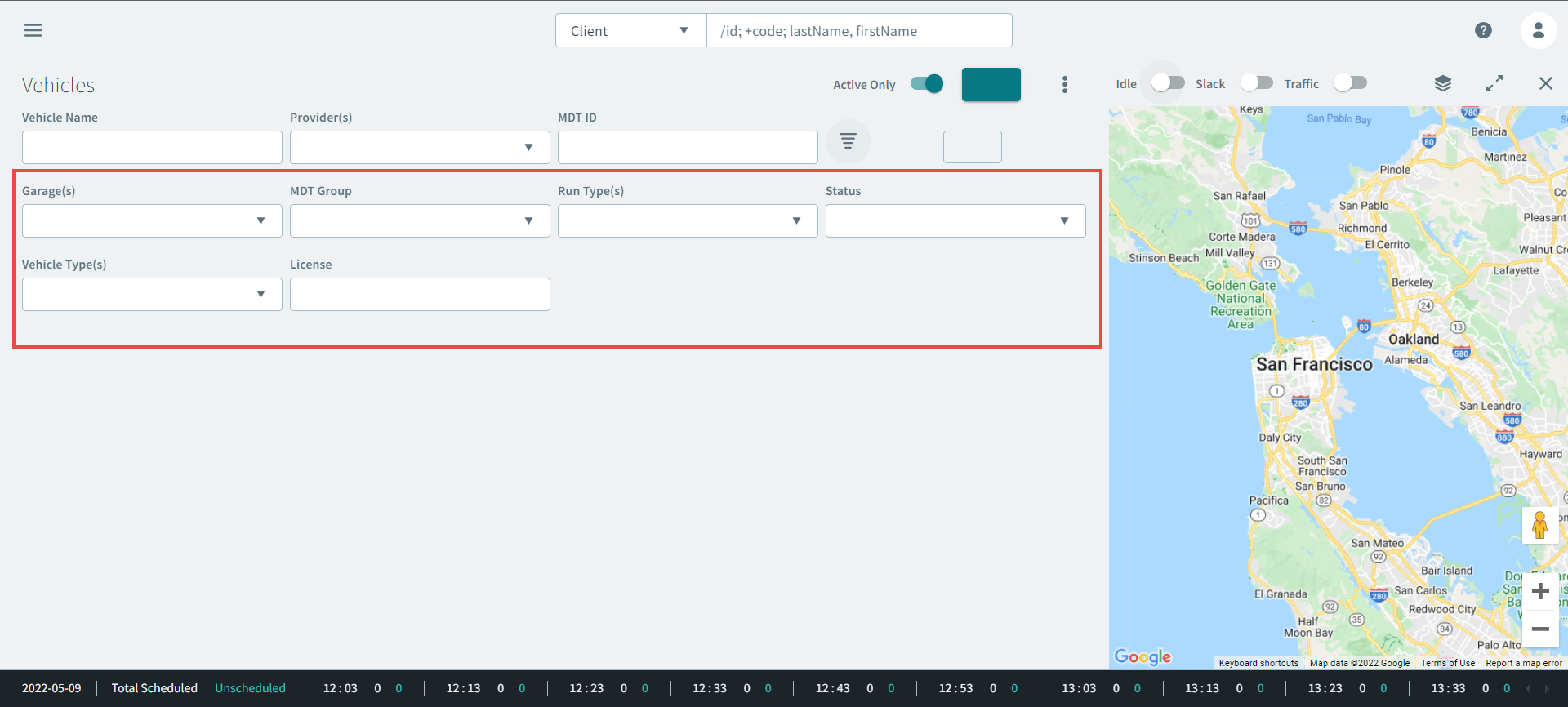
To narrow your search results, click the
 the Advanced Search icon.
Advanced Search parameters expands.
- Optional:
Enter the vehicle information in the following parameters:
-
Click Apply.
The vehicle displays in the grid.
-
Double-click the vehicle in the search results.
The vehicle profile opens.
-
In the vehicle profile, scroll down to the Maintenance
section. View or update the latest maintenance date for the following:
- Last Wash
- Last Service
- Last Oil Change
- Last Inspection
-
If you updated the maintenance status of the vehicle, click
Save.
TRADE SECRET. Modaxo Proprietary and Confidential. © Modaxo Inc., its subsidiaries and affiliates. All rights reserved.
