
Viewing and Editing Vehicles
Use the Vehicles page to find and edit existing vehicle profiles.
Before you begin
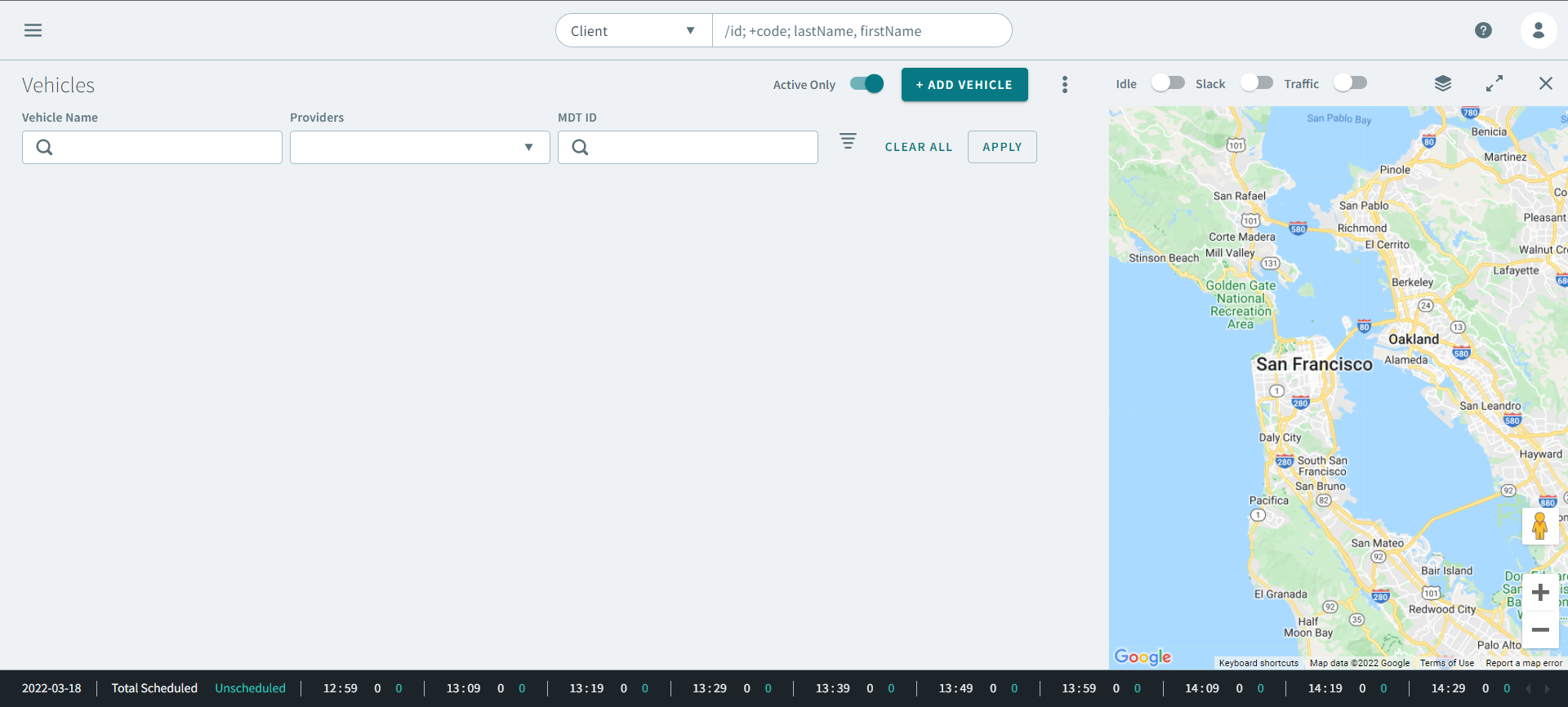
Procedure
- Enter vehicle information in the following fields:
- Optional:
For more refined vehicle results, click
 Advanced Search .
Advanced Search parameters expands.
Advanced Search .
Advanced Search parameters expands.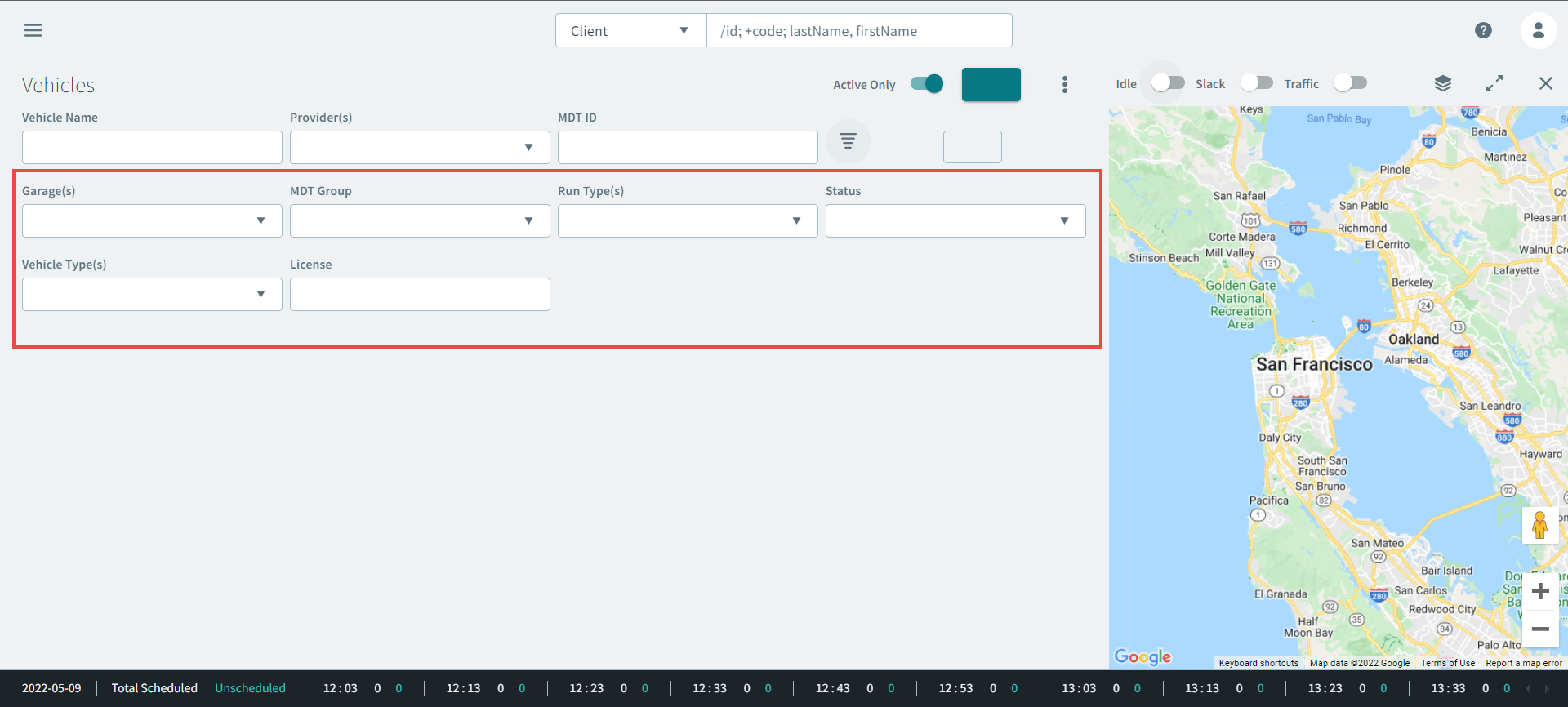
- Optional: Enter the vehicle information in the following parameters:
-
Click Apply.
Vehicle results appear in the grid.
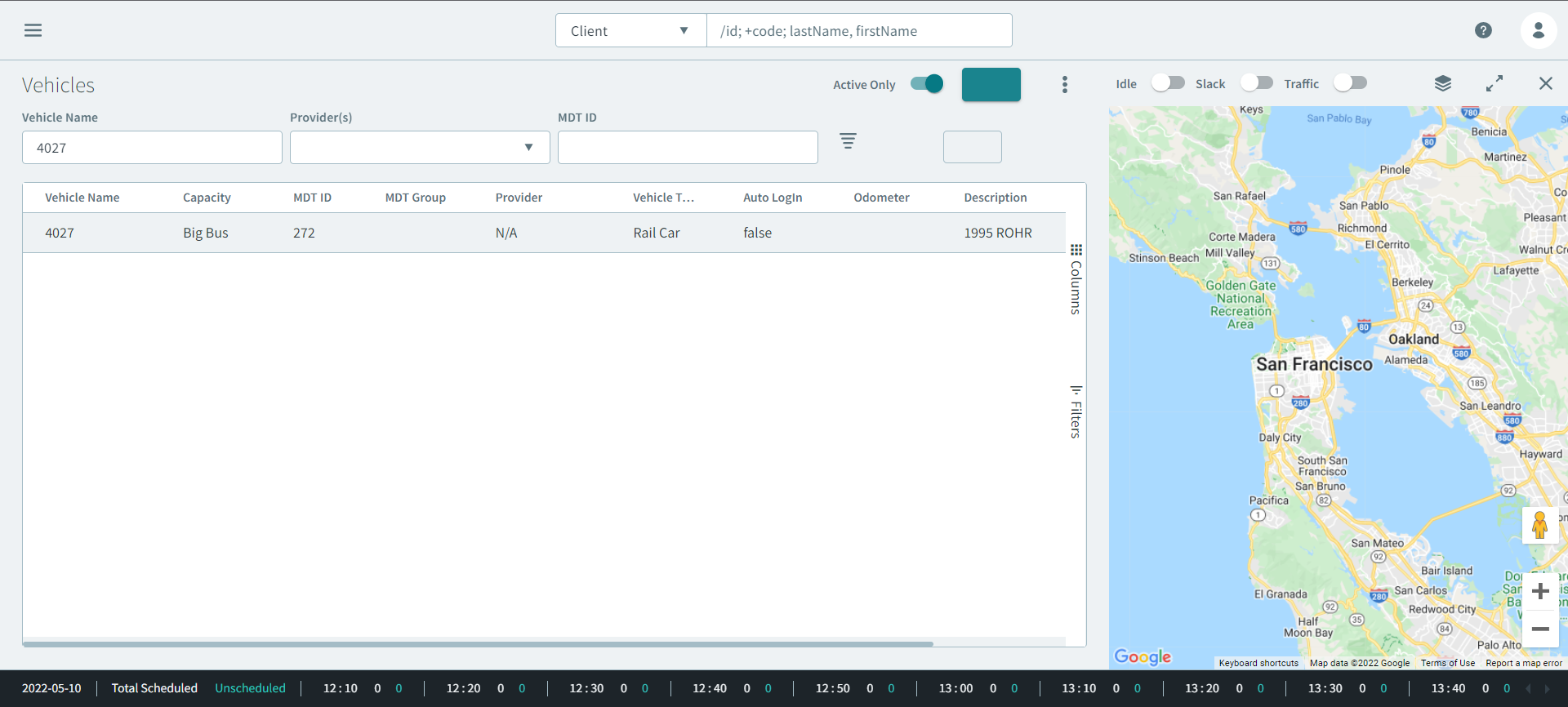
-
Double click the vehicle result.
The vehicle profile opens.
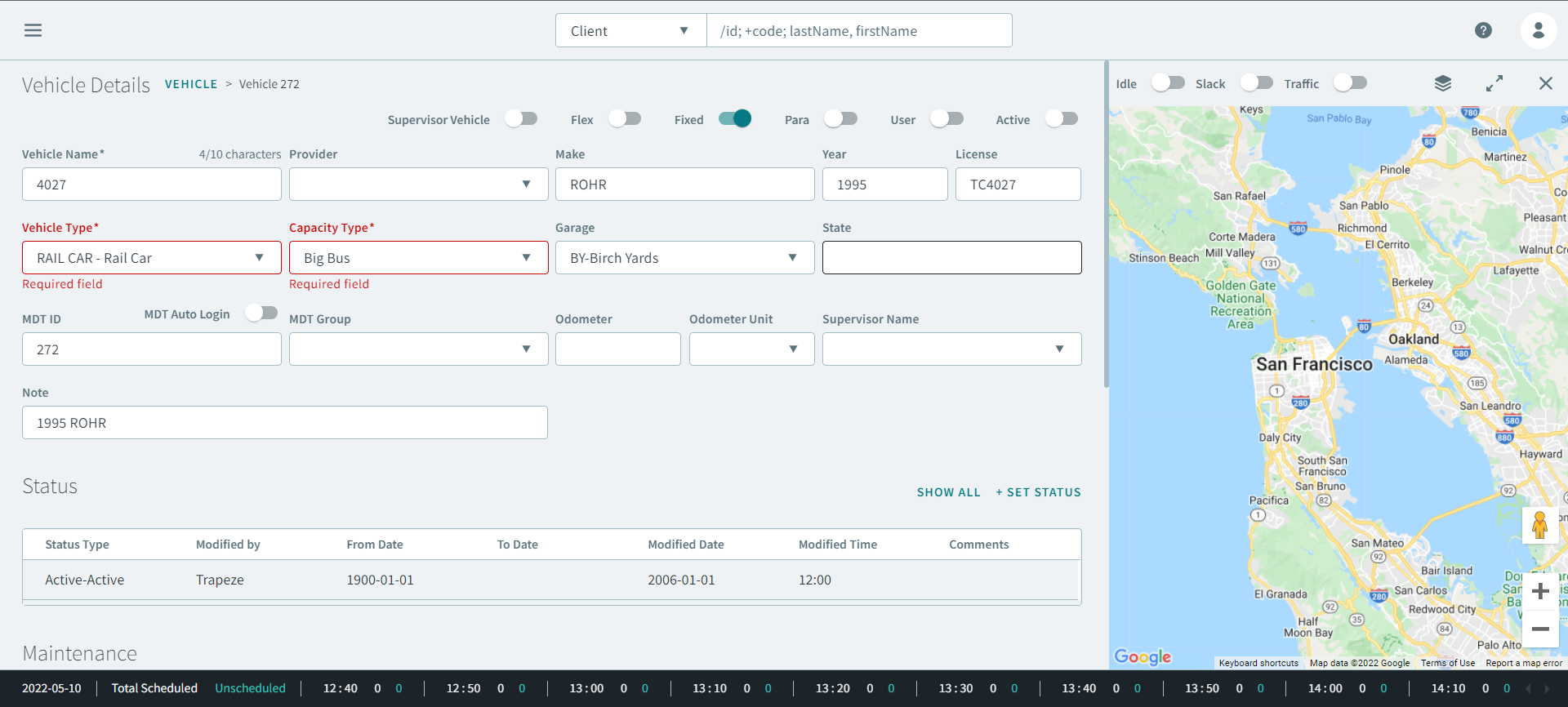
- Make changes the necessary changes.
- Click Save.