Live Vehicles
The Live Vehicles page allows users to have a real-time view of the location of vehicles on runs.
To open the Live Vehicles page, click  Main Menu>Live
Vehicles.
Main Menu>Live
Vehicles.
Main Menu>Live
Vehicles.Live Vehicles is a new feature added to One Mobility, and is not available in the PASS workstation. It allows you to see the real-time location of vehicles that are operating on runs.
How to View Live Vehicles?
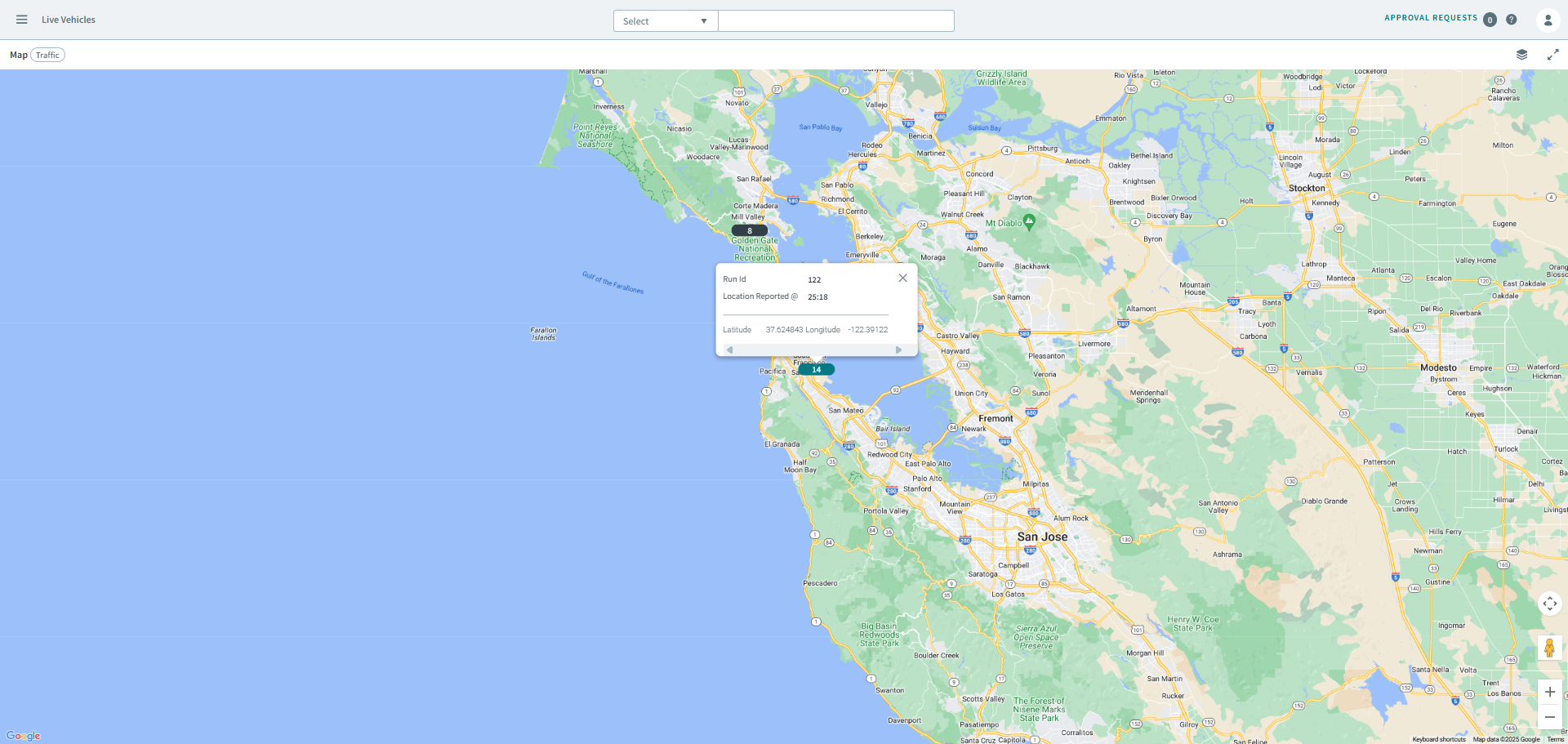
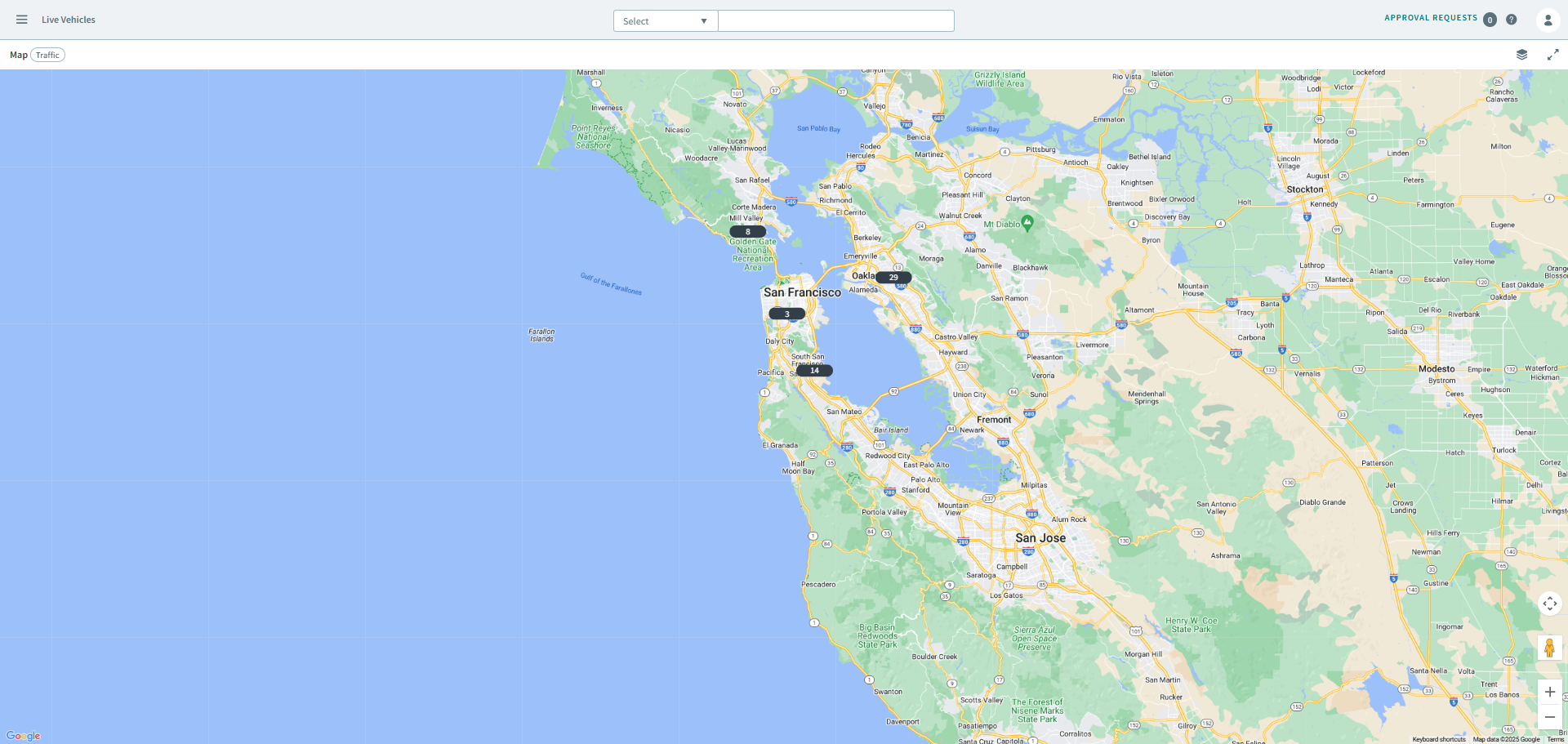
As a One Mobility user, there isn't any setup required for Live Vehicles, simply navigate to the page to start viewing live vehicles. When you open the page, markers on the map indicate the live runs (the number inside of the marker indicates how many trips are on the run) and where it is located in real-time.
When you click on a marker, a pop-window provides additional information of the run,
showing the run id, the time stamp of the last location that was reported by the
driver, and its co-ordinates (longtitude and latitude).