
Employees
Use the Employees page to search for employee information and to add new employee records to your agency's database.
 .
.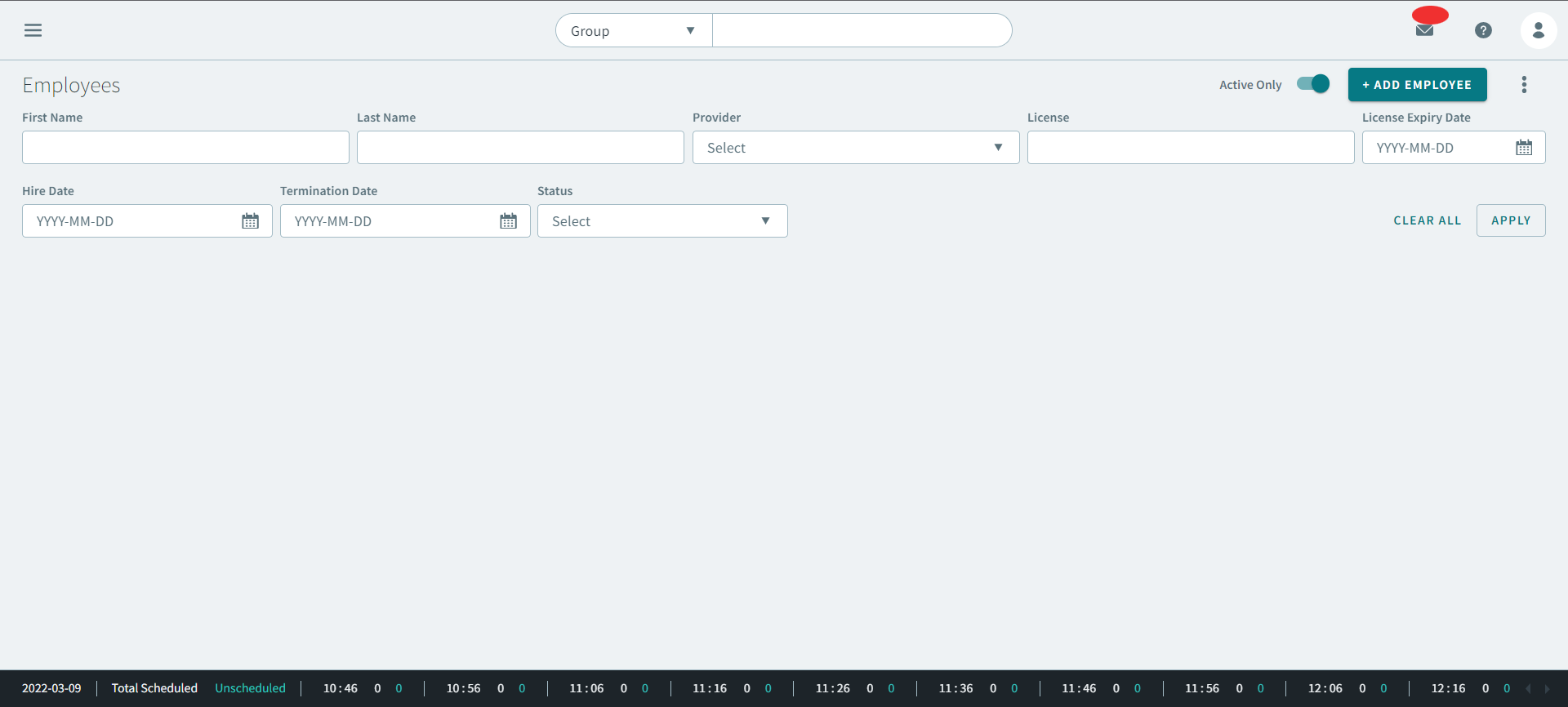
You can use the Employees page to create and locate employees profiles from your agency. Employee profiles are typically for the drivers who operate transit agency vehicles. They can also be created for reservationists, schedulers, dispatchers, and administrators.
What is an Employee profile?
An employee profile is where you store all of your employee information. Profiles are assigned an ID number. Detailed information can be added, including hire date, the associated provider, and any certification information. Employee status can also be defined. For example, if an employee is taking a vacation, that information can be entered into the system and a violation will be visible if they are assigned to a run.