
Setting an Employee Status
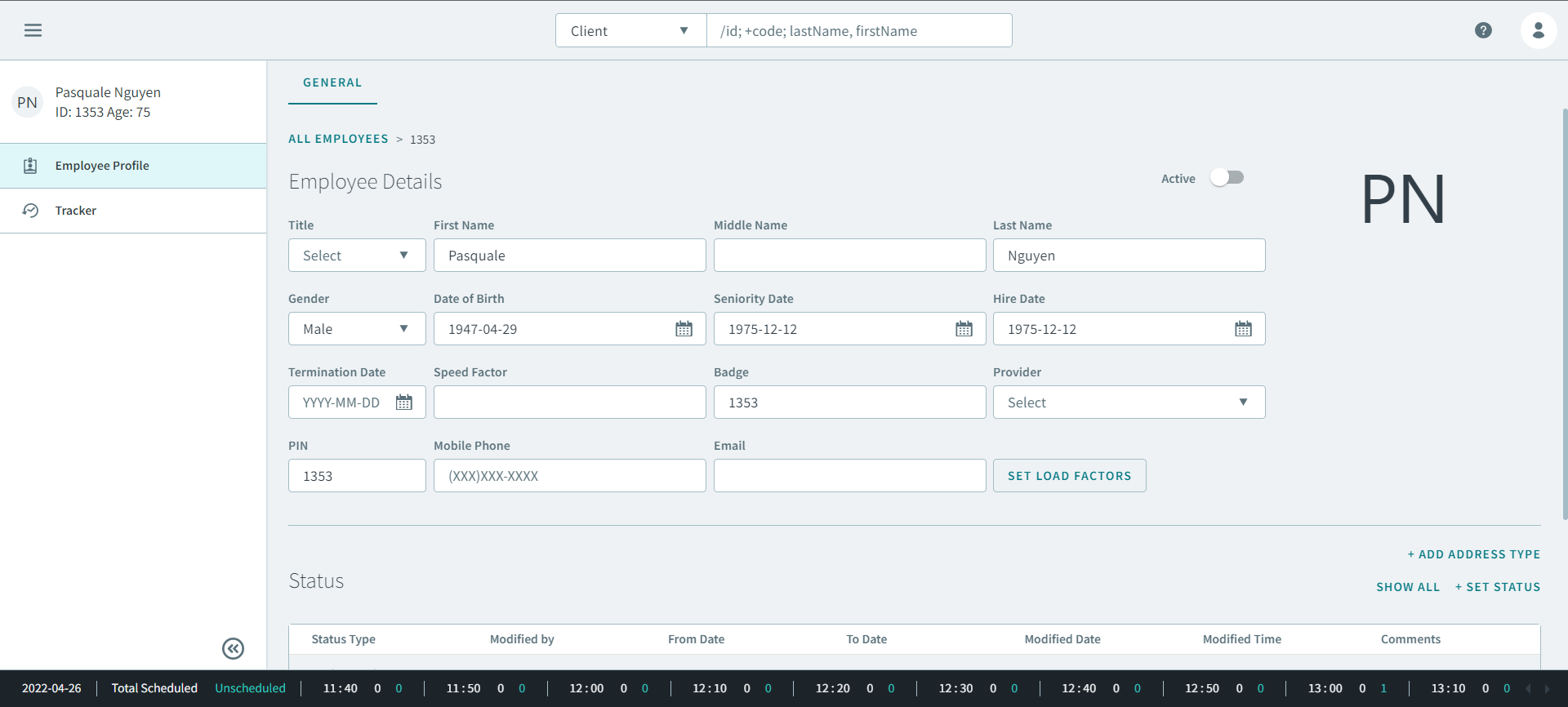
When an employee is active, sick, laid off, or on vacation, you will need to set their status.
Before you begin
About this task
Procedure
-
Click +Set Status.
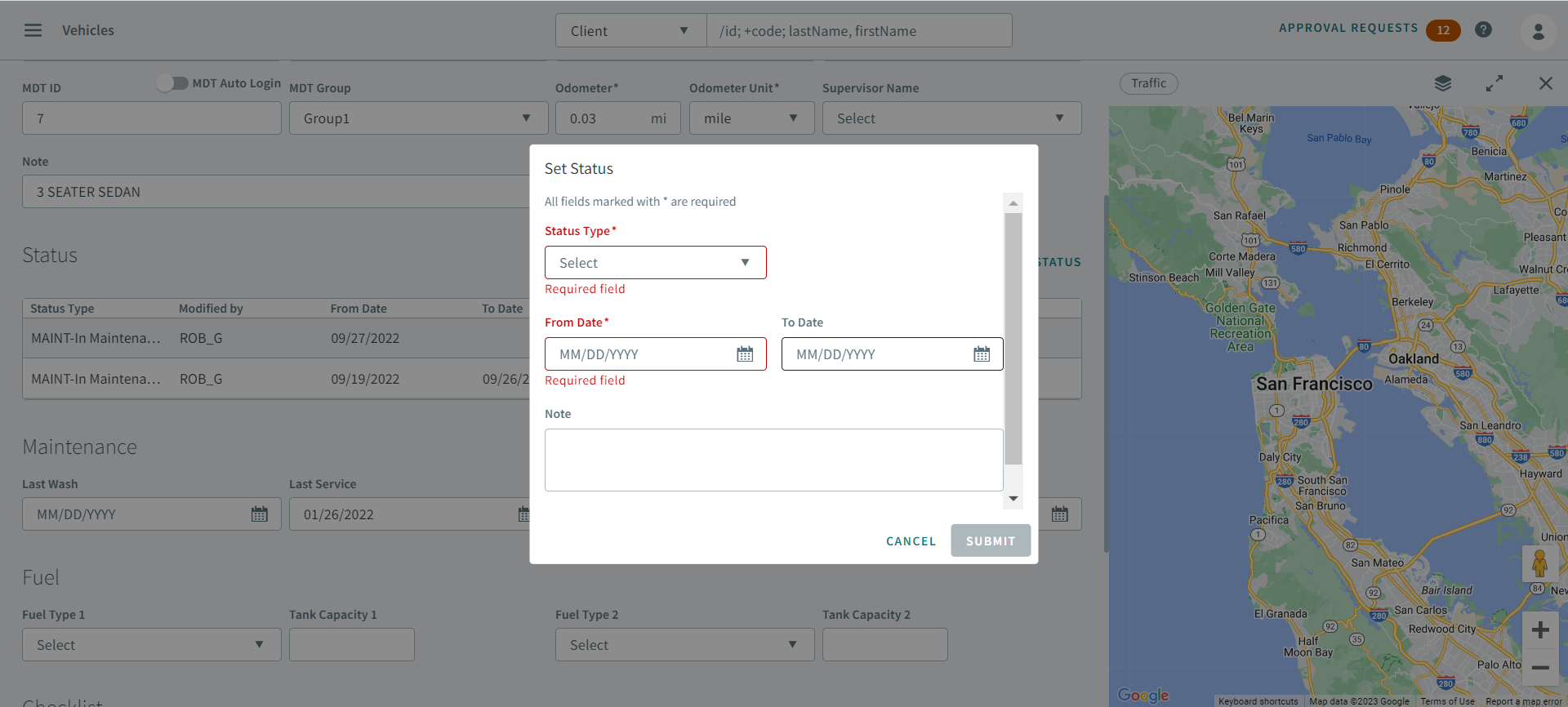
The Set Status box opens.
-
In Status Type, select a type from the dropdown list.
Remember:Status types options are created in ancillary data.
- In From Date and To Date, enter or select the dates from the calendar for the duration of the status.
- Optional: In Note, add additional information for the status.
- Click Submit.