
Adding a load factor
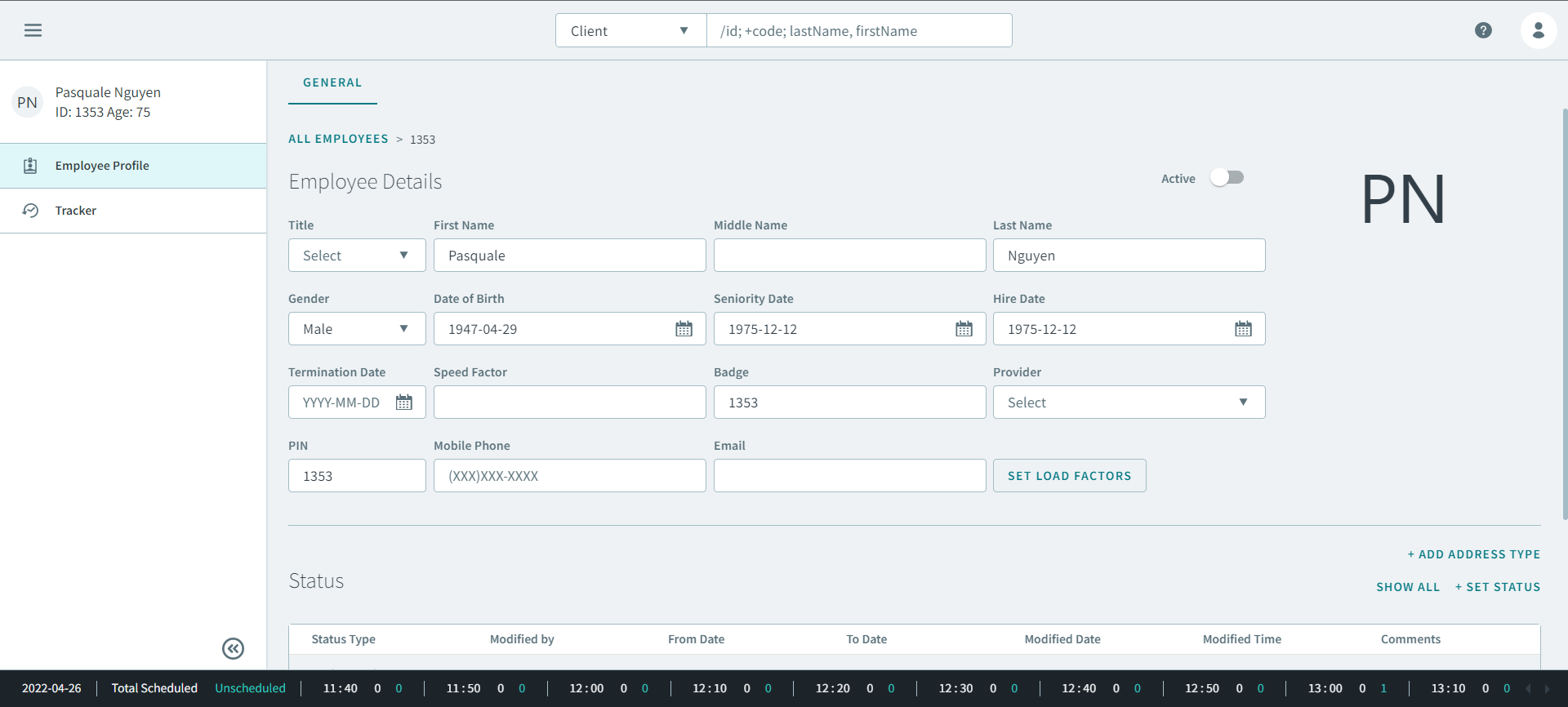
You can add a load factor to a driver's employee profile.
Before you begin
About this task
Procedure
-
Click Set Load Factors
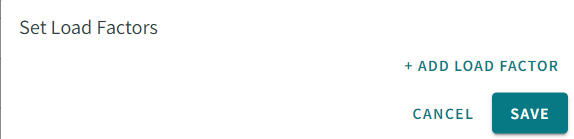
Set Load Factors opens.
- Optional: If there is an existing load factor, in From Date, enter or select a date from the calendar.
-
Click +Add Load Factor.
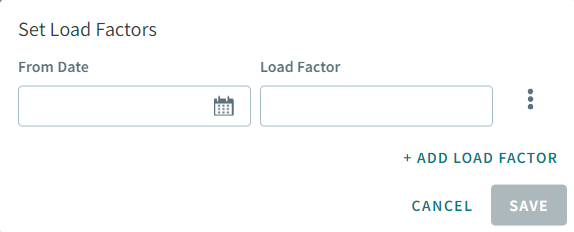
- In From Date, enter or select a date from the calendar.
- In Load Factor, enter the length of time in minutes (for example, 10) that it takes to load passengers.
- Optional: Click +Add Load Factor to add additional load factors.
- Click Save.