
Runs
Runs are a group of events (routes and trips) assigned to a vehicle that must be completed on any given day.

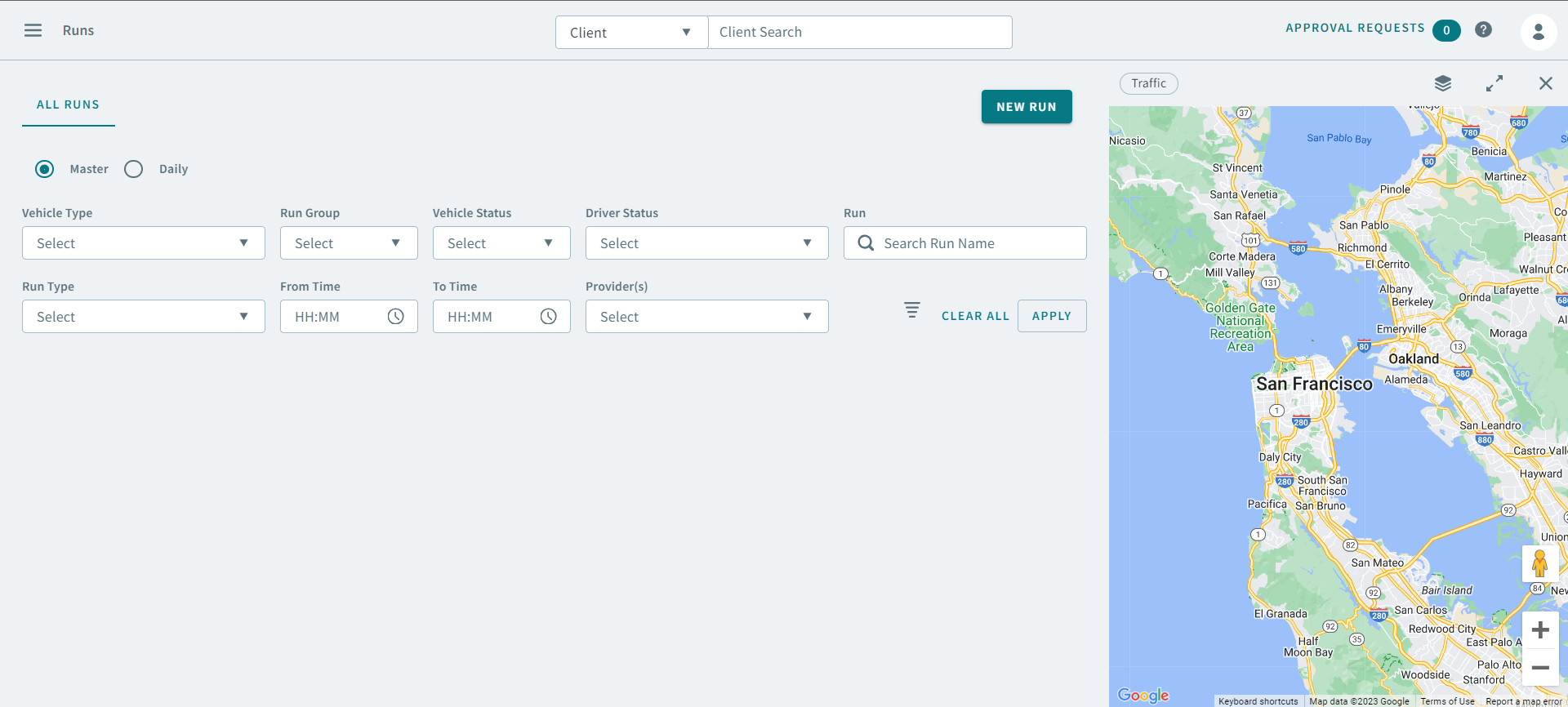
Master, Template, and Daily Runs
There are three types of runs: master, template, and daily.
Master runs, like subscription bookings, are inactive. No trips can be scheduled to master runs. Once you have created a master run, you can make template and live copies of the master run. This allows you to make the run active. Daily runs copies of master runs.
Template runs are copies of master runs. Template trips are scheduled to template runs. Therefore, template runs should be made available before you accept subscription bookings. Building and using template runs ensures efficient and reliable schedules. Once you have created a master run, you can create a template run for each week day on which the master run is intended to operate.
To view template runs for a specific week day, select the Daily option, select Template in the Schedule Type drop list menu, and then in the Schedule drop list menu, choose the Template day (for example, Template Tuesday), and click Apply. Runs shows all template runs for the template day you select.
Daily runs are created to operate for a specific live date only. The Schedule Server creates live schedules automatically every day at midnight. With every live schedule the system makes a copy of every master run file that occurs on that weekday. For example, when the live schedule for Friday, October 14, 2021 is created, all master runs occurring on Friday are activated to the daily run list for that date. The Schedule Server activates master runs to the daily run list once a day. However, if you have just created a new master run and you wish it to be activated for the current live schedule that has already been loaded, then you must manually activate the master run to the daily run list.