
Assign Driver/Vehicle in Runs
You can assign a driver/vehicle to a run in Runs.
Before you begin
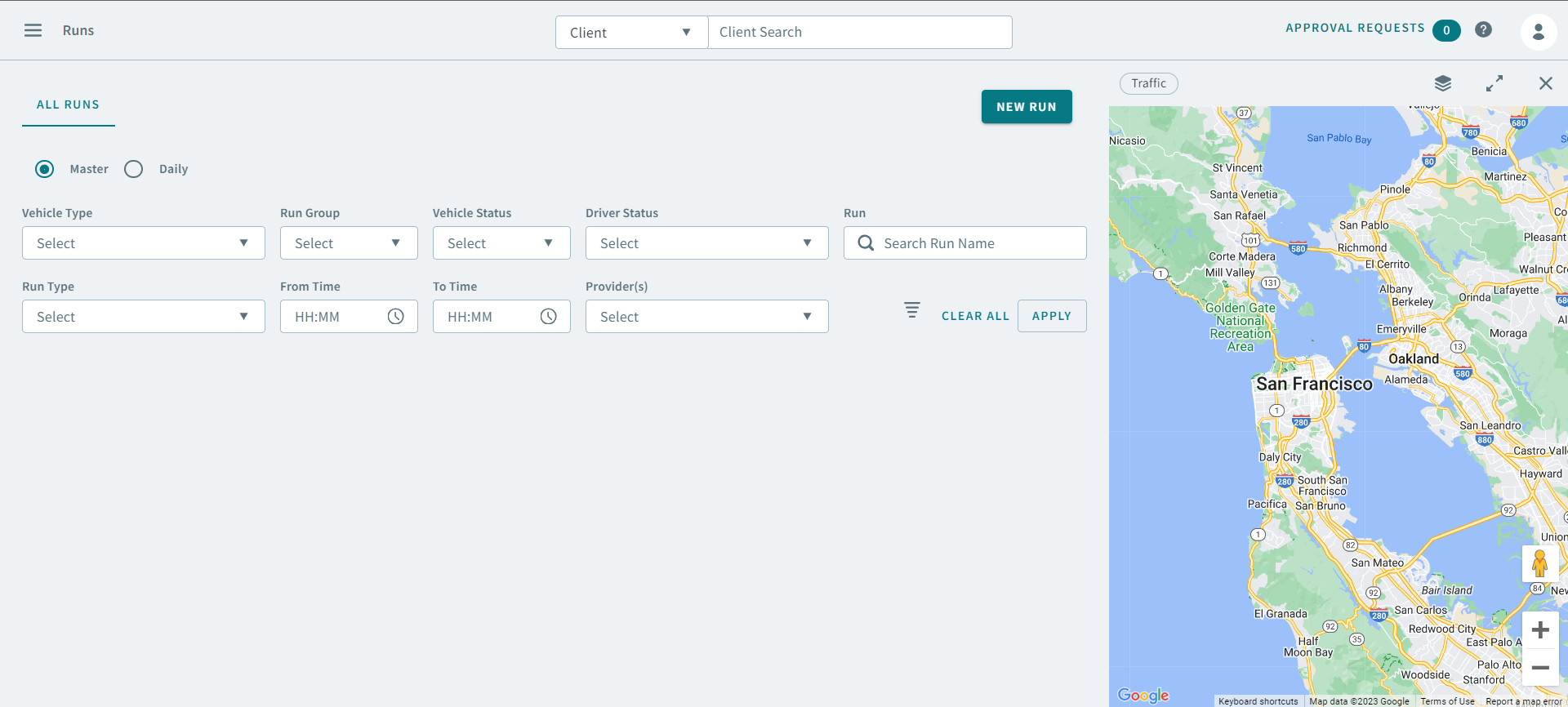
Procedure
- Click the Daily option.
-
Use the following search parameters to find a run:
- Schedule Type
- Schedule
- Vehicle Type
- Run Groups
- Run Types
- Vehicle Status
- Driver Status
- Run
- From Time
- To Time
- Provider(s)
-
Click Apply.
The run appears in the grid.
-
Right-click a run and select Assign Driver/Vehicle
The Assign Driver/Vehicle pop-up window opens
- In the Driver search box, type a driver's name, or click in the search box for a list of drivers.
- In the Vehicle search box, type a vehicle name.
- Turn the Perform toggle on.
- Optional: Enter information into the Note text area.
- Click Submit.