
Viewing Runs
Runs can be viewed from the Runs page.
Before you begin
Procedure
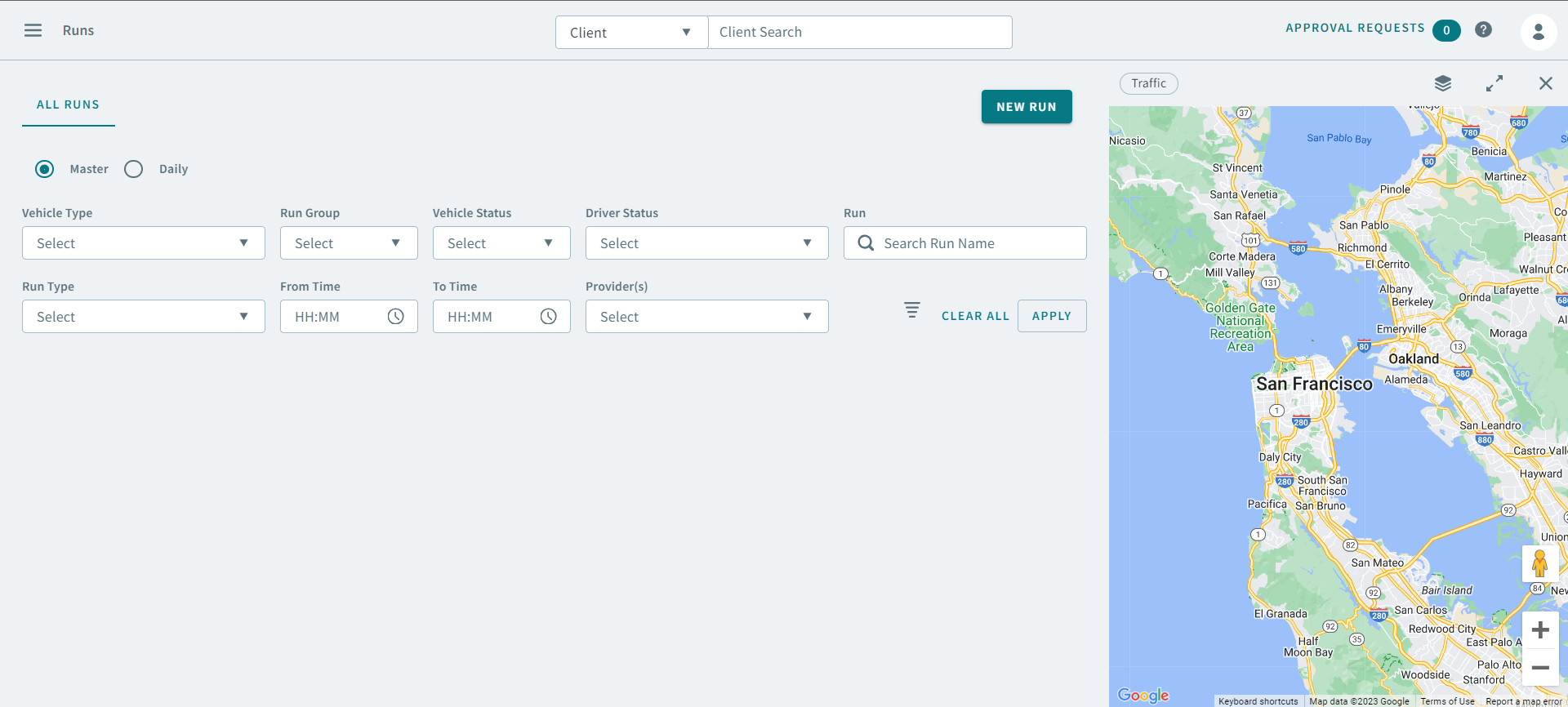
- Click the Master or Daily option.
- Optional:
If you clicked Master, you can use the following search
parameters to find a run:
- Vehicle Type
- Run Groups
- Run Types
- Vehicle Status
- Driver Status
- Run
- From Time
- To Time
- Provider(s)
- Optional:
If you clicked Daily, you can use the following search
parameters in addition to the previous ones mentioned in Step 2:
- Schedule Type
- Schedule
-
Click Apply.
The run appears in the grid.