
Freezing/Unfreezing runs
Freezing a run prevents trips from being added to it, and existing trips from being removed from it. Unfreezing will remove the freeze status.
Before you begin
About this task
Procedure
- Click the Daily option.
-
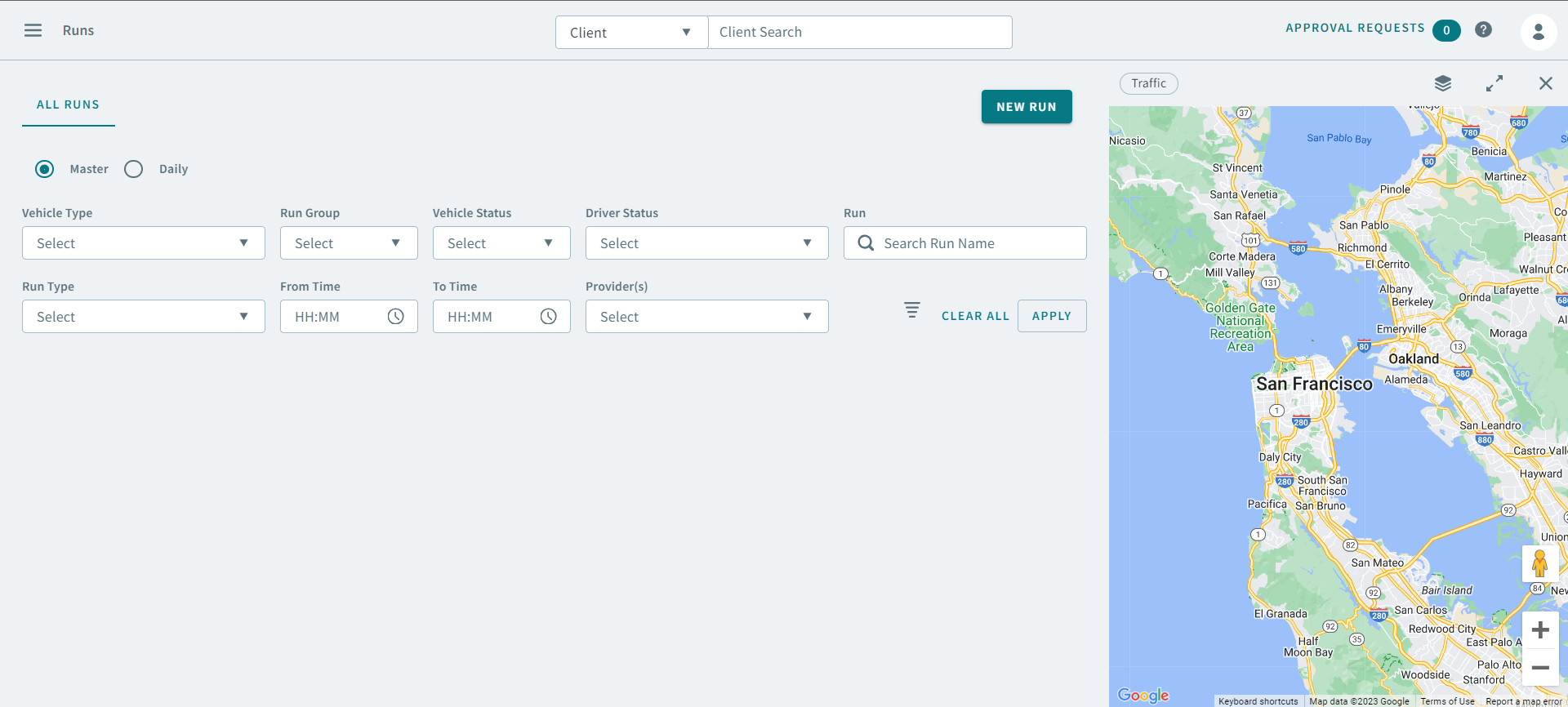
Use the following search parameters to find a run:
- Schedule Type
- Schedule
- Vehicle Type
- Run Groups
- Run Types
- Vehicle Status
- Driver Status
- Run
- From Time
- To Time
- Provider(s)
-
Click Apply.
The run appears in the grid.
- Right-click a run and in the pop-up menu, select Freeze. To unfreeze a run, right-click a frozen runs, select Unfreeze in the pop-up menu.