
Create Group Bookings
A group booking is an on-demand booking for a group of clients that have the same pick-up or drop-off point.
Before you begin
Procedure
-
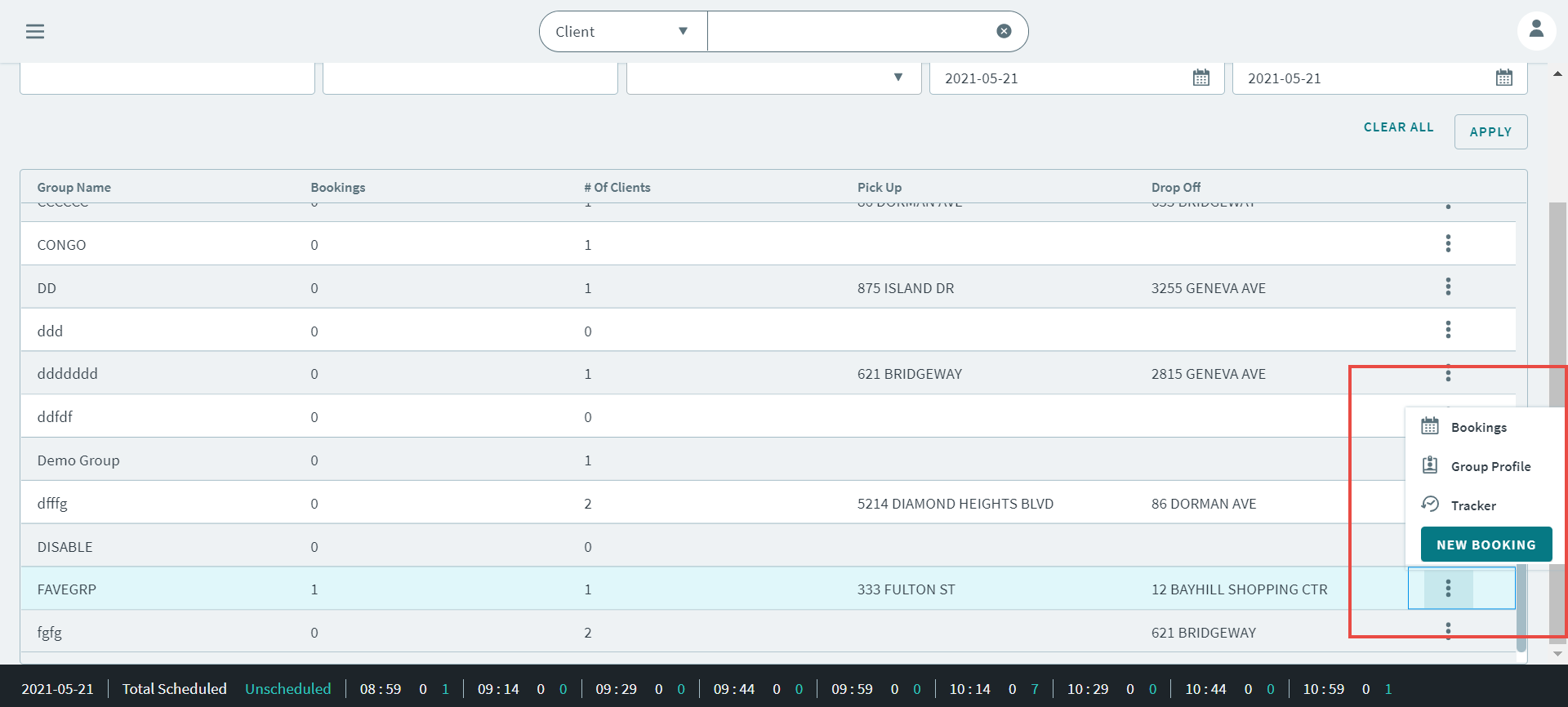
Choose from the following to open a group profile.
- In the Groups page, search for a group profile.
Right-click a group profile and select New Booking in
the pop-up menu.
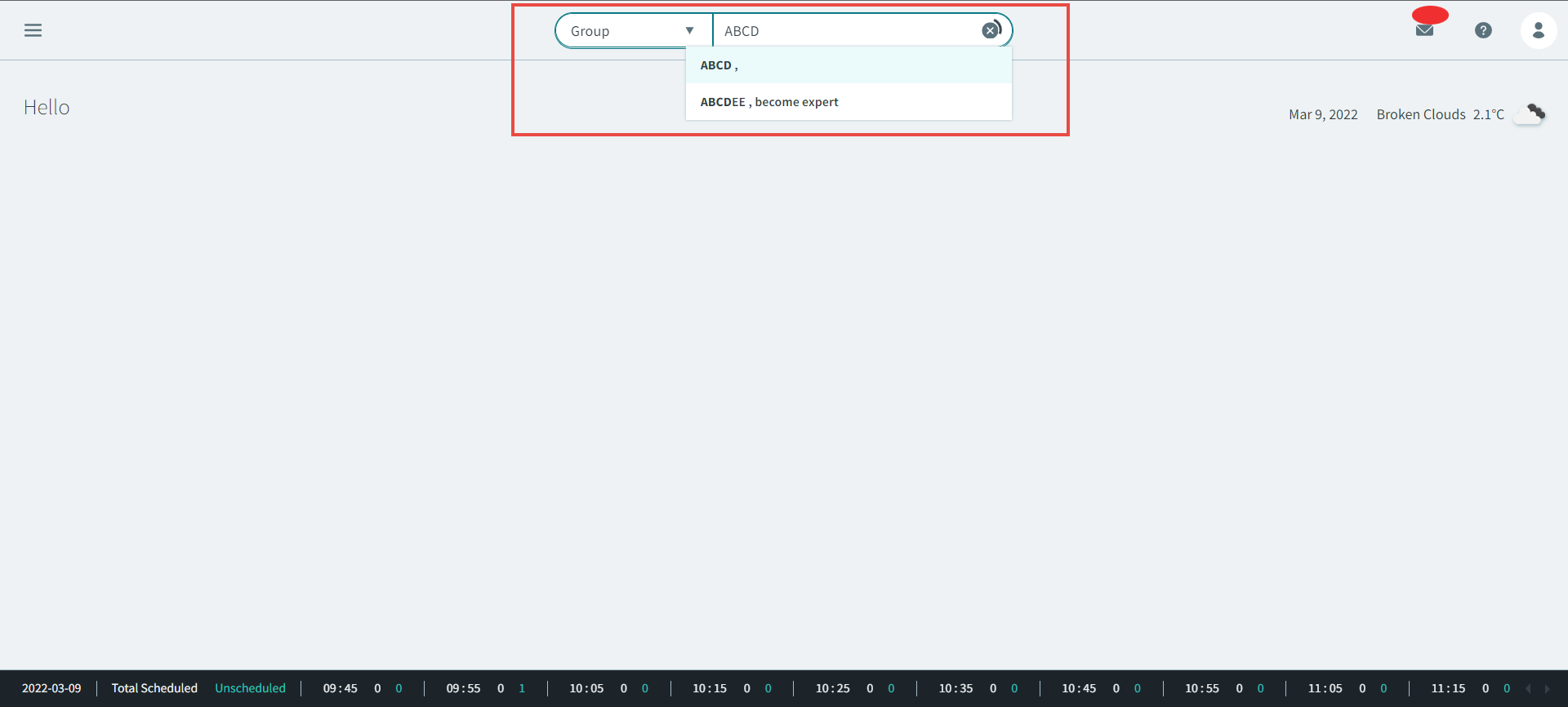
- In the Global Search Box, select Group in the
dropdown list, and then type the group name in the Group
Search box.
The Create Group Booking page opens.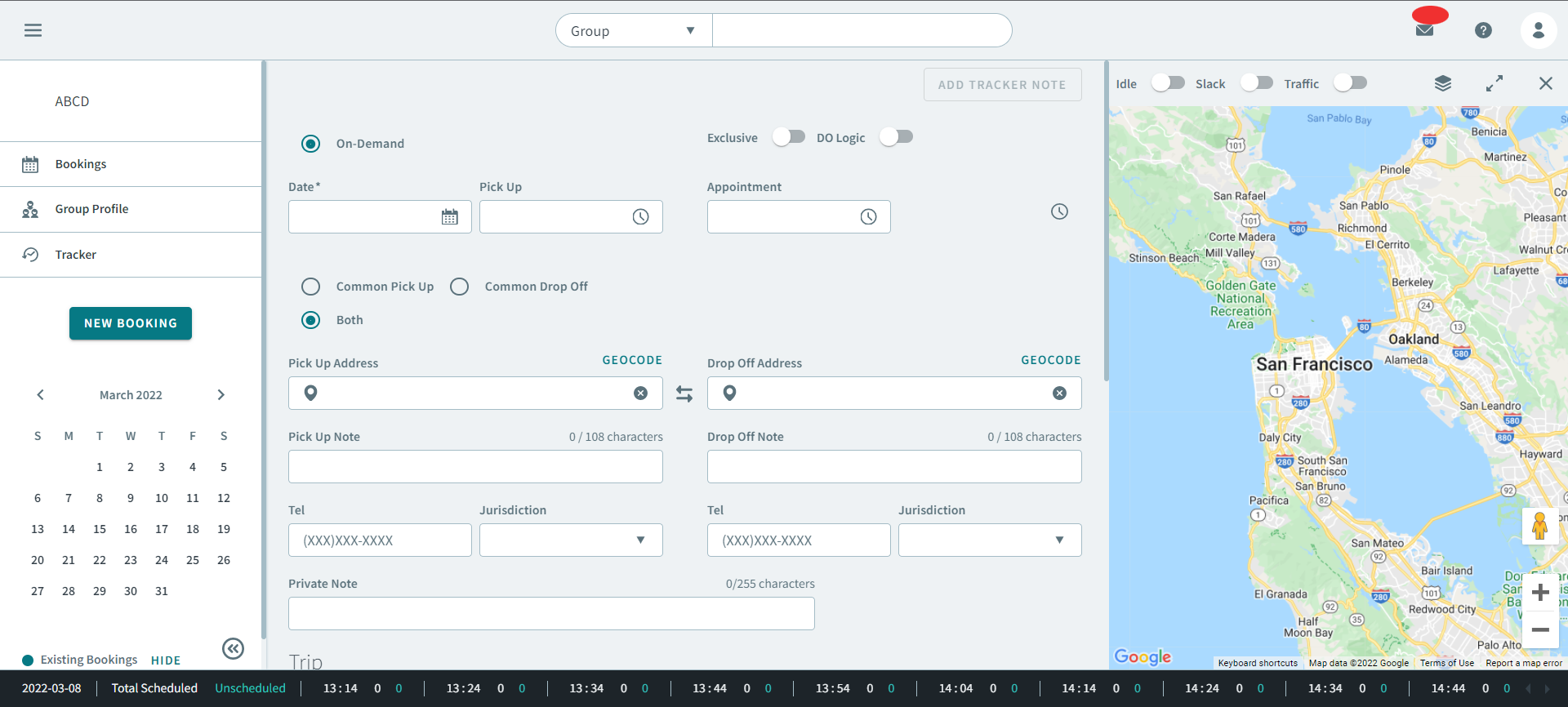
- In the Groups page, search for a group profile.
Right-click a group profile and select New Booking in
the pop-up menu.
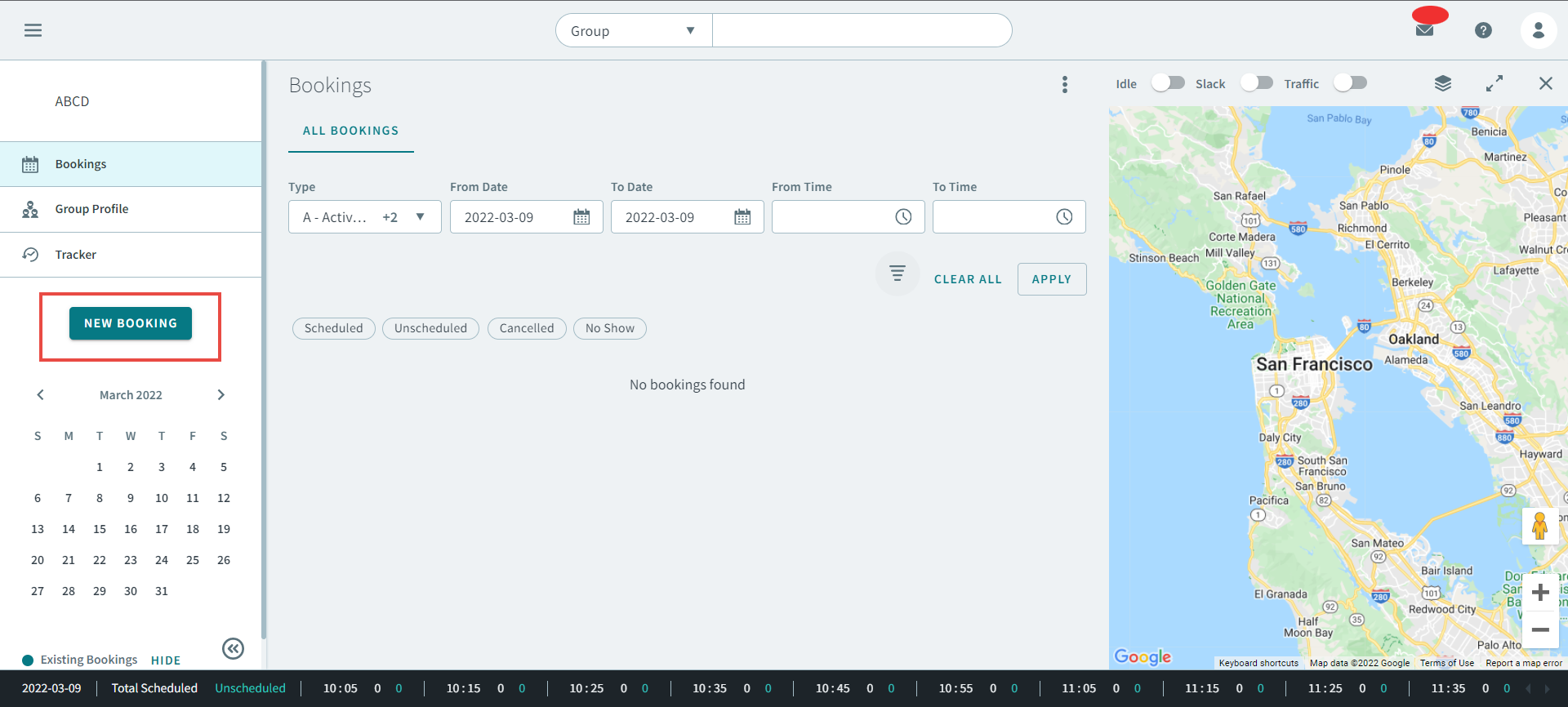
-
In the group's booking page, click New Booking in the
sidebar.
- Optional: Toggle Exclusive on.
- Optional: Toggle DO Logic on.
- In the Date box, enter or select a date from the calendar.
- Type a time (hh:mm) into the following fields:
- Select one the following options:
- Enter a phone number in the Tel field.
- Optional: Select a jurisdiction polygon from the Jurisdiction drop-down menu.
- Optional: Type a note into the Private Note field.
- Optional: Select a purpose from the Trip Purpose drop-down menu.
- Optional: Search for a client profile in the Search Client field, and click Add Client.
- Click Save.