
Viewing Vehicles on a map
A vehicles location can be displayed on a map in real time.
Before you begin
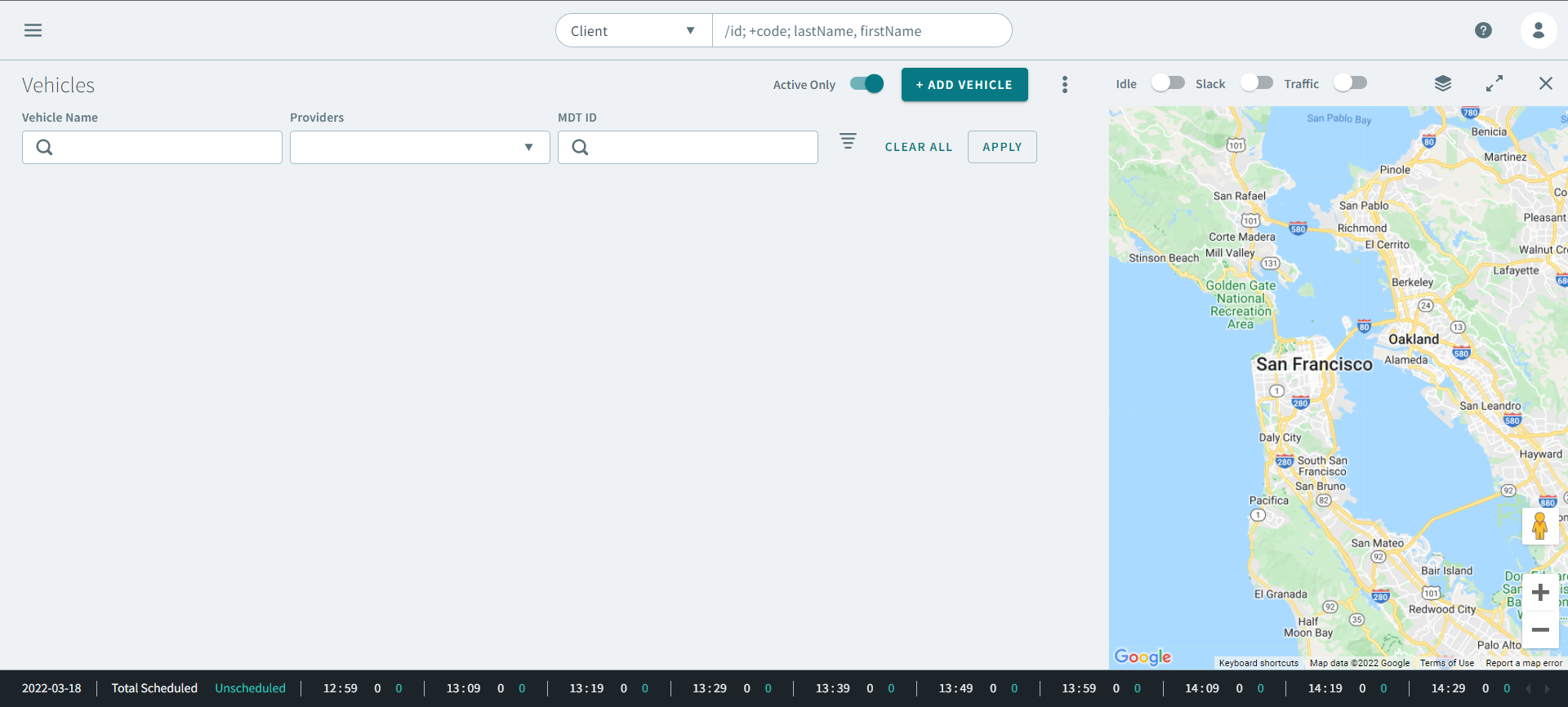
Procedure
- Enter vehicle information in the following fields:
- Optional:
For more refined vehicle results, click
 Advanced Search .
Advanced Search parameters expands.
Advanced Search .
Advanced Search parameters expands.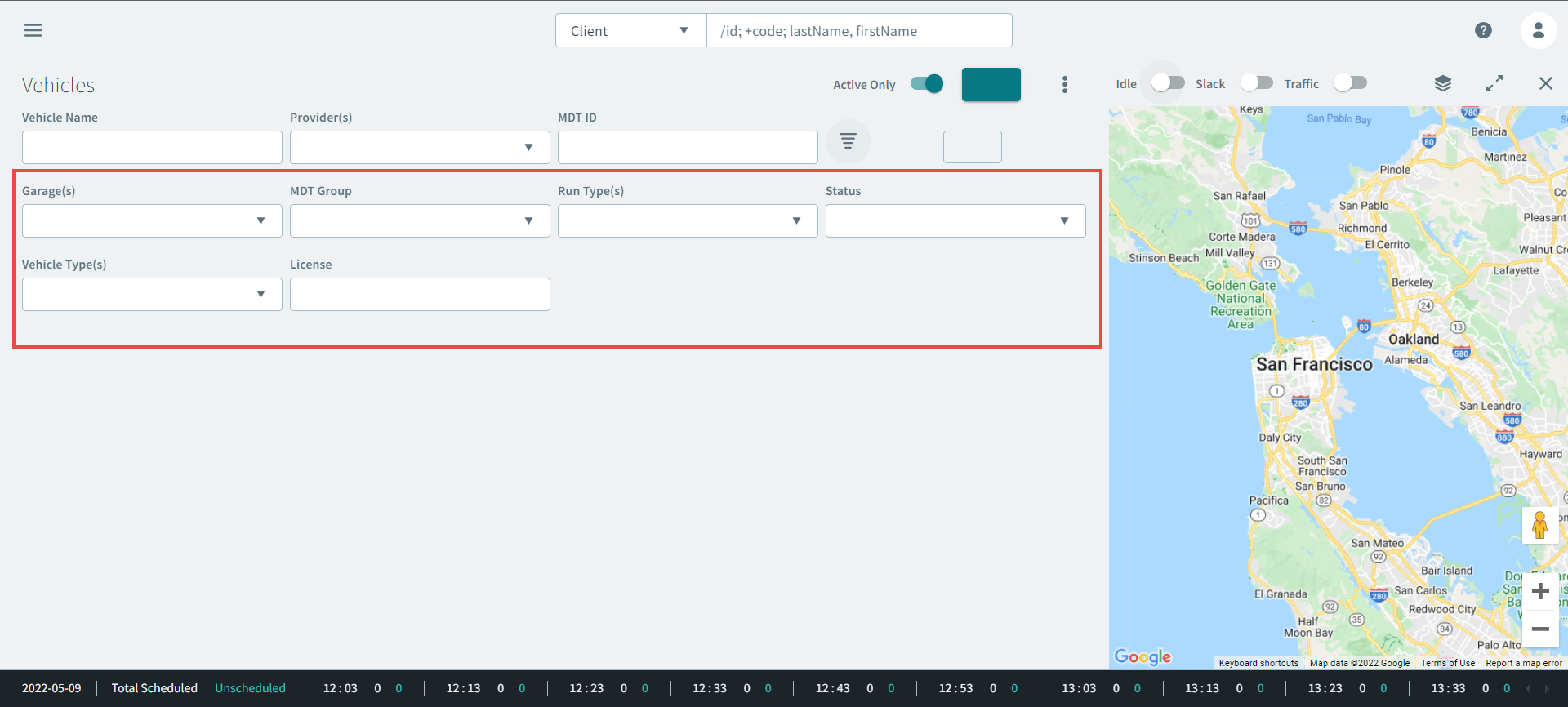
- Optional: Enter the vehicle information in the following parameters:
-
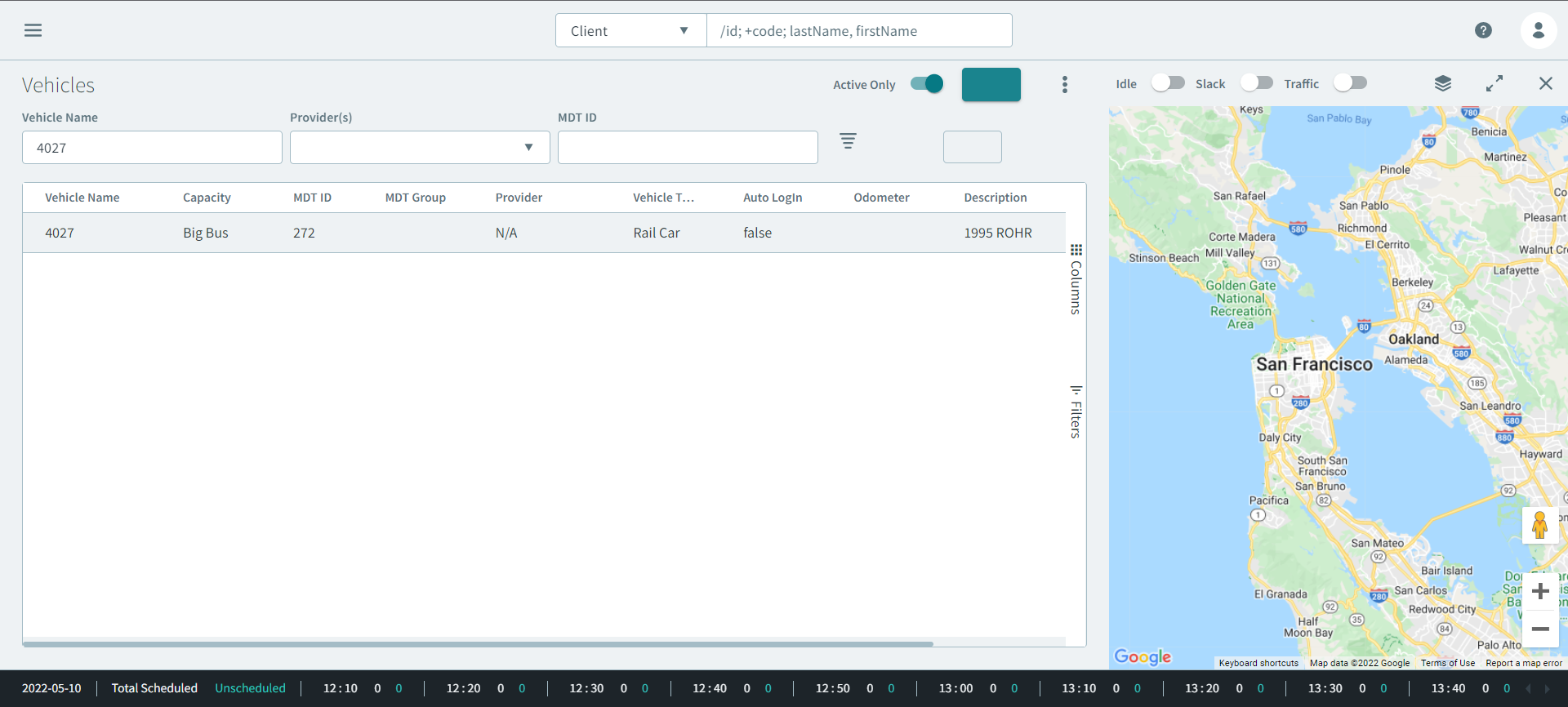
Click Apply.
Vehicle results appear in the grid.
-
Click the
 three dots icon.
The Vehicles pop-up opens.
three dots icon.
The Vehicles pop-up opens.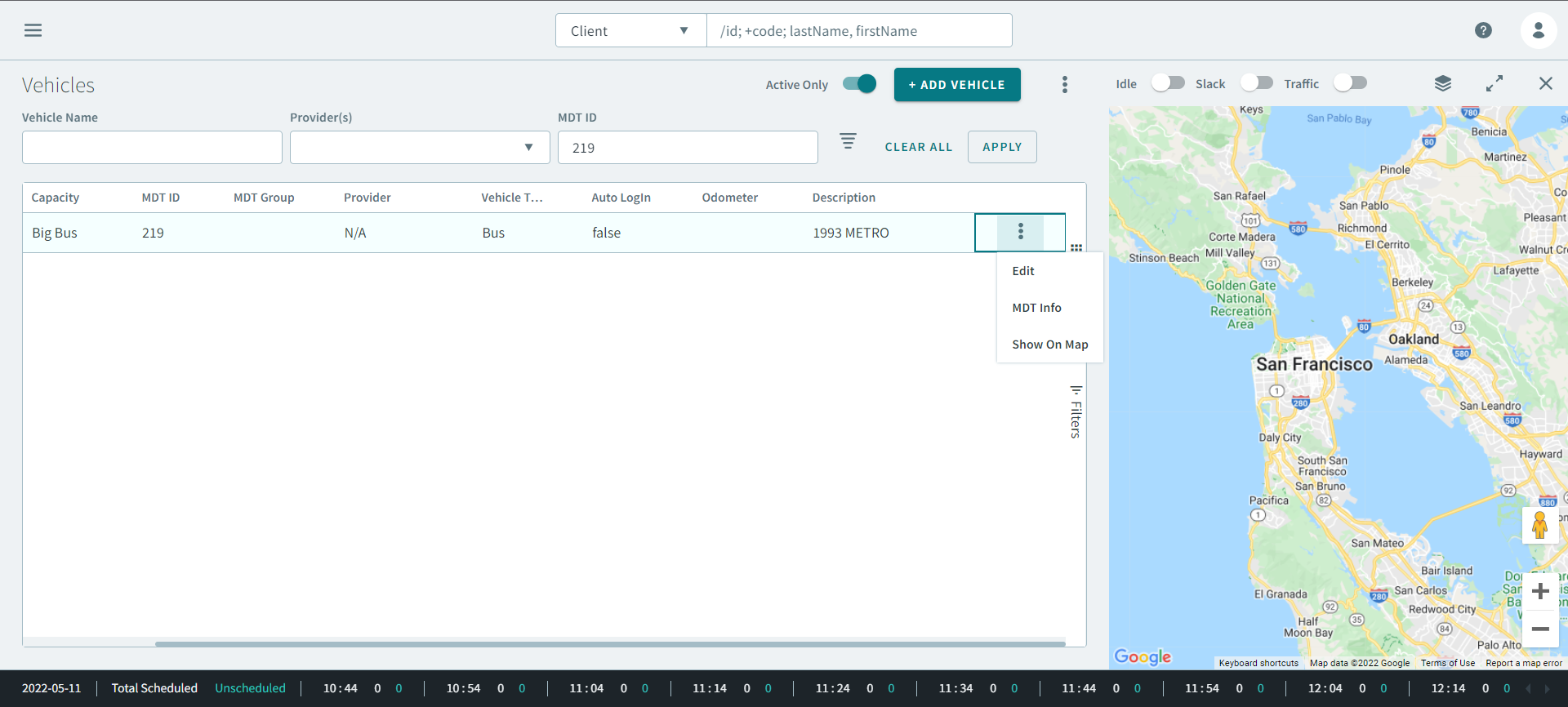
-
Click Show On Map.
The vehicle's location appears on the map.