
About the Incident Detail Dialog
The Incident Detail dialog lets you enter detailed information about incidents and perform other actions.
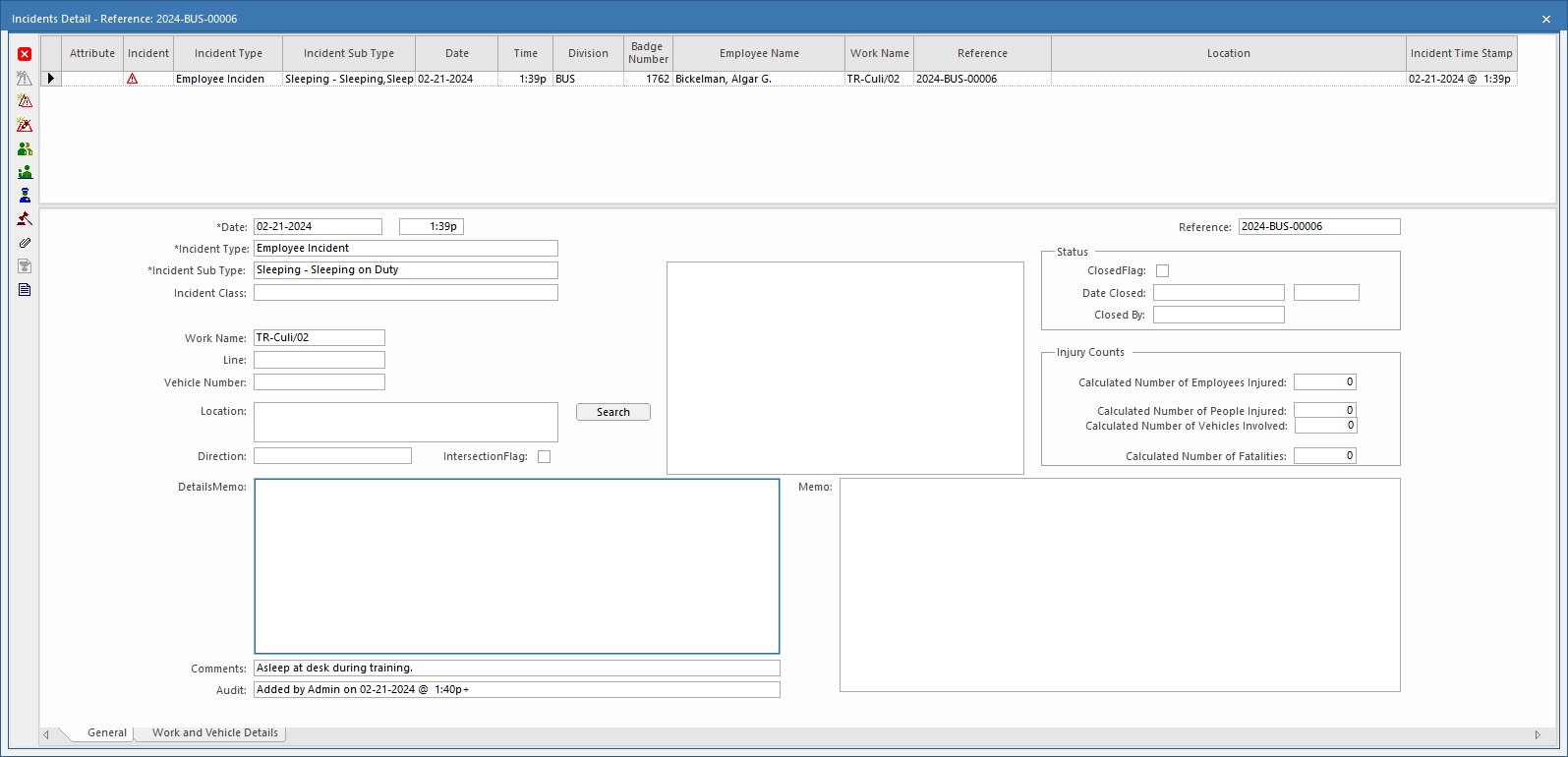
The Incidents Detail dialog has two tabs:
- General
- Work and Vehicle Details
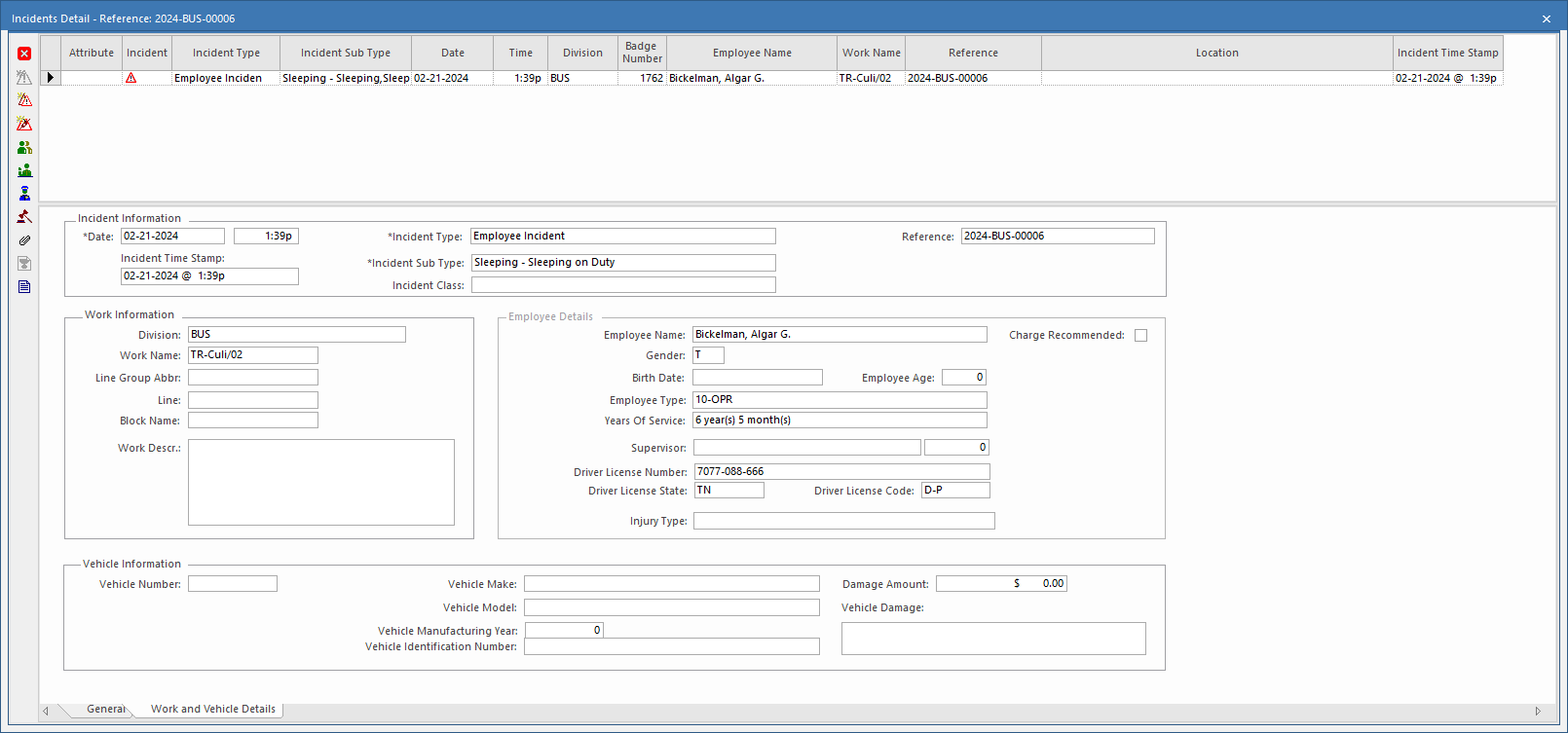
Table 1. Incident Detail Toolbar Button Descriptions Button Label Description 
Create Incident Creates a new incident record. 
Create Dependent Incident Creates a dependent incident record related to the current record. (When incident hierarchy is used.) 
Create Associated Incident Creates an associated incident record related to the current record. (When incident hierarchy is used.) 
Parties Involved Documents testimony given by people who saw the incident happen. If a record is created, the icon is shown in the Attributes column.

Witnesses Documents testimony given by people who witnessed the incident occur. If a record is created, the icon is shown in the Attributes column.

Authorities Documents testimony given by the authorities (for example, police officers, paramedics). If a record is created, the icon is shown in the Attributes column.

Citations Documents citations written for the incident (for example, from police or transit authority). If a record is created, the icon is shown in the Attributes column.

Attachments Adds documents, URLs, or shared files to the incident record. If an attachment is added, the icon is shown in the Attributes column.

Performance Report Generates a performance report. 
Incident Report Generates an incident report containing all information provided.