
Adding a Schedule
Schedules must be added before you can work with them in OneMobility.
Before you begin
About this task
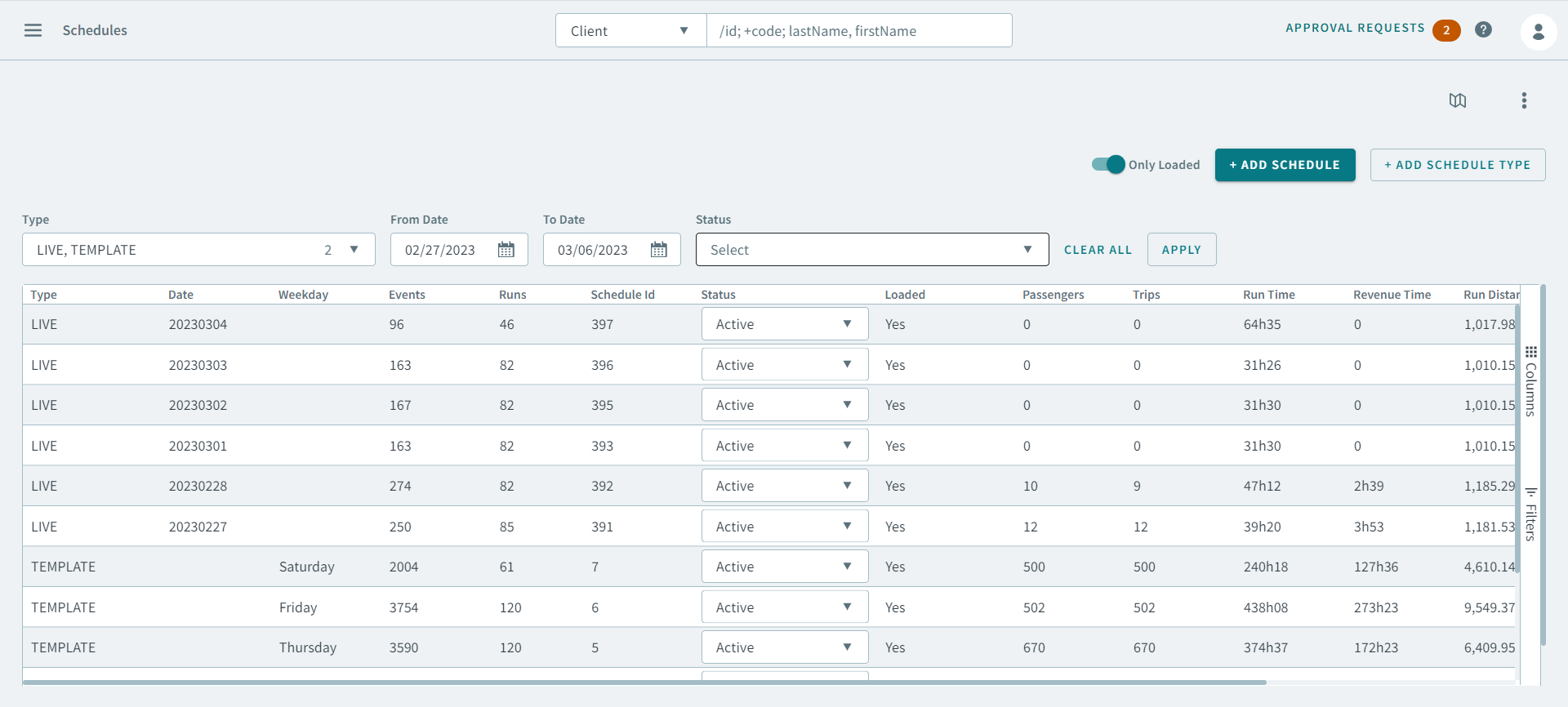
On this page, you can find and add all your template schedules and at least one live schedule.
Procedure
-
Click Add Schedule.
The Add Schedule pop-up window opens.
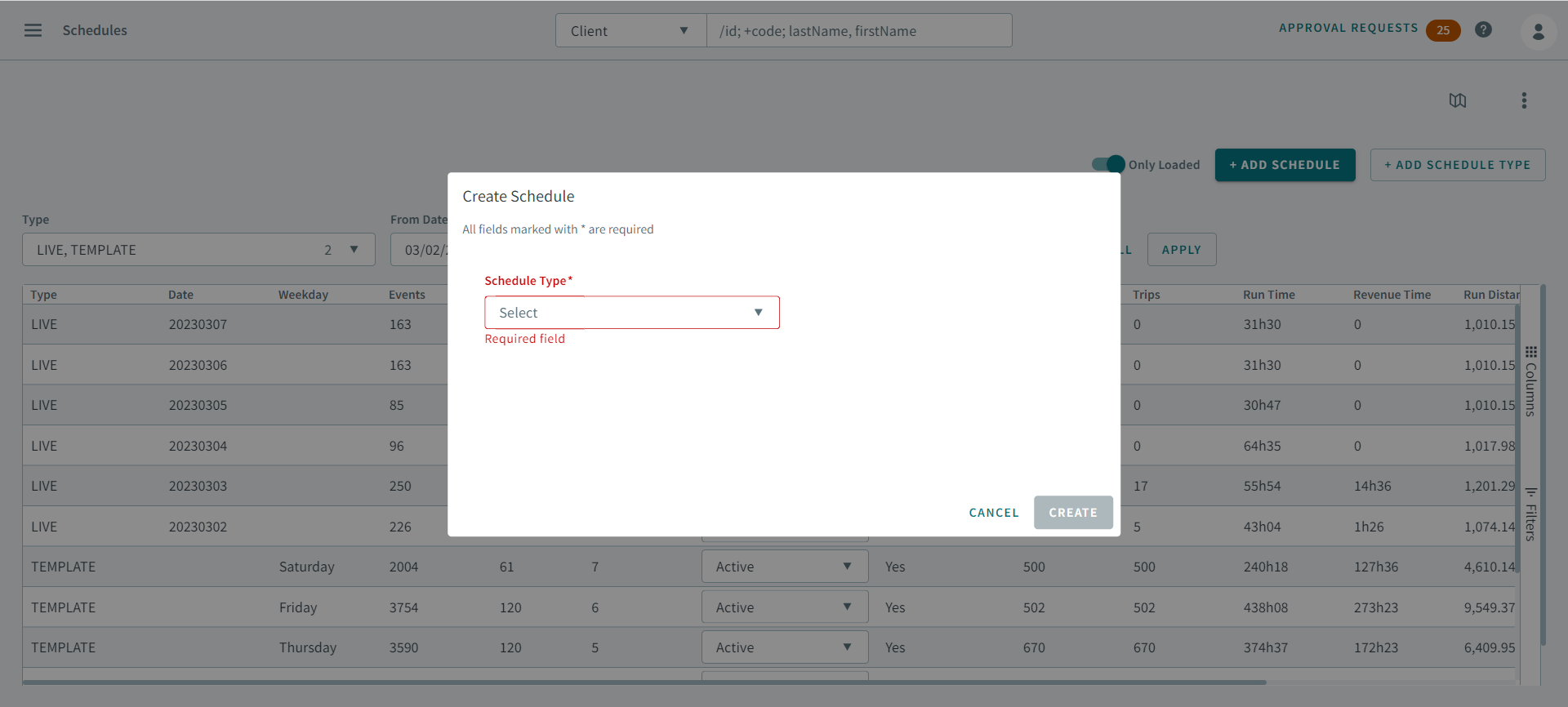
- In the Schedule Type drop-down list, select a schedule type.
- Click Create.