
Unloading a Schedule
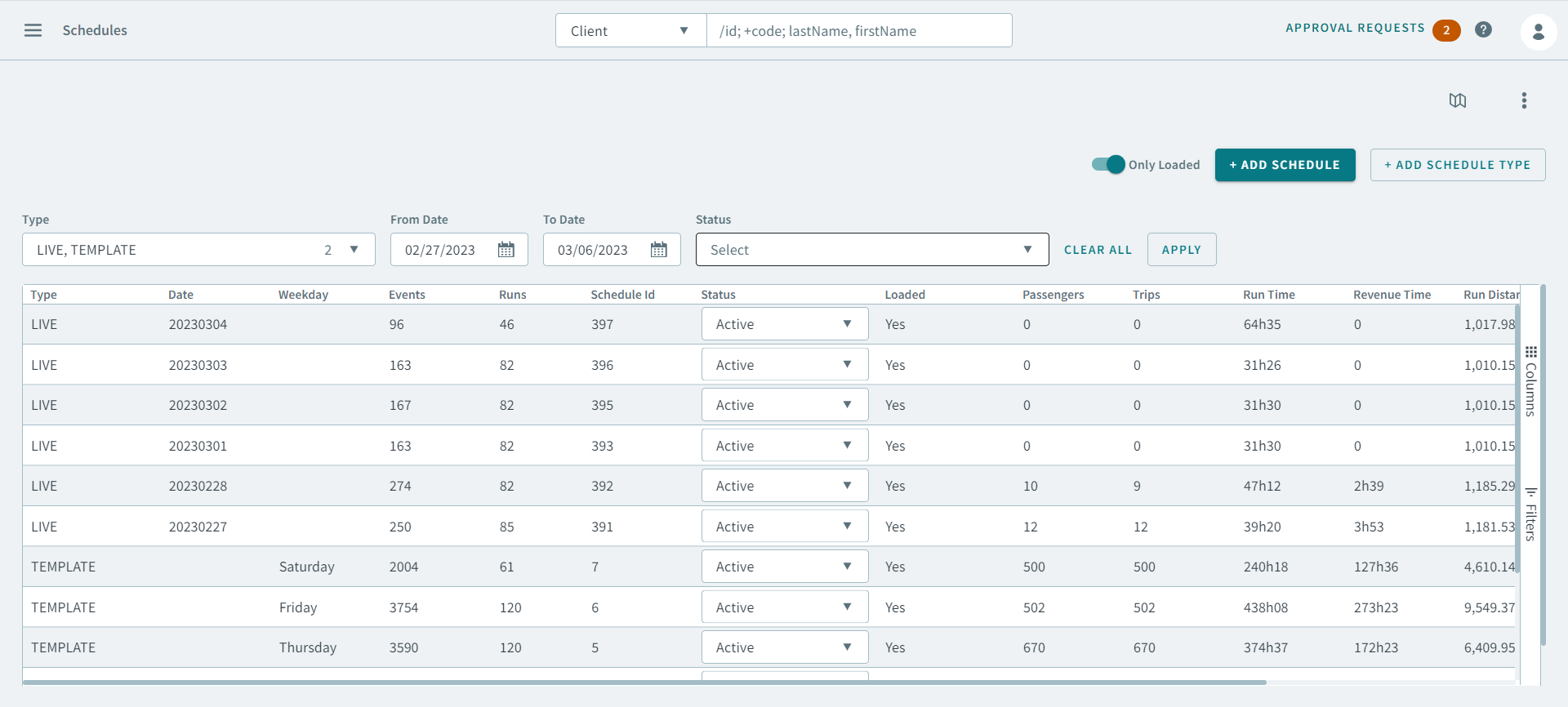
After you have finished reviewing a schedule, you can unload it in the Schedule page.
Before you begin
Procedure
-
Select a schedule to unload.
Tip:To select more than one schedule, hold the CTRL key and click the schedules.
-
On the footer, hover over More and click
Unload.
The schedule(s) was unloaded successfully.