
Finding the Closest Location
Use Find Closest to look for common locations that are within proximity of an address.
Procedure
-
Click the
 and then, .
The Find Closest page opens.
and then, .
The Find Closest page opens.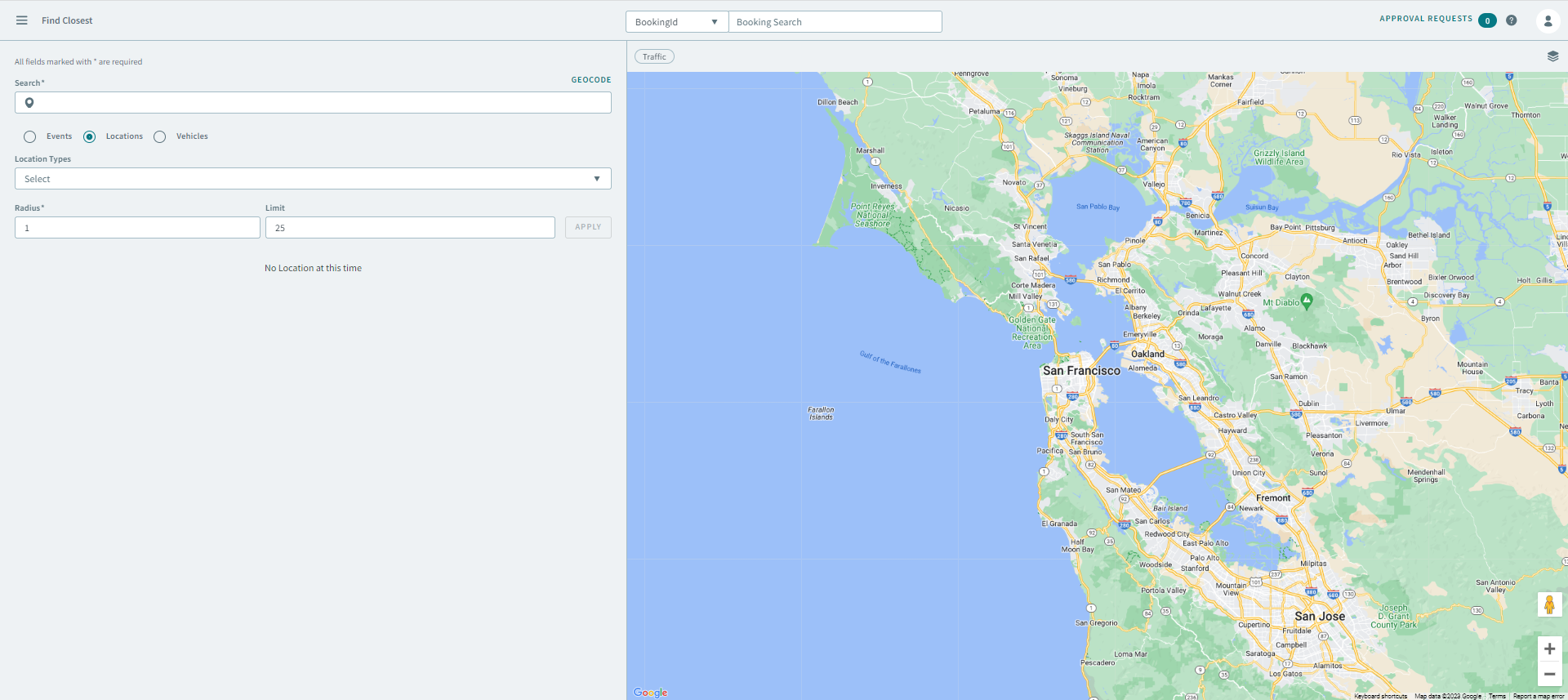
-
Enter the address in the Search box, and when the
address populates, select it from the list.
Important:If the address doesn't populate in the search box, click Geocode on the top-right to manually geocode the address.
- Optional:
Click
 the drop pin icon, and then click Address
Matcher to verify
the address.
the drop pin icon, and then click Address
Matcher to verify
the address.
-
To search for common locations, click the Locations option.
The location search parameters expand.
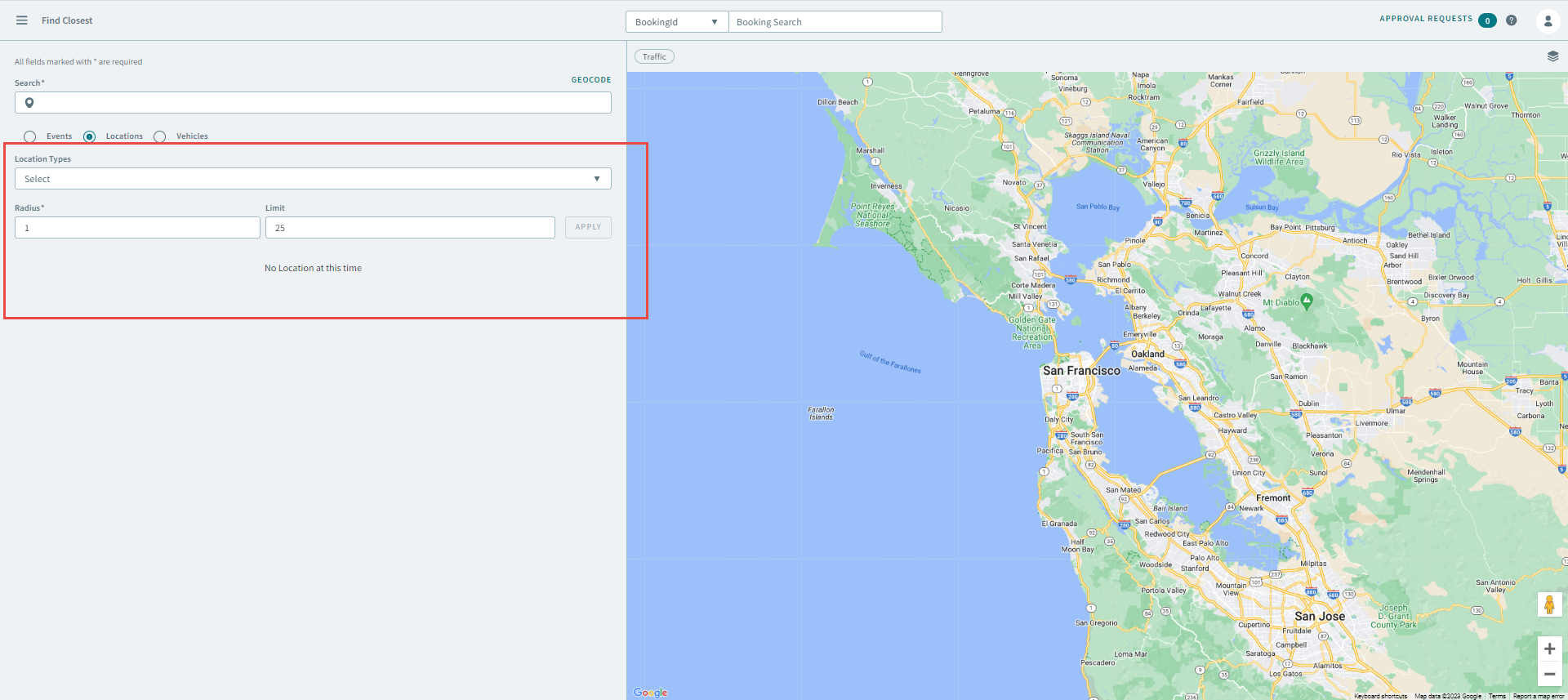
- Enter the location information into the following fields:
- Click Apply.