
Viewing Tracker Notes
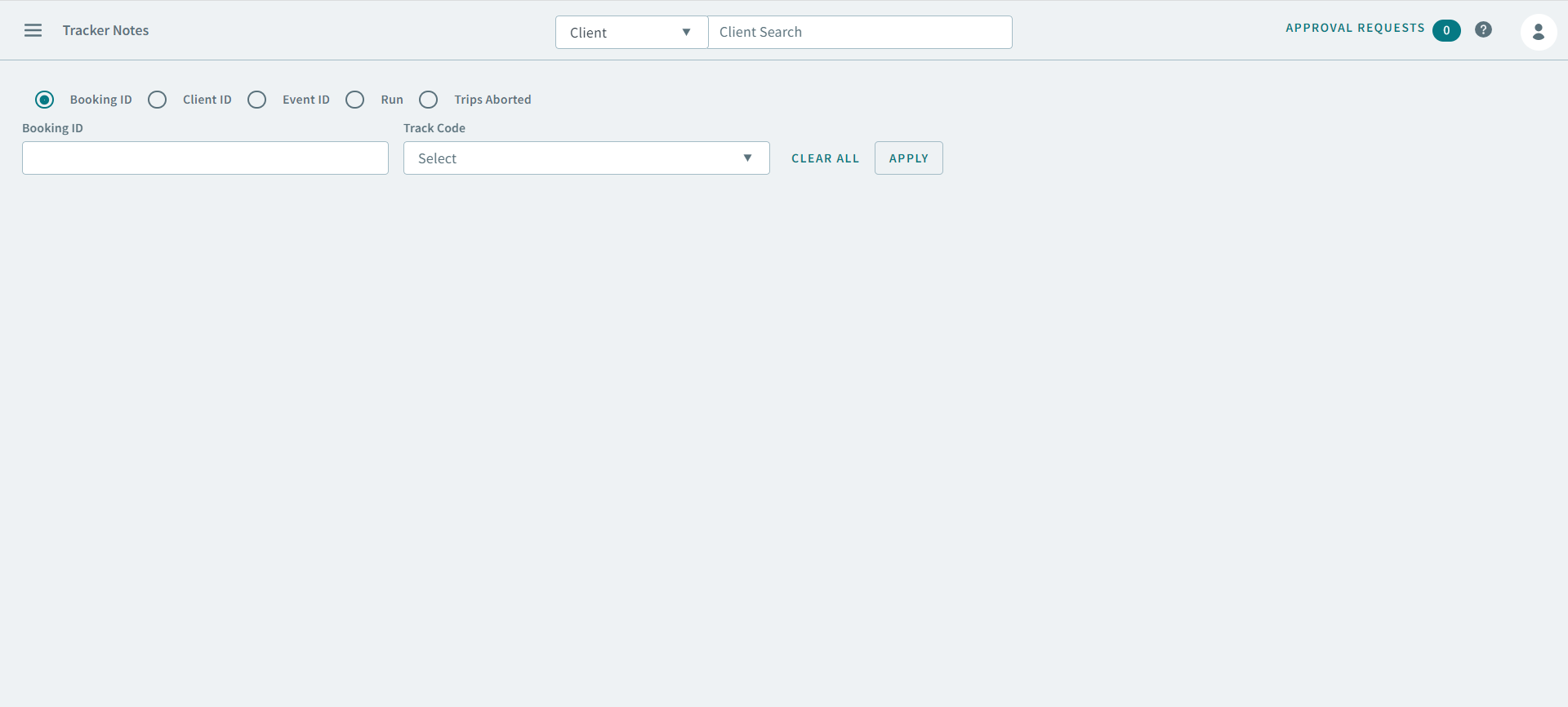
The Tracker Notes page is used to review notes associated with bookings, clients, events, runs, and cancelled trips.
Before you begin
About this task
Procedure
-
Click
The Tracker Notes page opens
-
Select a filter option:
Option After selecting the option: Booking ID - Type a Booking ID number in the Booking ID field.
- Select a code from the Track Code dropdown menu.
Client ID - Type a client ID number in the Client ID field.
- Type a date (for example, 2021-10-06) or select one from the From Date and To Date fields.
- Select a code from the Track Code dropdown menu.
Event ID - Type a date (for example, 2021-10-06) or select one from the Schedule field.
- Type an Event ID number in the Event ID field.
- Select a code from the Track Code dropdown menu.
Run - Type a date (for example, 2021-10-06) or select one from the Schedule field.
- Select a run from the Run dropdown menu.
- Select a code from the Track Code dropdown menu.
Trips Aborted - Type a date (for example, 2021-10-06) or select one from the From Date and To Date fields.
- Click Apply.